












BLACK FRIDAY

2× credits · Ends Dec 1

Ends Dec 1, 11:59 pm PTGrab 2× credits
Photo to Scan

Turn a phone photo into a clean scanned page. Adjust the contrast and paper texture, then download a PNG or PDF.

JPG, PNG or WEBP · up to 20 MB

170%
20%
Color mode

Free · no sign-up · 0 credits

No limit on downloads.

Live preview
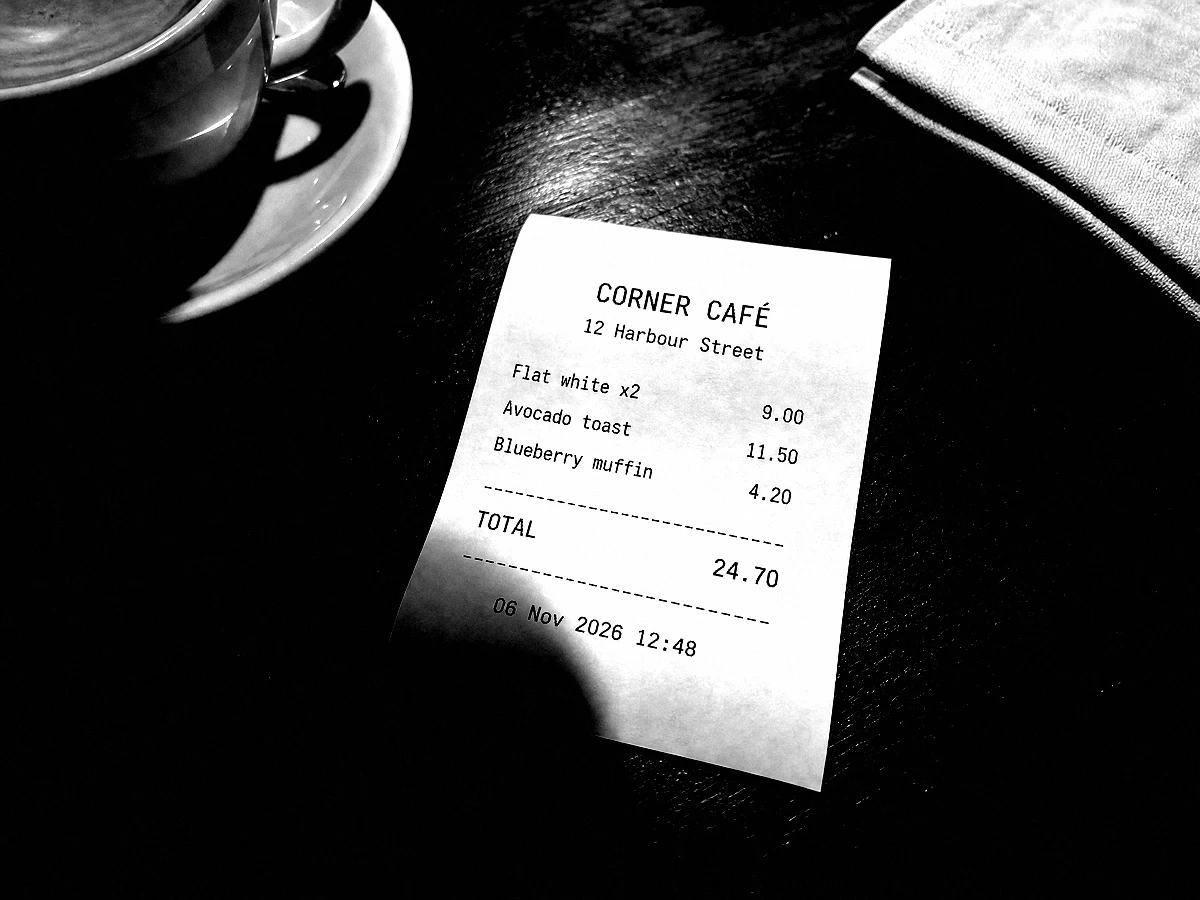
The same receipt after the black and white scanner effect: white paper, solid black print, dark table
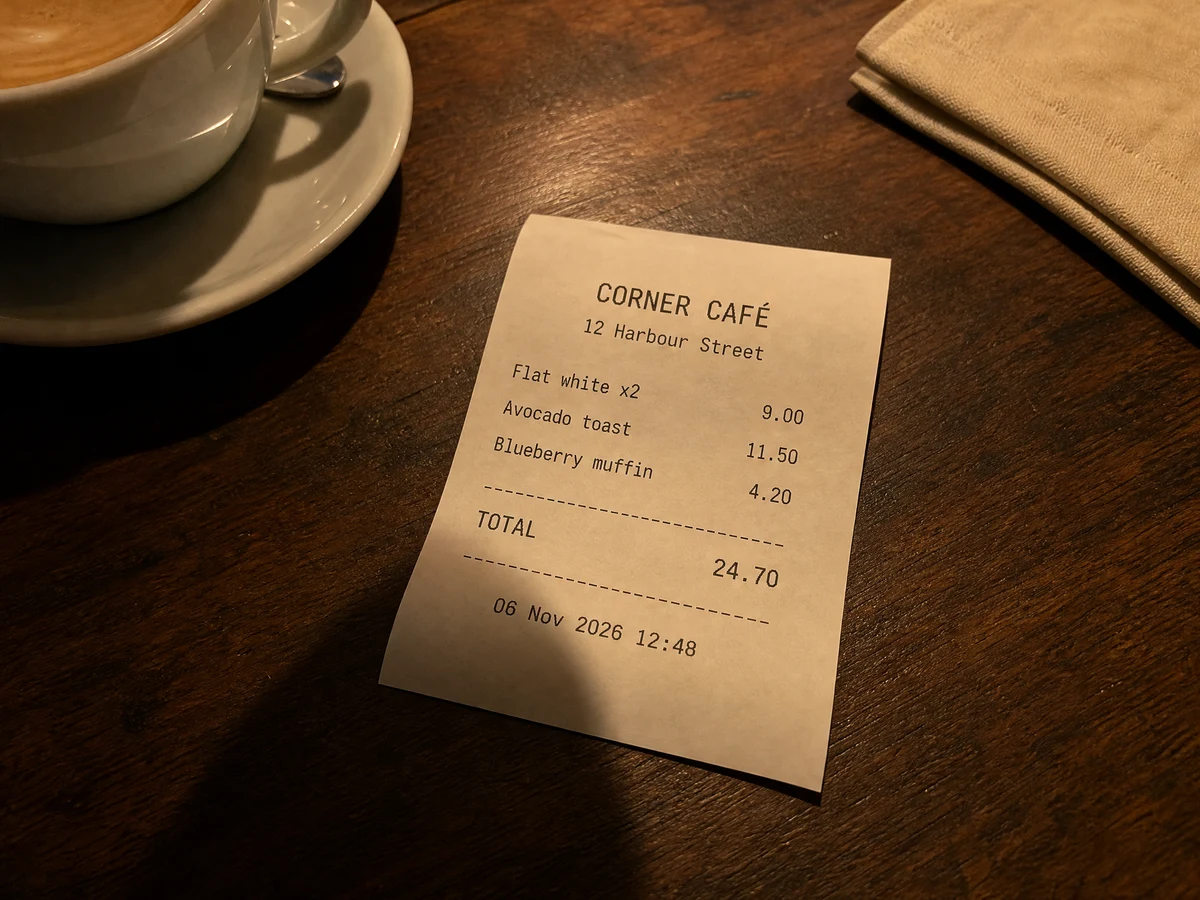
Phone photo of a curled café receipt on a walnut table beside a coffee cup, warm lamp light and a hand shadow
BeforeAfter

More Fixes for the Same Kind of Photo

Other tools in this category, for the next problem in the same picture.

Make Image Look Scanned from a Phone Photo of Any Page

One phone photo in, one clean page out that reads like it came off an office scanner

Make image look scanned without a flatbed: upload a phone photo of a receipt, signed form, letter or note, choose black and white, grayscale or color, and set contrast and paper texture as the preview updates. In black and white or grayscale, warm desk light and grey paper become a white page with dark text, ready to download at full resolution as a PNG or PDF for an expense report, a landlord or a school.

Scan a Photo Now
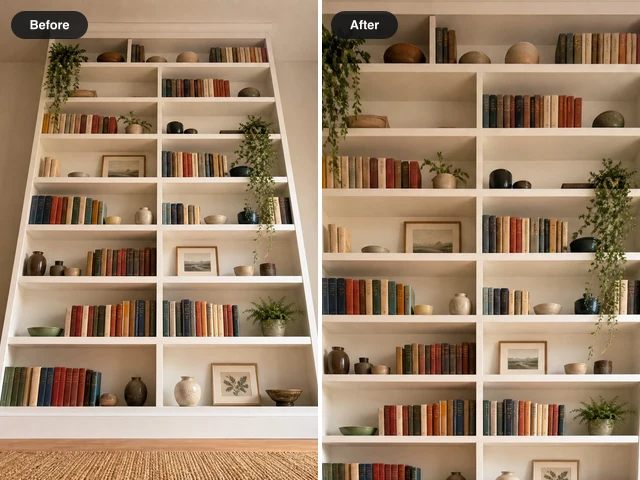
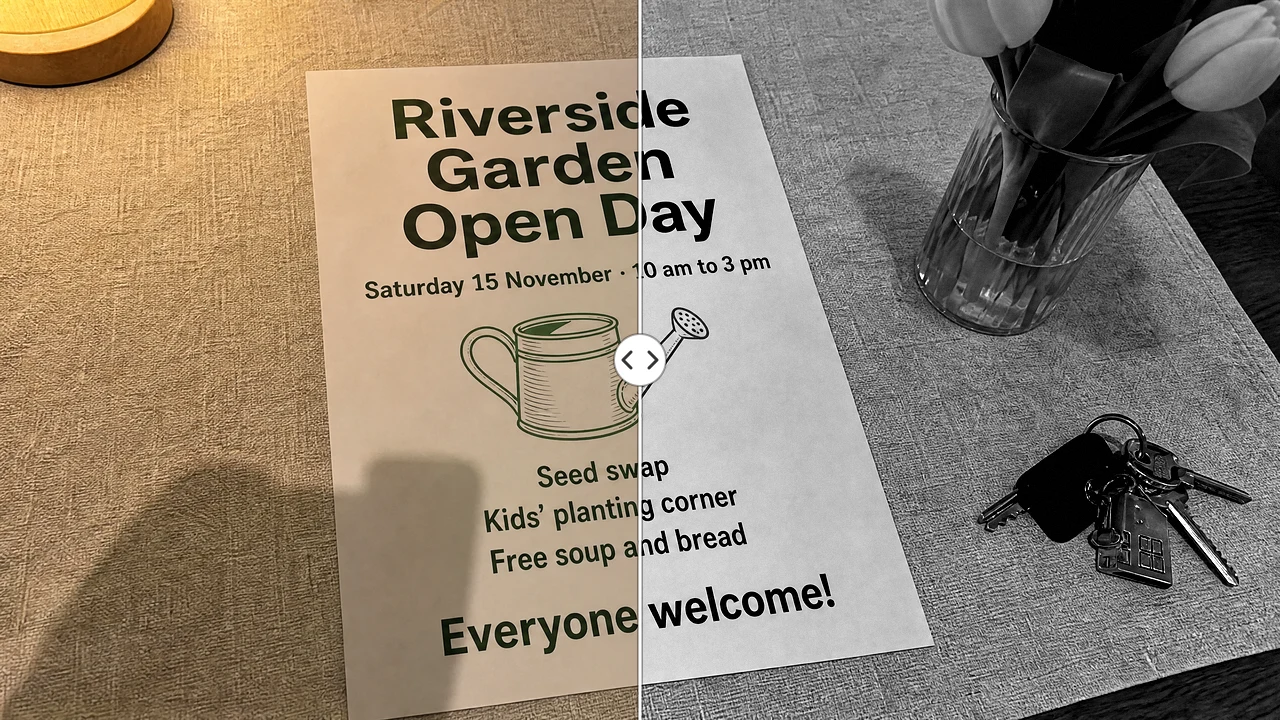
Garden open day flyer shot at an angle under warm lamp light, left half as shot, right half a crisp grayscale scan
Three scan styles|Contrast and paper texture|Full-resolution PNG or PDF|Color mode for signatures

How to Make Image Look Scanned Online

You can make an image look scanned in three steps: add the phone photo, adjust the scan style while the preview updates, then check the page and save it.

1

Upload a Photo of the Page

Drop a JPG, PNG or WEBP photo of up to 20 MB into the upload box. To make an image look scanned convincingly, shoot from straight above in even light, keep shadows off the page and let it fill most of the frame. A flat, uncreased page gives the cleanest edges.

2

Pick a Mode and Set the Sliders

Choose black and white for printed text, grayscale for pencil or faint print, or color when a signature or stamp matters. Drag contrast between 100% and 250% until the paper turns white, then add paper texture if you want visible grain. The preview updates as you drag.

3

Compare, Then Download PNG or PDF

Drag the line across the preview to compare it with your original and check that the settings make the image look scanned while totals, dates and signatures stay readable. Then choose Download PNG for an image file or Download PDF for a one-page document; both keep the full resolution of your original photo.

AI Fixes for Harder Photo Problems

When a picture needs whiter teeth, a slimmer face, no glare or a corrected number, these AI photo fixers make the edit for you.

What Each Photo to Scan Control Changes on the Page

Every setting below changes one thing a flatbed scanner would change, so you can make a photo look scanned before it goes into a report, form or email.

Copier-Style Black and White

Black and white mode can make an image look scanned the way an office copier does: it adds extra contrast on top of the slider, so a delivery note photographed under a warm hallway lamp comes out as white paper with solid black print. The same mode suits expense receipts, invoices and printed letters that only need to be read, not admired.
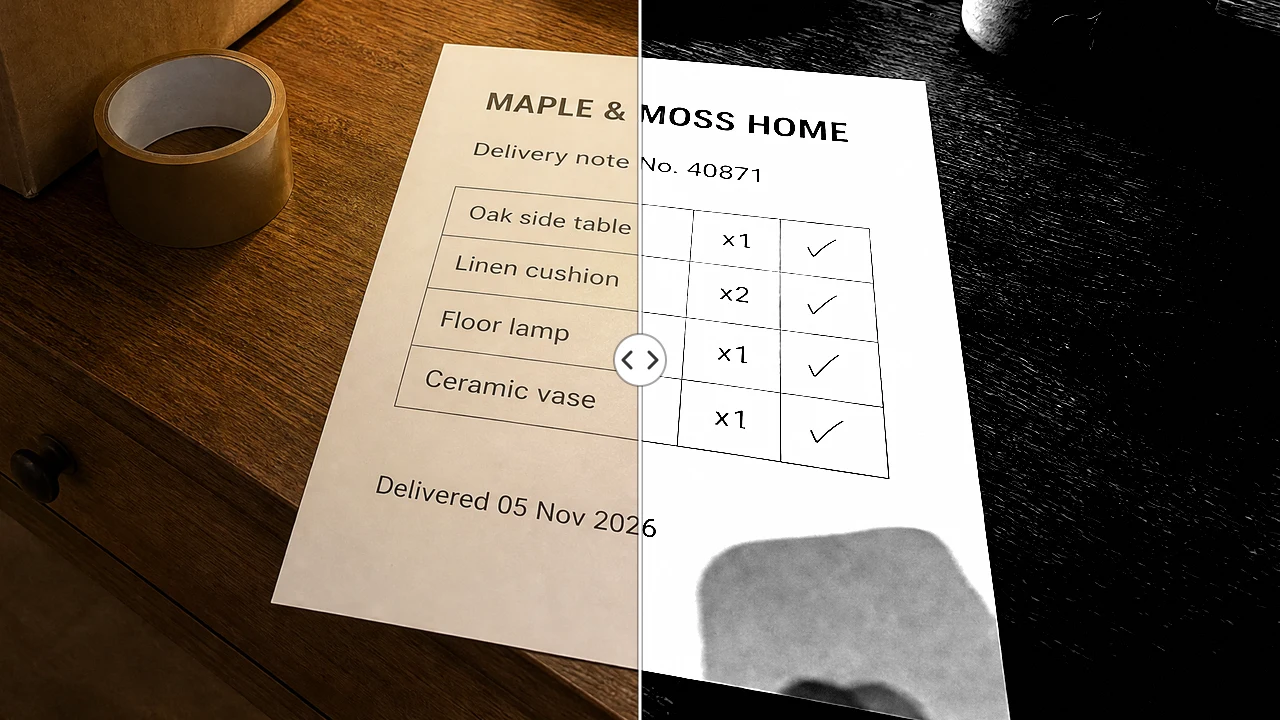
Delivery note split down the middle: warm lamp-lit phone photo on the left, black and white copier-style scan on the right

Paper Texture You Can Dial In

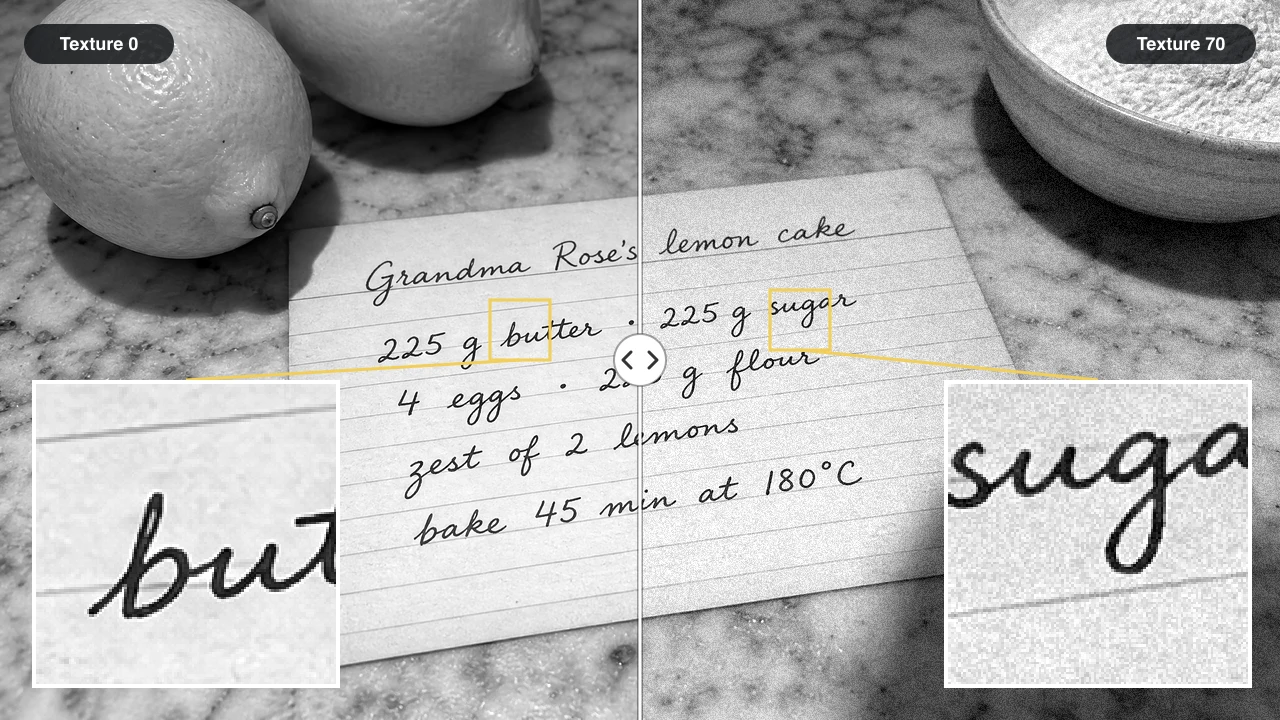
A page that is perfectly flat can look digital, so texture matters when you make an image look scanned. The paper texture slider adds a fine grain like the surface of a scanned sheet: keep it near zero for a clean office scan, or raise it for a recipe card or an older letter. The grain follows a fixed pattern, so every download with the same settings matches.

Grayscale recipe card: paper texture 0 on the left, 70 on the right, with magnified close-ups showing clean and grainy paper

Color Mode Keeps Signatures and Stamps

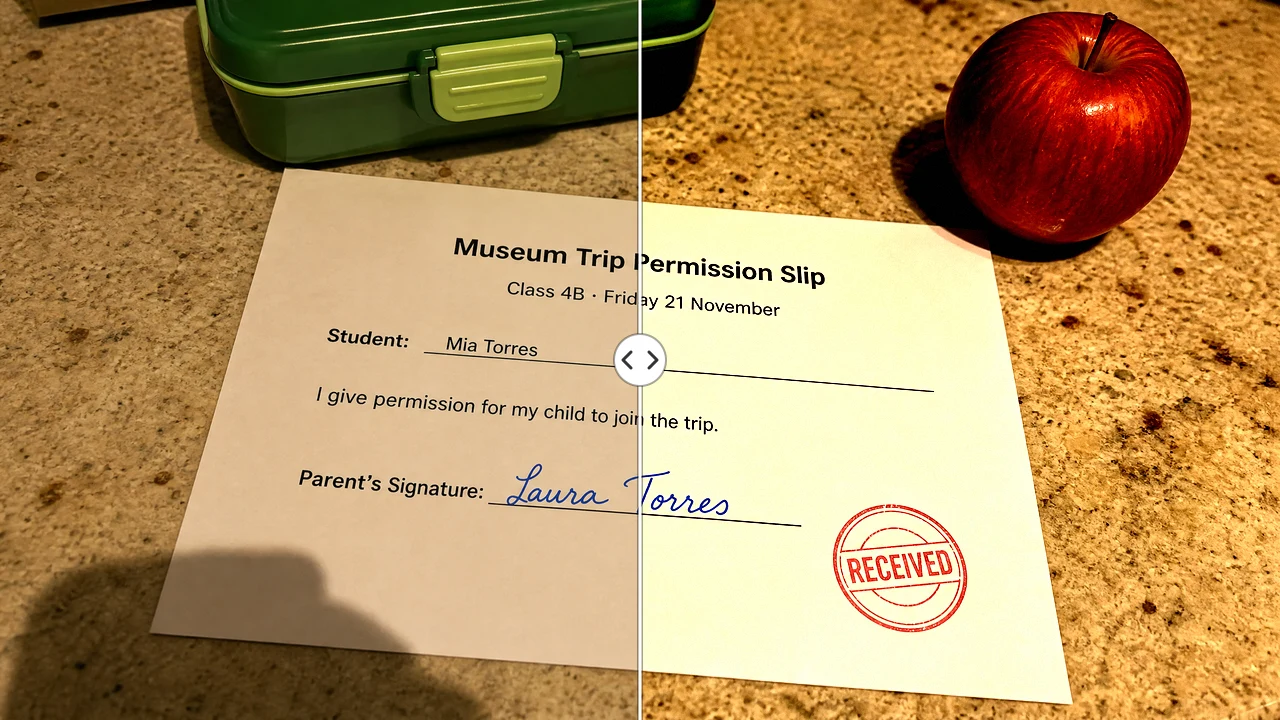
Some pages lose their meaning in black and white. Color mode lets you make an image look scanned while a blue signature or a red received stamp keeps its color: the paper lifts toward white and the contrast rises. Signed leases, school permission slips and bank forms stay easy to read, with colored ink standing apart from the black print.

Signed permission slip: lamp-lit phone photo on the left, color scan keeping the blue signature and red stamp on the right

Full-Resolution PNG or One-Page PDF

The download is built from your original photo at its full pixel size, not the smaller preview, so small print stays sharp when someone zooms in or prints it. Download PNG gives an image for chat apps and documents; Download PDF wraps the same page in a one-page PDF, so the image becomes a scanned document that online forms and email clients accept.

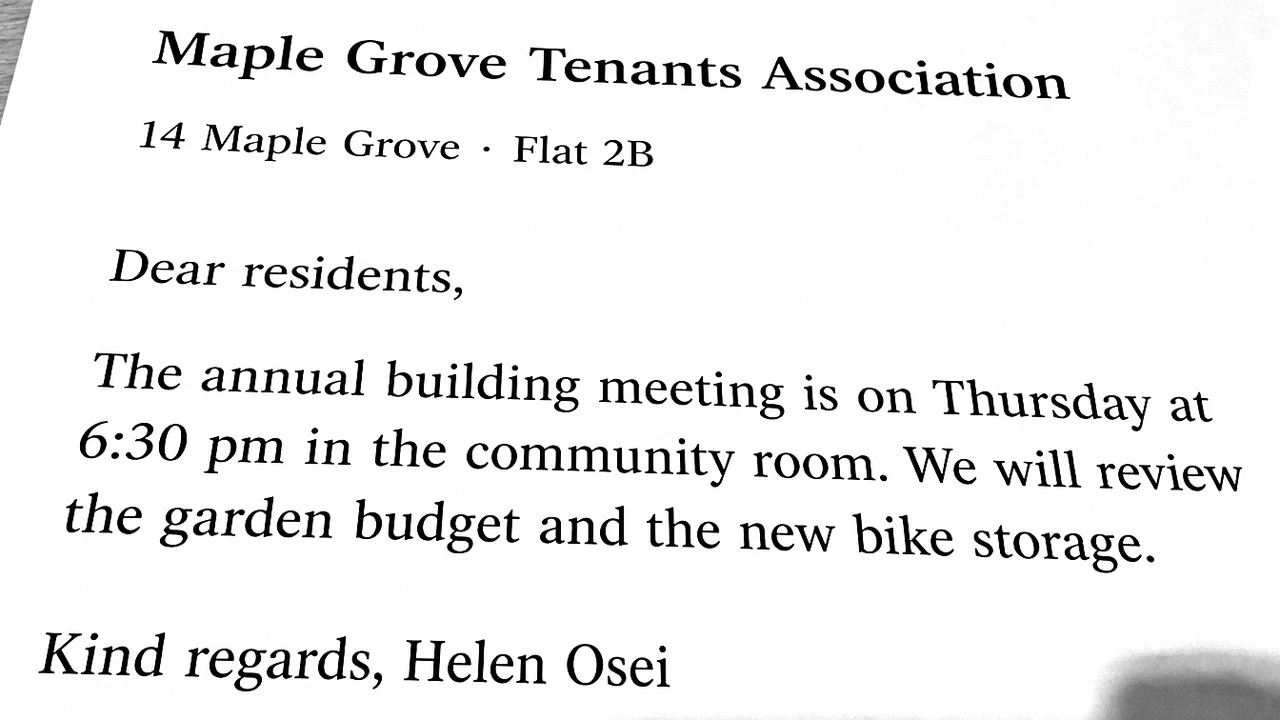
Close crop of a scanned letter in grayscale: heading, greeting, paragraph and sign-off all sharp and fully readable

Make Photo Look Scanned for Receipts, Forms and Notes

These four kinds of pages each go from image to scanned document with a single phone photo, from a lunch receipt at the table to a family recipe card.

Receipts for Expense Reports

Office workers snap the receipt at the table, make the image look scanned in black and white, and attach the page to the monthly expense report. The merchant name, date and total read at a glance, and the file looks like it came from the office scanner rather than a dim restaurant booth.

Signed Forms for Landlords and Schools

Tenants, parents and freelancers who are asked for a signed copy photograph the page and switch to color mode, so the blue signature stays visible. They download a PDF and email it to the landlord or the school office, without a trip to a library or print shop scanner.

Homework and Worksheets

Teachers turn kitchen-table photos of homework into clean grayscale pages they can print for marking, and students send the same kind of page to an online class portal. Grayscale lets them make the image look scanned without losing faint marks: the lamp glow becomes white paper while pencil working stays easy to follow.

Recipes, Letters and Family Notes

Family historians photograph handwritten recipe cards and old letters, and a little paper texture helps make the image look scanned without losing the feel of the card. They file the crisp, dark pages in a shared cloud folder that relatives can open on a phone.

What People Say When They Make an Image Look Scanned

Friday expense day used to mean chasing colleagues for proper scans. Now I photograph each lunch receipt at my desk, make the image look scanned in black and white and drop the PNG into the claim. Totals and dates read cleanly, and finance has not bounced a single receipt back to me since March.

Imogen Thackeray
Accounts Assistant, Design Studio

Make Image Look Scanned FAQ

Answers to the questions people ask before they make an image look scanned: how it works, which photos suit it, PDF downloads and what the download contains.

A photo to scan tool turns a phone photo of a page into an image that looks like it came off a flatbed scanner. This one whitens the paper, darkens the text, adds optional paper grain and saves the result as a PNG or a one-page PDF.

Upload the photo to this photo to scan tool and choose black and white, grayscale or color. Raise the contrast until the paper turns white, add paper texture if you want visible grain, compare with the original, then download a PNG or PDF that looks scanned.

Yes — you can make an image look scanned here for free, with no sign up and no login. There is no daily page limit, so you can scan as many receipts, forms and letters as you need.

Open this page in Safari, upload the iPhone photo from your library and pick a scan style. For the cleanest result, take the photo from straight above in daylight, fill the frame with the page and use the original photo rather than a screenshot.

Yes — Download PDF saves the scanned page as a one-page PDF you can email or upload to a form. The page holds the scanned image at full resolution; use Download PNG instead when you need an image file for a chat app, a slide or a document.

No — when you make an image look scanned here, the PNG or PDF you download has no logo or stamp added. It keeps the full resolution of your photo, so bank letters, medical notes and signed forms look clean when you send them on.

No — this tool can make an image look scanned, but it changes how the page looks, not its angle. For a page shot from the side, straighten it first with Photo Perspective Correction, which can find the page corners for you, download it, then upload that file here.

Make Image Look Scanned from Your Next Phone Photo

Make image look scanned without a scanner: upload a photo of a receipt, form, letter or note, choose the scan style that suits the page, check it against the original and download a clean PNG or one-page PDF. Start with the page on your desk.

Scan My Photo
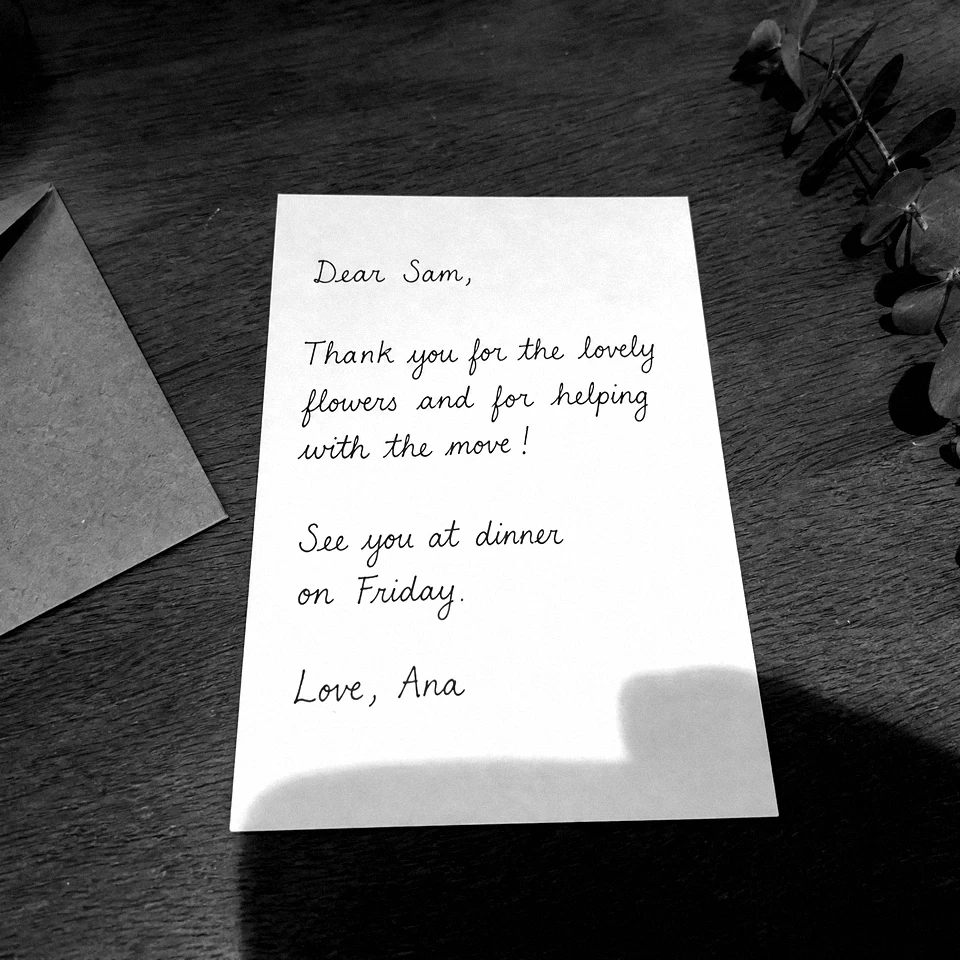
Handwritten thank-you card made to look scanned in grayscale, whole card in a square crop