
BLACK FRIDAY

2× credits · Ends Dec 1

Ends Dec 1, 11:59 pm PTGrab 2× credits

All image tools

Filter by group

Repair Corrupted Image

Image Tools – Every FixImage Fix in One Place

FixImage image tools each fix one photo problem, from repairing a JPG that will not open to whitening teeth or correcting a typo in a screenshot. Search by the problem or pick a group, and every card shows whether it is free or uses AI.

Browse Image Tools

Image Tools Grouped by the Problem They Fix

Each group below matches a sidebar section, so the image tools you need sit next to the ones that solve the same kind of problem.

Repair a photo file that will not open

When a JPG shows an error, a grey band or nothing at all, start with Repair Corrupted Image, the file fix among these image tools. It checks the file structure, fixes missing start or end markers and stray bytes, and tells you plainly when the picture data itself is gone, so you know what can and cannot be recovered.
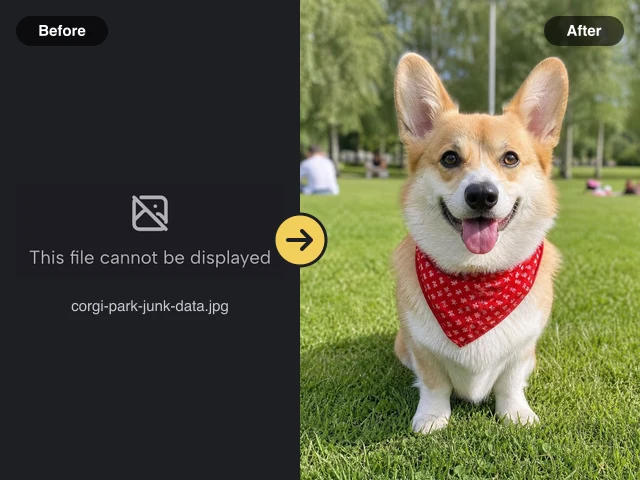
Left: a JPG that cannot be displayed, with its file name. Right: the same file repaired, a smiling corgi in a red bandana

Retouch a portrait without starting over

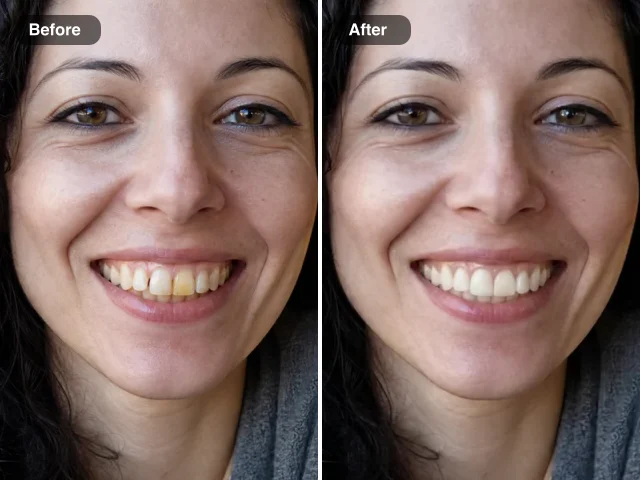
Whiten teeth or slim a face in a photo you already like. The portrait image tools apply one focused AI edit, keep the person recognisable and leave the background alone, which suits profile pictures, team pages and photos you plan to print.

Close-up of a smiling woman before and after teeth whitening: stained yellow teeth left, white teeth right

Clear glare from glasses in photos

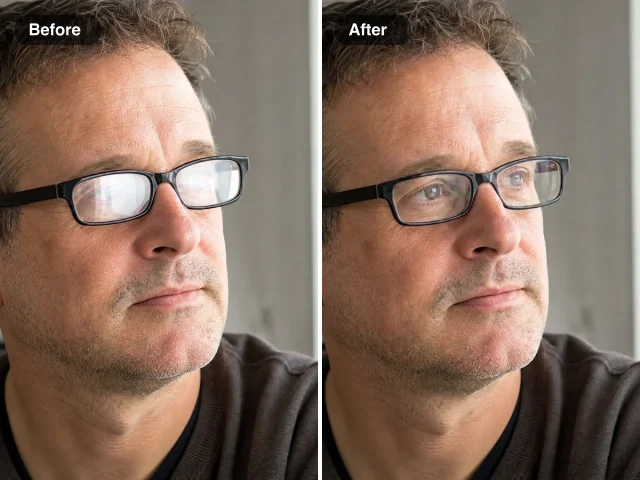
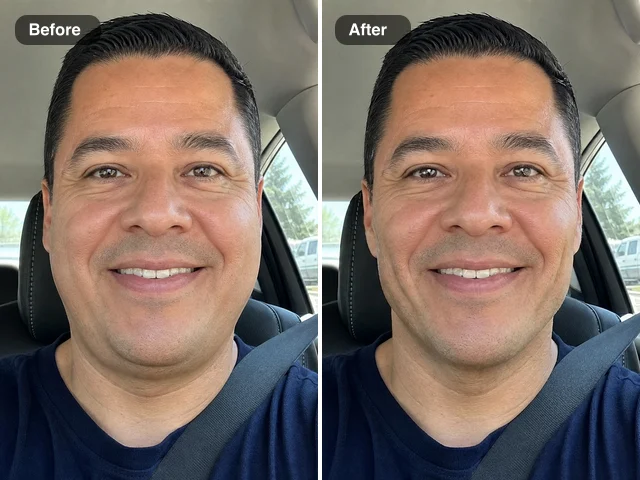
A ring light reflected in glasses or a flash hotspot can spoil an otherwise good shot. Remove Glasses Glare, one of the AI image fixer tools in this list, removes the reflection and rebuilds the eyes behind the lenses, so you keep the photo instead of arranging a reshoot.

Man in black-framed glasses before and after glare removal: window glare on the lenses left, clear eyes right

Correct text inside a picture

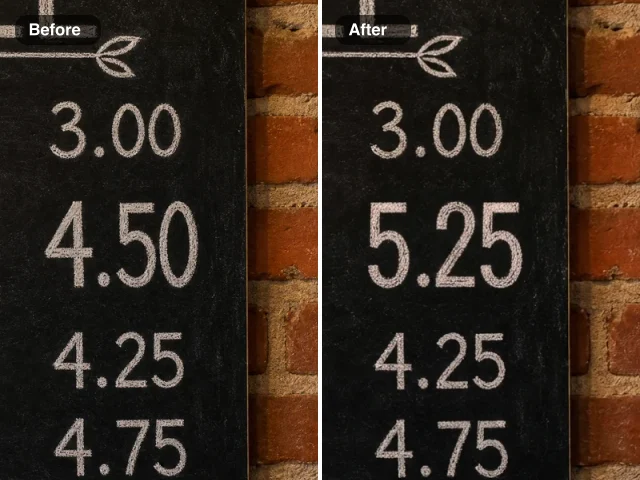
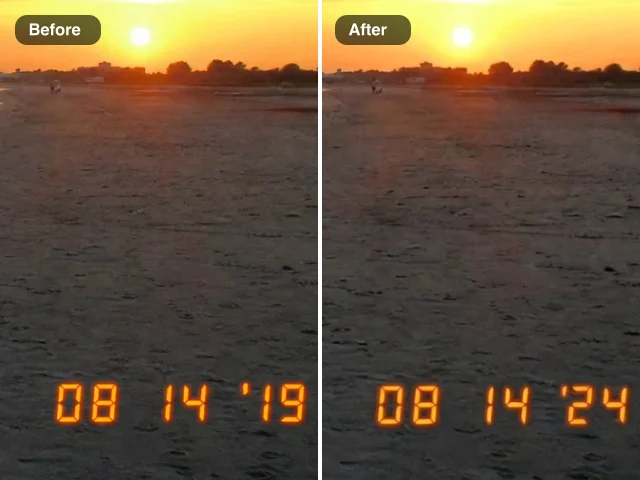
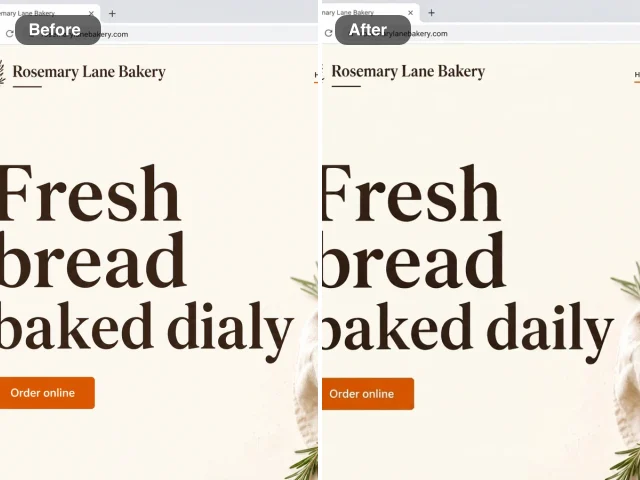
A wrong price on a menu, an old date stamp on a snapshot or a typo in a screenshot can be fixed in place. These AI image fixer tools change only the words or numbers you name and keep the font, color and background, so a design, a family photo or a help-center capture reads correctly without being rebuilt.

Chalkboard menu price column before and after an edit: 4.50 on the left, 5.25 in the same chalk lettering on the right

Free image tools for everyday jobs

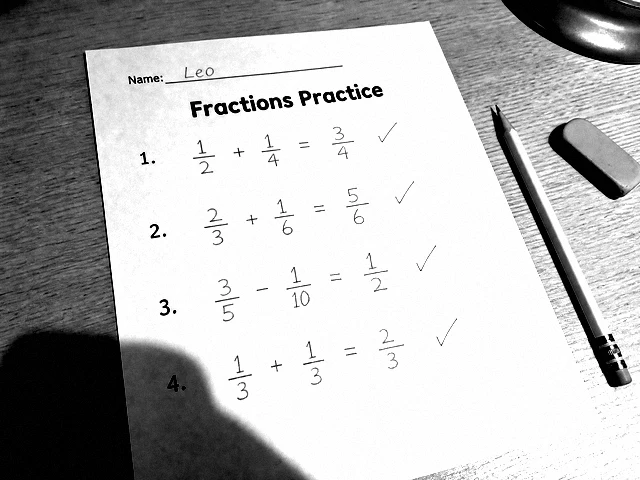
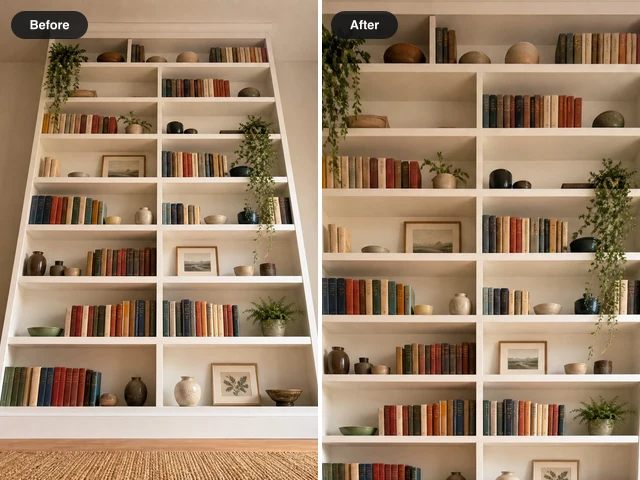
Turn a phone photo of a page into a clean scan, straighten a picture taken at an angle or add an outline to a cut-out. These image tools are free to use, and you can export a full-size result as often as you like.

Fractions worksheet on a wooden desk turned into a crisp black and white scan with dark print and pencil answers

How to Find the Right Image Tool

Three steps take you from a damaged or awkward photo to the image tools built for that exact problem.

1

Search or pick a group

Type what is wrong with the photo, such as glare, teeth or JPG, or tap a group like FIX or EDIT. The image tools list narrows to matching cards, and each card shows whether it is free or uses AI.

2

Open the tool and check the examples

Every one of these image tools opens on a workspace with real before and after examples. Compare them with your own photo first, so you know the result you can expect before you add anything.

3

Add your photo and save the fix

Drop in your photo, adjust the few options the page offers, then compare the result with the original. Download it when it looks right, or try a neighbouring tool from the same group if the photo needs another fix.

When People Reach for These Image Tools

The same handful of photo problems keeps coming up; these are the moments the image tools on this page are made for.

A file that will not open

A JPG copied from an old card or a failed download shows an error. Run it through the JPG repair tool in these image tools before you give up on it, and keep a copy of the original file until the repaired one opens.

A profile or team photo

A headshot for LinkedIn, a staff page or a dating profile needs one small change, such as brighter teeth or no glare on glasses. The portrait image tools handle that one change and nothing else.

Paperwork on a phone

A receipt, a signed form or homework photographed on a desk needs to look like a scan. The free image tools straighten it, clean the background and export a PDF at no cost.

Stickers and product cut-outs

A transparent PNG of a logo, a sticker or a product needs a clean border before it goes on a shop listing or a sheet of labels. Add the outline with one of the image tools here and download a new transparent file.

What People Say About These Image Tools

A supplier emailed me a JPG of an invoice that would not open on any of our laptops. I searched the image tools page for JPG, ran the file through the repair tool and got a readable copy back. It even explained which part of the file had been broken.

Nadia Okafor
Accounts Payable Clerk

Image Tool Questions

Short answers about which image tools are free, which use AI, who can see your results and how often new ones appear.

FixImage image tools are single-purpose pages for common photo problems: repairing a corrupted JPG, whitening teeth, slimming a face, removing glasses glare, changing a number, date stamp or screenshot word, turning a photo into a scan, correcting perspective and adding an outline. This page lists every one that is live.

Tools marked FREE cost nothing, with no limit on exports. Tools marked AI are AI image fixer tools that edit the photo with an AI model; they use the free credits you get after signing up, and the price is shown before you start.

You choose who sees your AI image fixer edits. Edits on the free plan are public by default, and a subscription or one-time pack lets you switch Public Visibility off on the tool page; every result is also saved to your own library. FREE image tools simply hand you the finished file.

Yes — every one of these image tools works in the mobile browser you already use, with no separate app. You can pick a photo from your camera roll, adjust the options with your thumb and save the result straight back to your phone.

New image tools are added in small batches, each with its own examples and help. A tool appears on this page and in the sidebar only once it is ready to use, so every card here opens a working tool.

Yes, send the photo problem you want solved through the Contact page, ideally with a short description of the picture you are trying to fix. Requests for missing image tools help decide which fix gets built next, and a new tool appears on this page as soon as it is ready.

Pick an Image Tool and Fix Your Photo

Start with the problem in front of you: open the image tools above, compare the examples with your photo and download a fixed copy.

Browse Image Tools
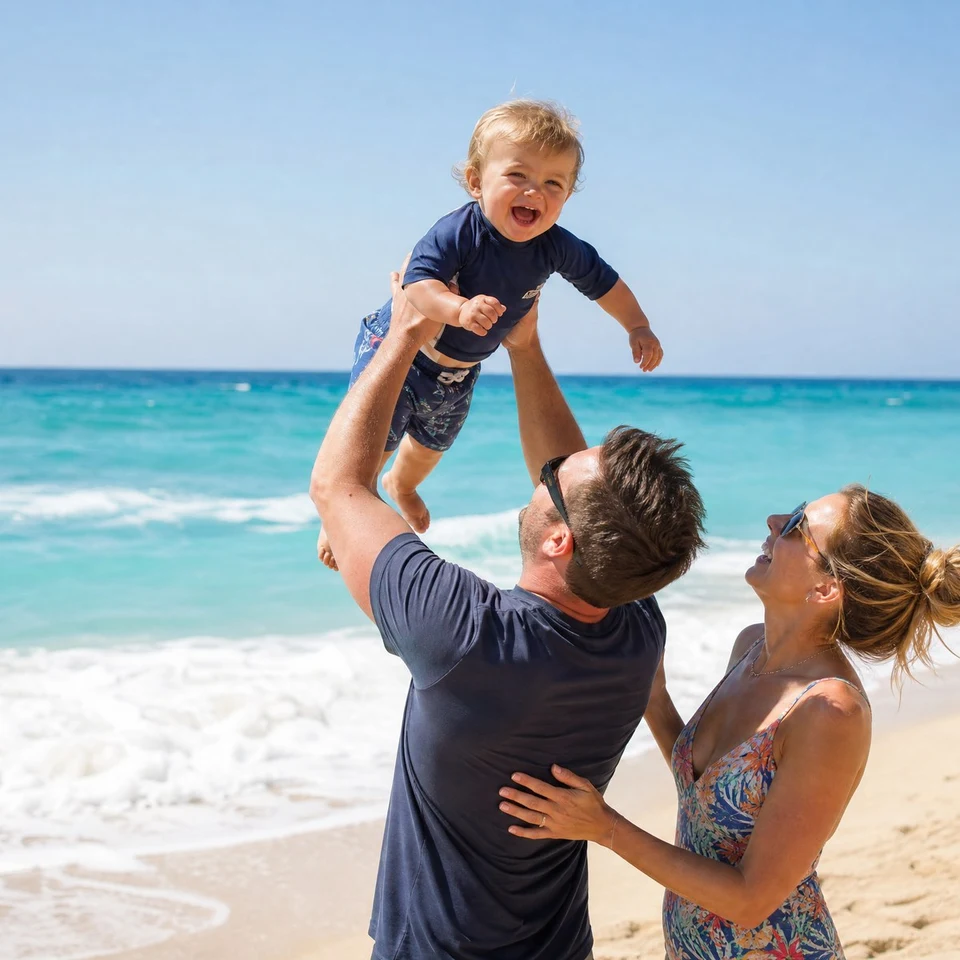
Father lifting a laughing toddler on a beach, square crop of a JPG that opened again after its start marker was restored