



BLACK FRIDAY

2× credits · Ends Dec 1

Ends Dec 1, 11:59 pm PTGrab 2× credits
Repair Corrupted Image

Open a JPG that will not load. We check the file structure, rebuild what we can and show each step, then you download the repaired copy.

JPG or JPEG · up to 30 MB · drag in files with a missing extension

Free · no sign-up · 0 credits

No limit on downloads.

Live preview
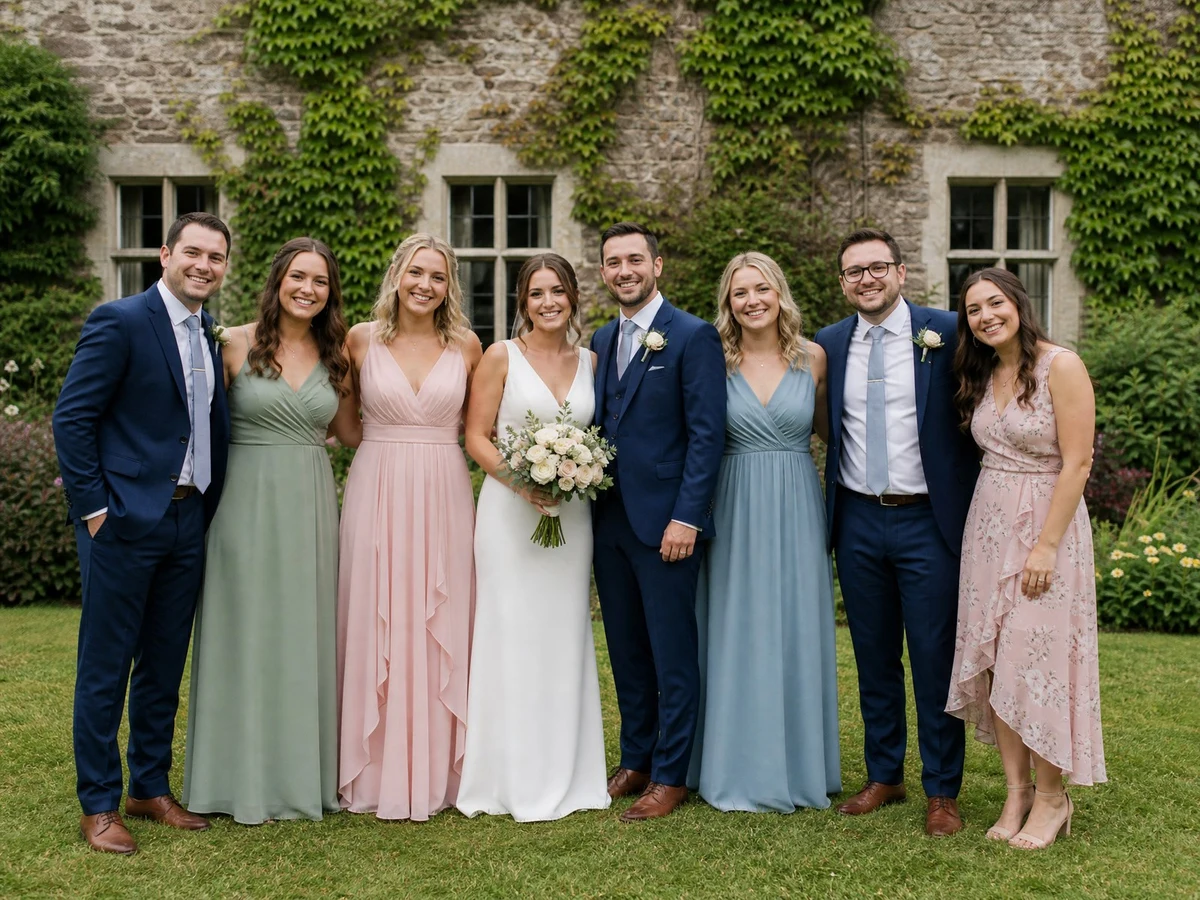
The same JPG after repair: a wedding group photo of the bride, the groom and six guests on a lawn
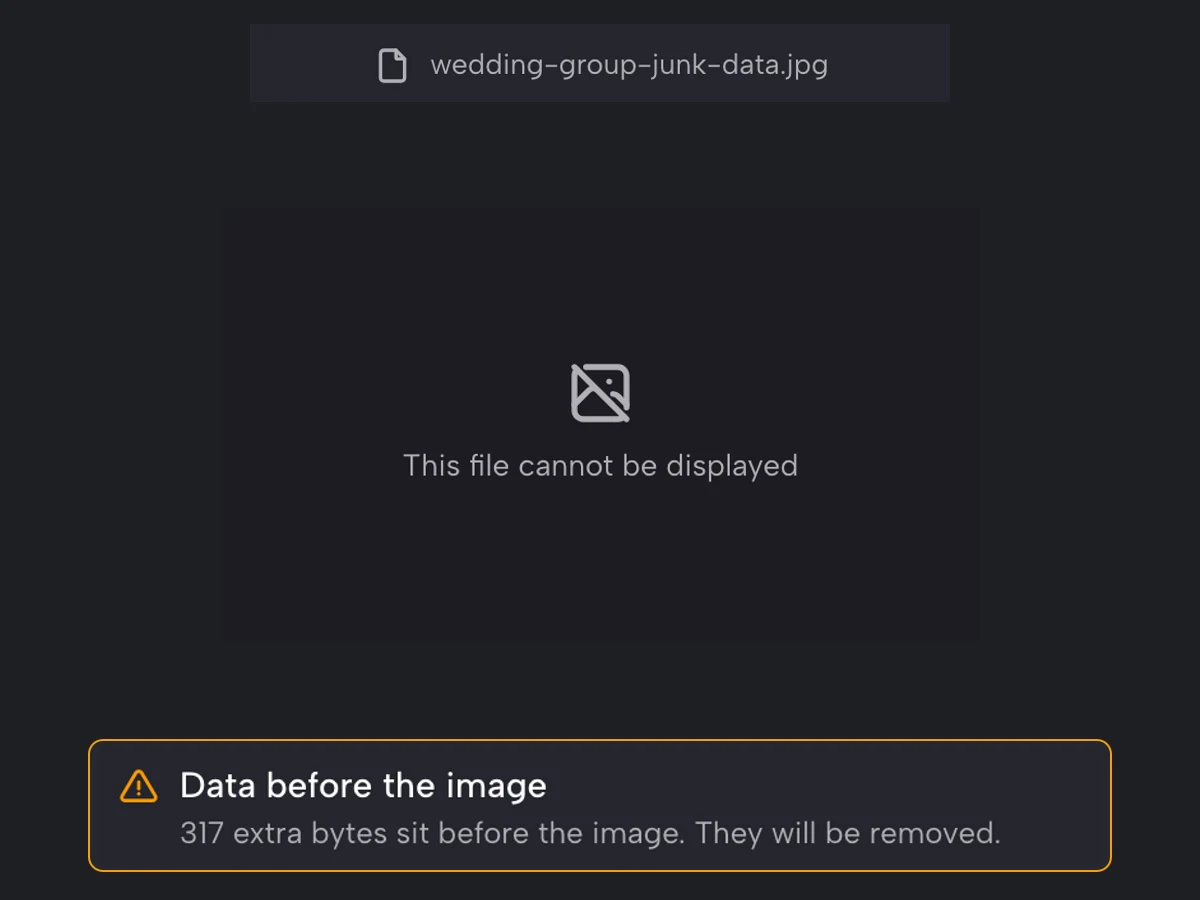
wedding-group-junk-data.jpg cannot be displayed; the file check warns that 317 extra bytes sit before the image
BeforeAfter

More Fixes for the Same Kind of Photo

Other tools in this category, for the next problem in the same picture.

JPEG Image Repair for Photos That Will Not Open

Find out why a JPG will not open, rebuild what the file is missing and see the photo again

JPEG image repair for photos that refuse to open: drop in a JPG from a memory card, an interrupted download or a chat app, and the file check reads its structure step by step, from the start marker to the end marker. Press Repair JPG to trim junk data, restore a missing start or end marker and add standard Huffman tables, compare the preview, then download the repaired copy.

Check My JPG
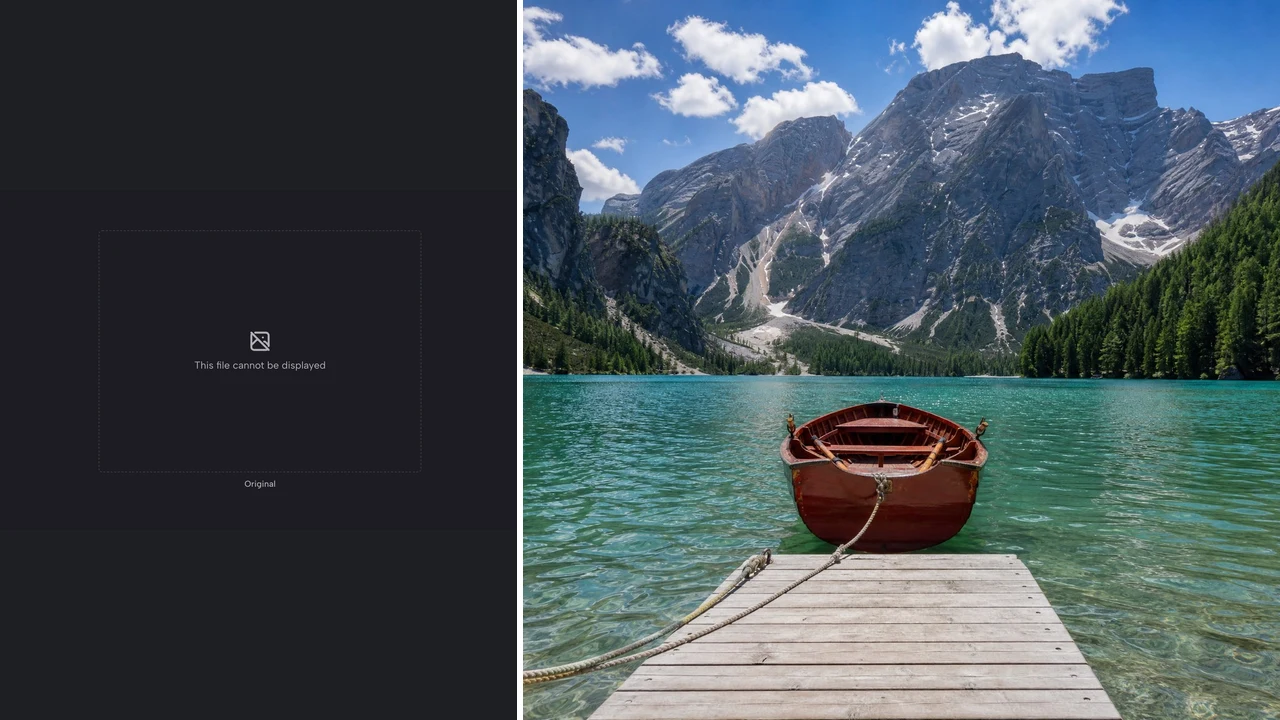
Left: a damaged travel JPG that cannot be displayed. Right: the same file after repair, a red rowing boat on an alpine lake
Ten-point file check|Rebuilds markers and tables|Image data left untouched|Closes cut-off downloads

How JPEG Image Repair Works Online

JPEG image repair here takes three steps: open the damaged file, read what the file check found, then repair it, compare the preview and download the copy.

1

Open the JPG That Will Not Load

Drop the damaged JPG or JPEG of up to 30 MB into the upload box; a file that lost its extension can be dragged in too. The JPEG image repair check starts once the file is read and lists each part it finds, from the start marker to the end of the picture data.

2

Read the File Check

The check walks through ten parts of the file, from the start marker and headers to the image data and end marker. Each line carries a green check, an amber warning or a red cross with a plain note saying whether the file was cut off, padded with junk bytes or missing its tables.

3

Repair, Compare and Download

Press Repair JPG to rebuild the parts that have one correct answer, then check the repaired photo in the preview; when the original also displays, drag the compare line to see both. Download repaired JPG saves a copy in which JPEG image repair has added no pixels, because the image data itself is never rewritten.

AI Fixes for Harder Photo Problems

When a picture needs whiter teeth, a slimmer face, no glare or a corrected number, these AI photo fixers make the edit for you.

What Gets Fixed When You Repair Corrupted JPG Files

When a JPG will not open, the damage can sit in the structure around the picture rather than the picture itself, and that structure is where this tool can repair corrupted JPG files.

Cut-Off Downloads and Transfers

When a download, email attachment or card transfer stops early, the JPG loses its end marker and many viewers refuse to open it. JPEG image repair closes the file correctly so the part that arrived shows again. Rows that were never saved appear grey (or blank in some viewers), which shows how much of the photo the file still holds.
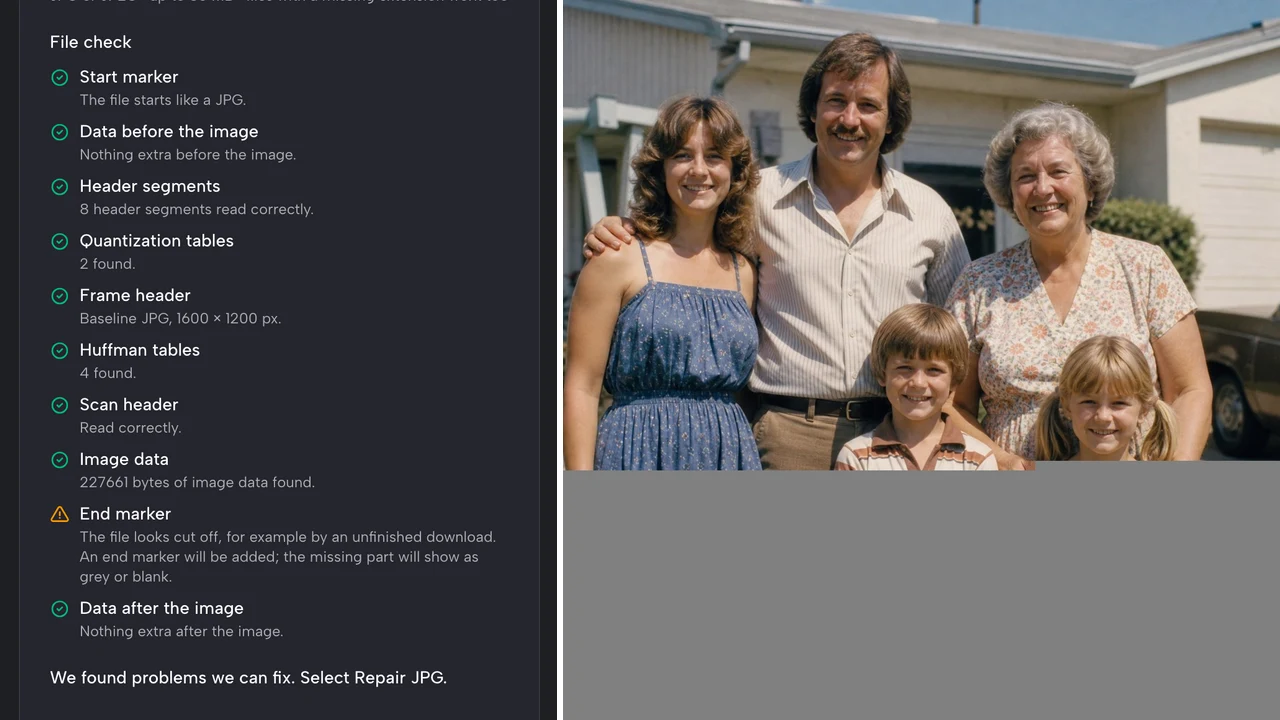
File check flagging a missing end marker beside a repaired 1970s family photo scan, grey where data never downloaded

Junk Data Before or After the Image

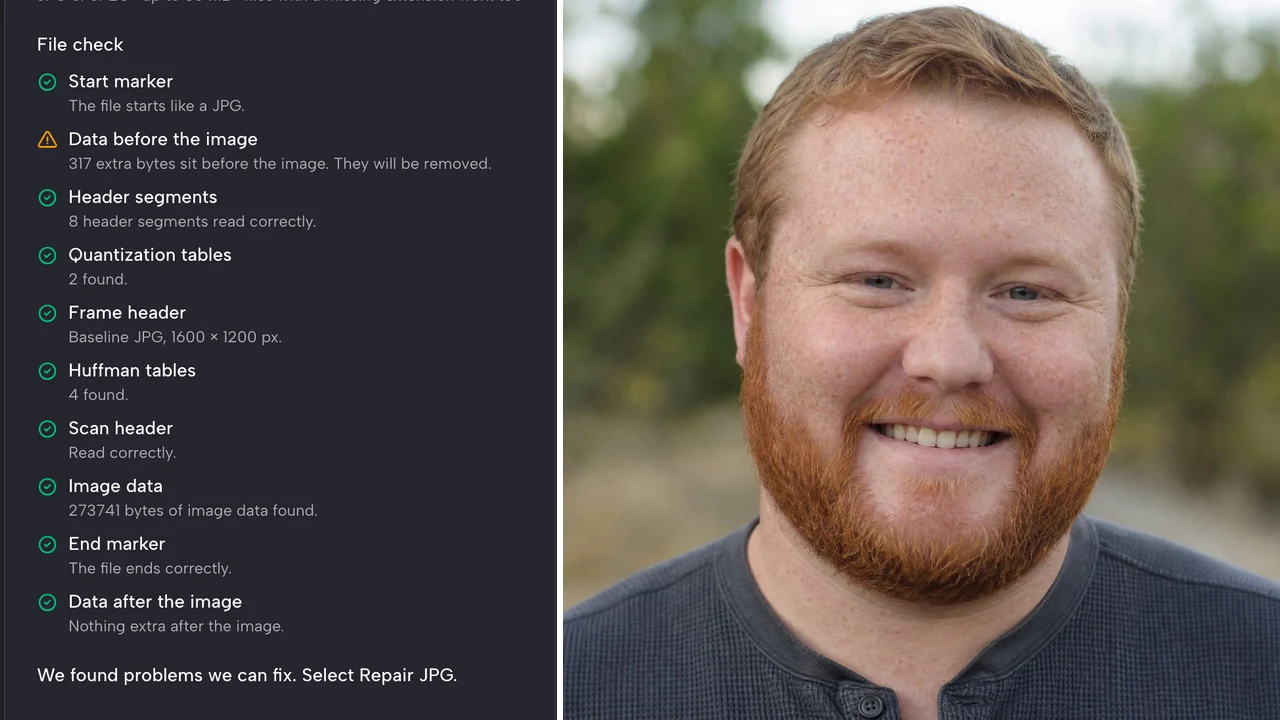
Recovery software and some cameras leave extra bytes in front of or behind the picture, so viewers cannot find where the photo starts. The file check locates the real start and end, and JPEG image repair trims everything outside them. That alone can bring back photos from a failing memory card that looked completely broken in every app you tried.

File check reporting 317 extra bytes before the image beside the repaired outdoor portrait

Missing Start Marker or Huffman Tables

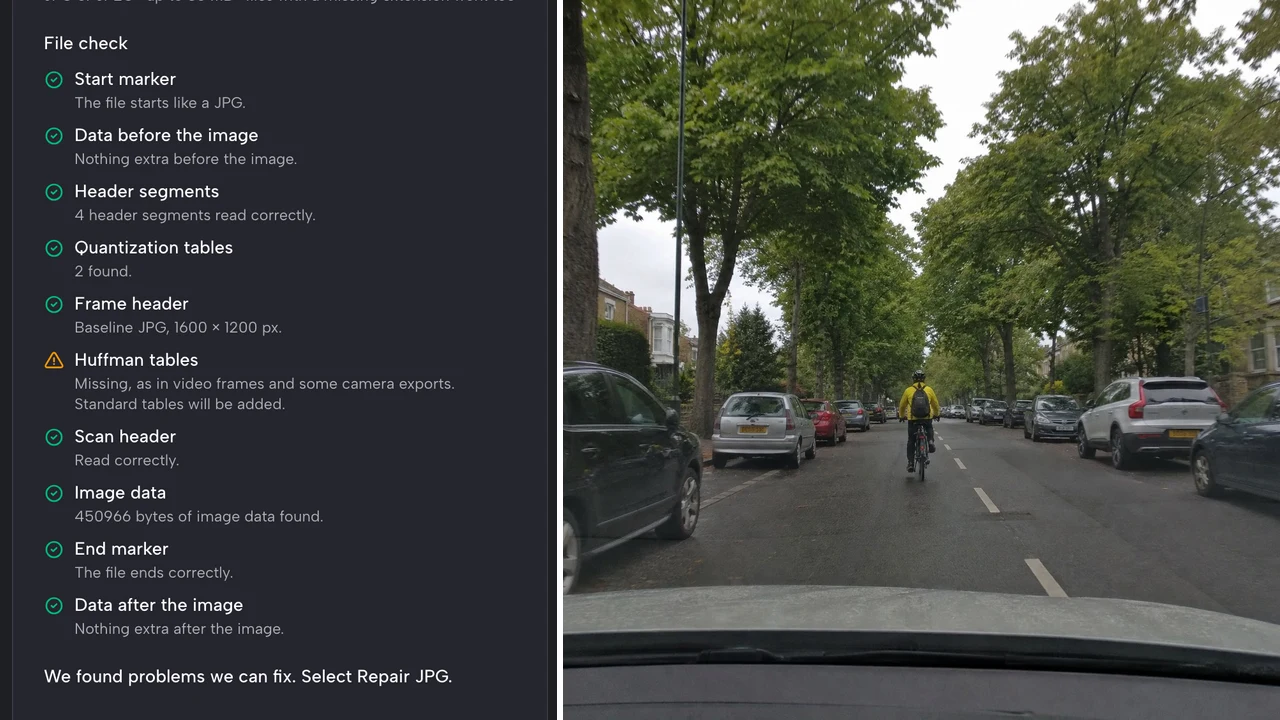
Some damaged files lose their first two bytes, and frames exported from video recorders and older cameras can leave out the Huffman tables that many photo apps expect. JPEG image repair adds the start marker back and inserts the standard tables from the JPEG specification for baseline files, so these photos and frames open again in the viewers and editors that rejected them.

File check reporting missing Huffman tables beside the repaired dash cam frame of a cyclist on a tree-lined road

A File Check That Shows Every Step

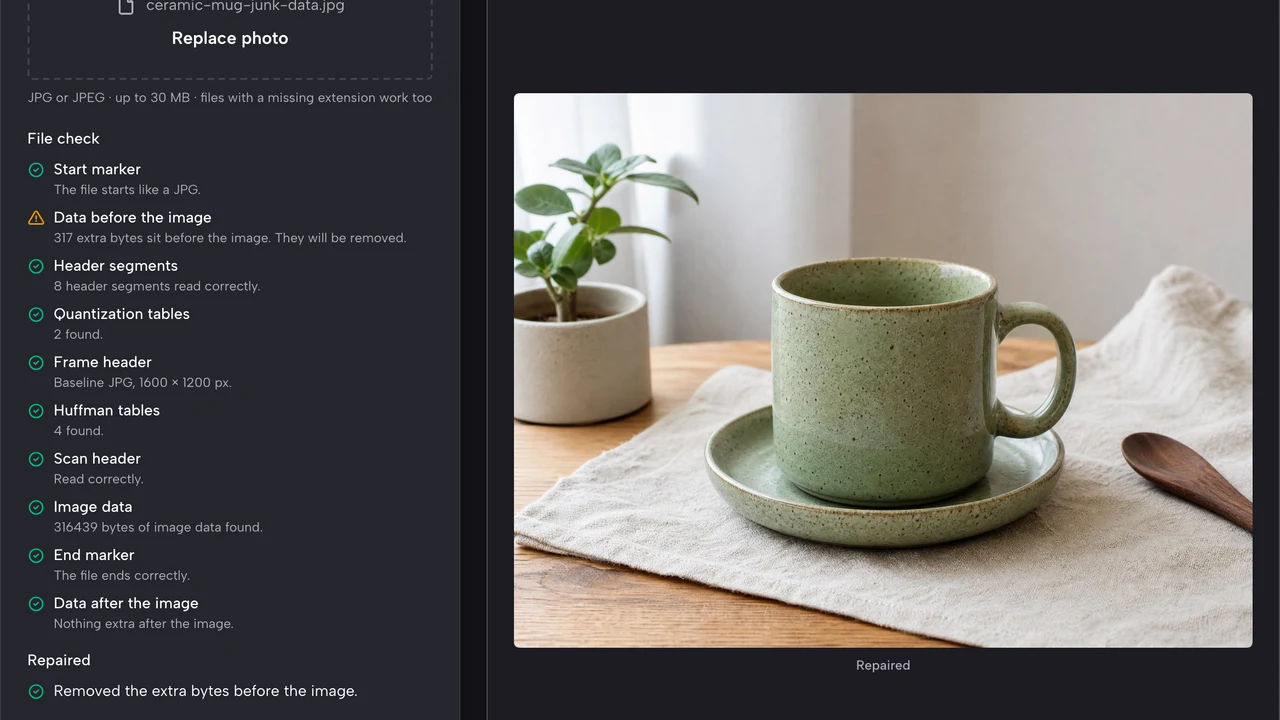
Every decision is written in the log: what was found, what was fixed and what was left alone. When a header is damaged in a way that has no single correct answer, the check says what it found and stops instead of producing a file that only looks repaired, so you know when another copy of the photo is the better place to start.

Workspace after a repair: file check with passed and fixed items, the list of fixes and a repaired mug photo in the preview

When You Need to Fix Corrupted Image Files

People reach for a way to fix corrupted image files after a card fails, a download breaks or a frame export goes wrong; here are four of those moments.

Photos from a Failing Memory Card

Photographers and families who recover pictures from an SD card can find files with junk data in front or a missing end. Running each one through JPEG image repair before giving up shows which photos open again and which ones need another backup, before you pay for a recovery service.

Interrupted Downloads and Email Attachments

A dropped connection can leave a JPG half saved on a phone or laptop. JPEG image repair closes the file so you can see what actually arrived, then decide whether the photo is worth downloading again or the saved part is enough for the document you are writing.

Files Moved Between Phones and Clouds

Pictures copied between chat apps, cloud drives and computers sometimes lose their extension or pick up extra bytes. To fix JPG online, drop the file in: the check says whether it is a healthy JPG, and the repair trims any extra bytes before you save the copy to the cloud folder.

Dash Cam and Security Camera Frames

Frames exported from dash cams, door cameras and older video recorders can lack the standard tables that photo apps expect. JPEG image repair adds them, so a frame needed for an insurance claim or a neighbourhood report opens in a normal viewer without extra software.

What People Say About Our JPEG Image Repair

A card reader died mid-copy and forty files from a ceremony would not open. JPEG image repair showed junk bytes in front of most of them, and after trimming, thirty-six opened normally. The rest showed grey bands, so I knew exactly which shots to pull from my backup card.

Gwendolyn Achterberg
Wedding Photographer

JPEG Image Repair FAQ

Answers to what people ask before they repair JPG online: what the repair changes, why parts can stay grey, which files it reads and what the download contains.

JPEG image repair is the process of rebuilding the structure of a JPG file so viewers can decode the picture inside it. This tool fixes missing start or end markers, junk data around the image and missing standard Huffman tables.

To repair a corrupted JPG, upload it here, read the file check and press Repair JPG if it lists fixable problems. Compare the preview, then download the repaired copy. Files are checked one at a time, so repeat the steps for each damaged photo.

A JPG can fail to open because it is damaged or really another format. Its end may be cut off, junk bytes may sit in front, or the start marker or tables may be missing. The file check names the cause; Repair JPG fixes what has one correct answer.

Grey areas mark image data that was never saved, usually because a download or transfer stopped early. Some viewers show these areas blank instead. JPEG image repair makes the saved part open again; for the missing rows, download or copy the photo again from its original source.

No — this tool reads JPG and JPEG files only, the format behind camera exports, downloads and chat photos. To fix corrupted image files in other formats, open a copy in an image editor and save it again as JPG if it still opens there.

Yes — you can fix JPG online here for free, with no sign up and no login. There is no limit on how many files you check, so you can work through a whole memory card one photo at a time.

No — the repaired JPG you download has no logo or stamp added. JPEG image repair never rewrites the picture data itself, so family photos, client shots and scanned work documents keep every pixel that survived and look exactly as they were saved.

Open Your Damaged JPG with JPEG Image Repair

JPEG image repair online for free: drop in the JPG that will not open, read the step-by-step file check, press Repair JPG, compare the preview and download the repaired copy for your album or archive. Start with the photo you thought was lost.

Repair My JPG
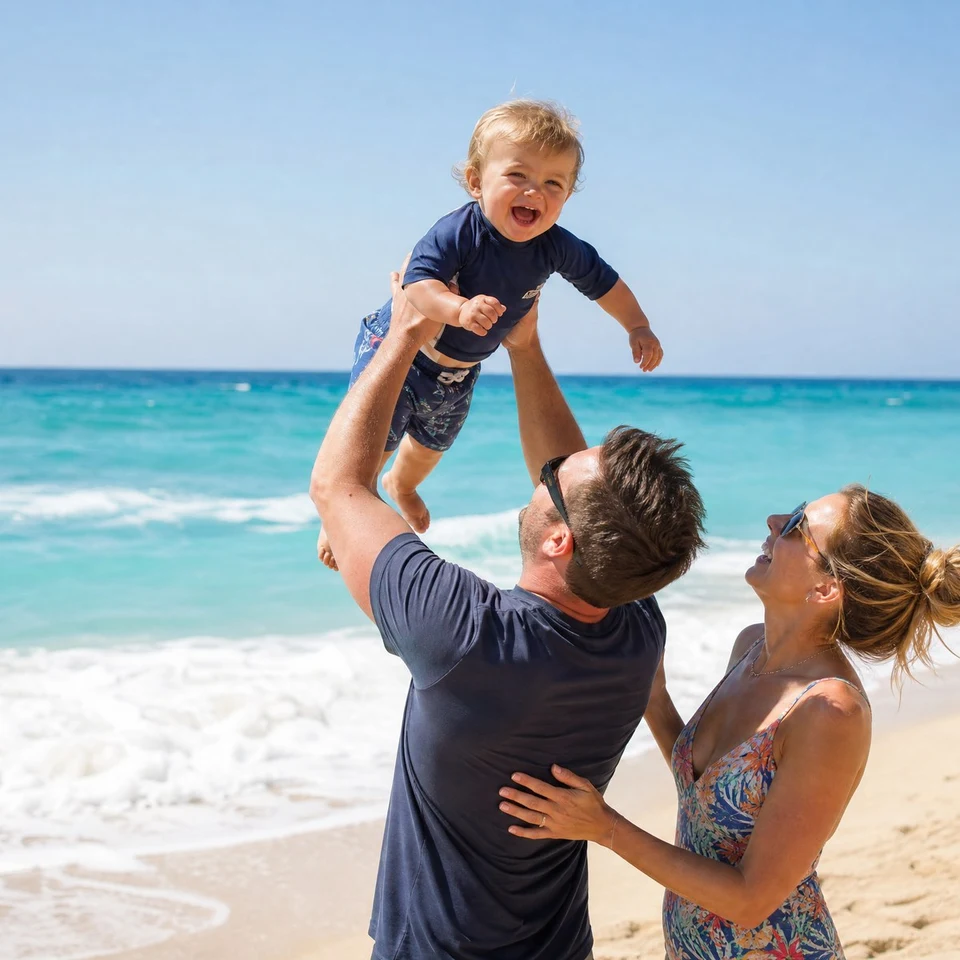
Father lifting a laughing toddler on a beach, square crop of a JPG that opened again after its start marker was restored