






BLACK FRIDAY

2× credits · Ends Dec 1

Ends Dec 1, 11:59 pm PTGrab 2× credits
Image Hue Changer

Change the colors in your image with one hue slider. Preview the change, then download a full-resolution PNG.

JPG, PNG or WEBP · up to 20 MB

0°

Free online image hue changer · no sign up · no watermark.

No limit on downloads.

Live preview
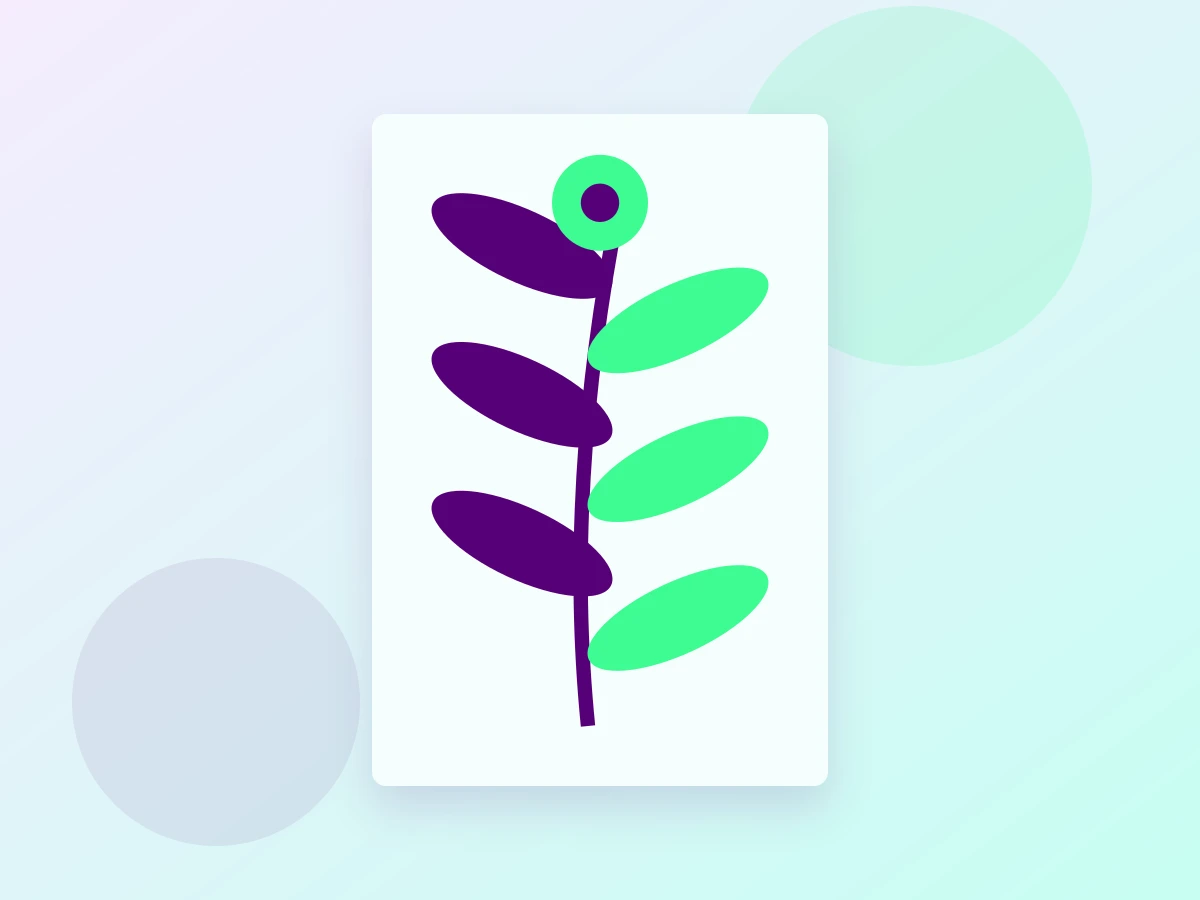
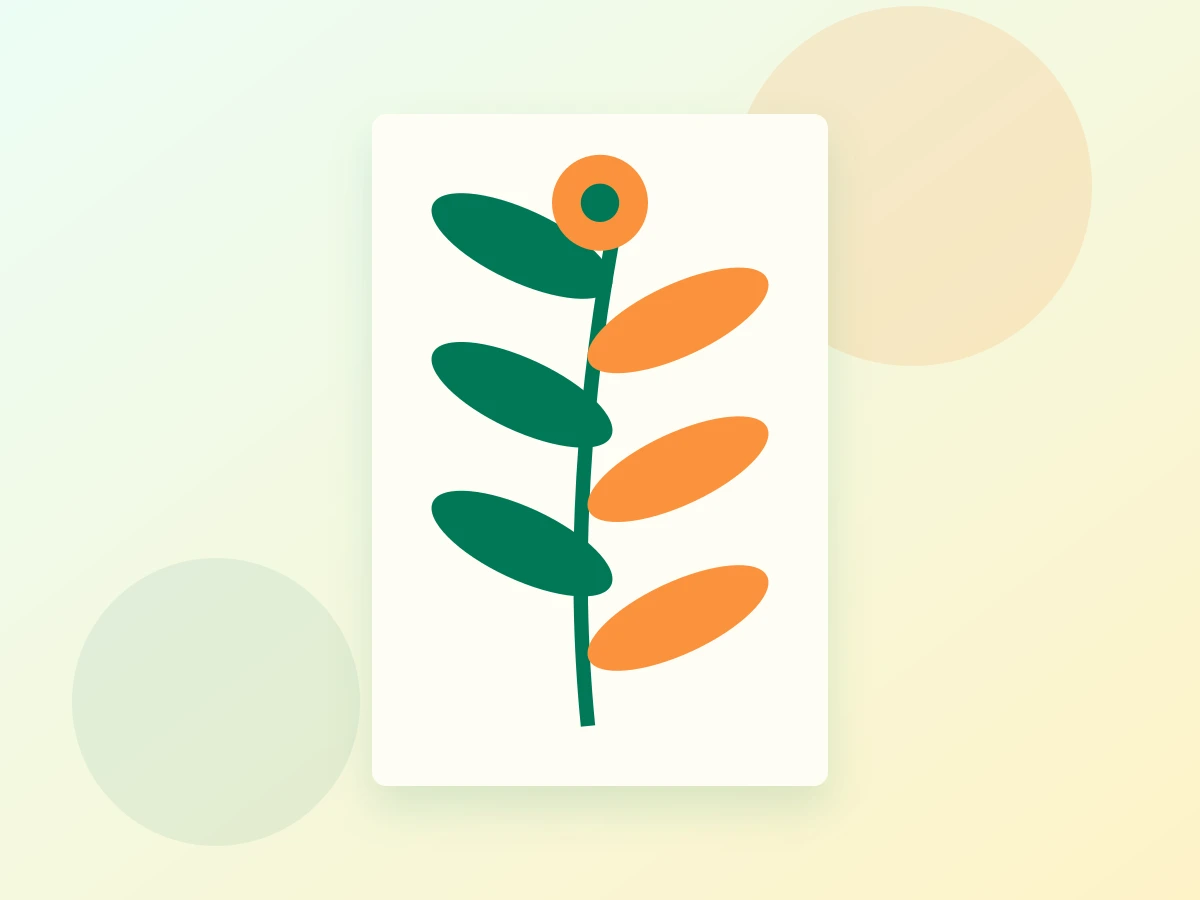
Botanical print original illustration after actual +120 degree HSL hue rotation
Botanical print original illustration before HSL hue rotation
BeforeAfter

More Fixes for the Same Kind of Photo

Other tools in this category, for the next problem in the same picture.

Image Hue Changer: Free Color Palettes for Photos

Find a new color direction for your photo, poster or product image before you download.

Give familiar artwork a different color story. This image hue changer rotates the colors across your whole picture while keeping its light and dark detail. Choose a JPG, PNG or WebP, move the hue slider, and compare the result with your original. When the palette fits your design, download a full-size PNG for a mood board, social graphic or illustrated poster.

Change My Image Hue
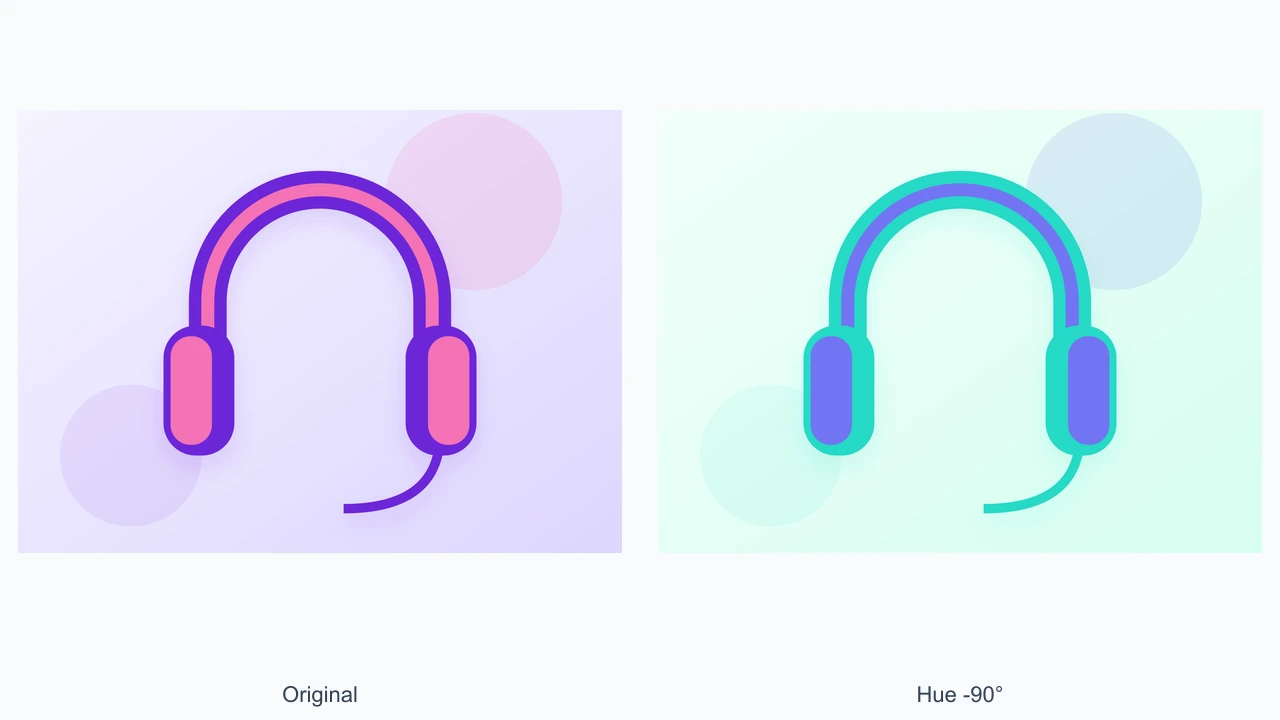
Headphones original illustration and its real HSL hue-rotated output
Live color comparison|Full-size PNG download|No Sign Up|No Watermark

How to Use the Image Hue Changer Online

Use the image hue changer to explore a different palette without rebuilding your artwork. Start with one picture, adjust its colors while comparing the preview, then save the version that suits your design. These three steps take you from the original image to a PNG you can use.

1

Choose Your Starting Image

Open a JPG, PNG or WebP up to 20 MB in the image hue changer. Choose a picture with colors you want to explore, then check that the preview shows the right artwork.

2

Move the Hue Slider

Drag the image hue changer slider left or right to rotate the colors. Compare details on each side of the preview line, and use Reset hue whenever you want to return to the original.

3

Review and Download Your PNG

Check skin tones, lettering and the main subject before saving. Choose Download PNG to export your chosen palette at the original image dimensions, with existing transparent areas kept in the finished file.

AI Fixes for Harder Photo Problems

When a picture needs whiter teeth, a slimmer face, no glare or a corrected number, these AI photo fixers make the edit for you.

Shift Image Colors with a Live Hue Preview

A hue shift changes the color direction of the whole image. The image hue changer gives you a comparison view, a reset control and a full-size PNG result, so you can explore a new palette and decide which version belongs in your project before saving it.

A New Palette from One Picture

Explore warm, cool or unexpected color directions from artwork you already have. The image hue changer shifts every colored part of the picture together, making it useful for a poster, illustration or visual concept. Preview the hue shift across your image to see how the overall palette changes before choosing your next version.
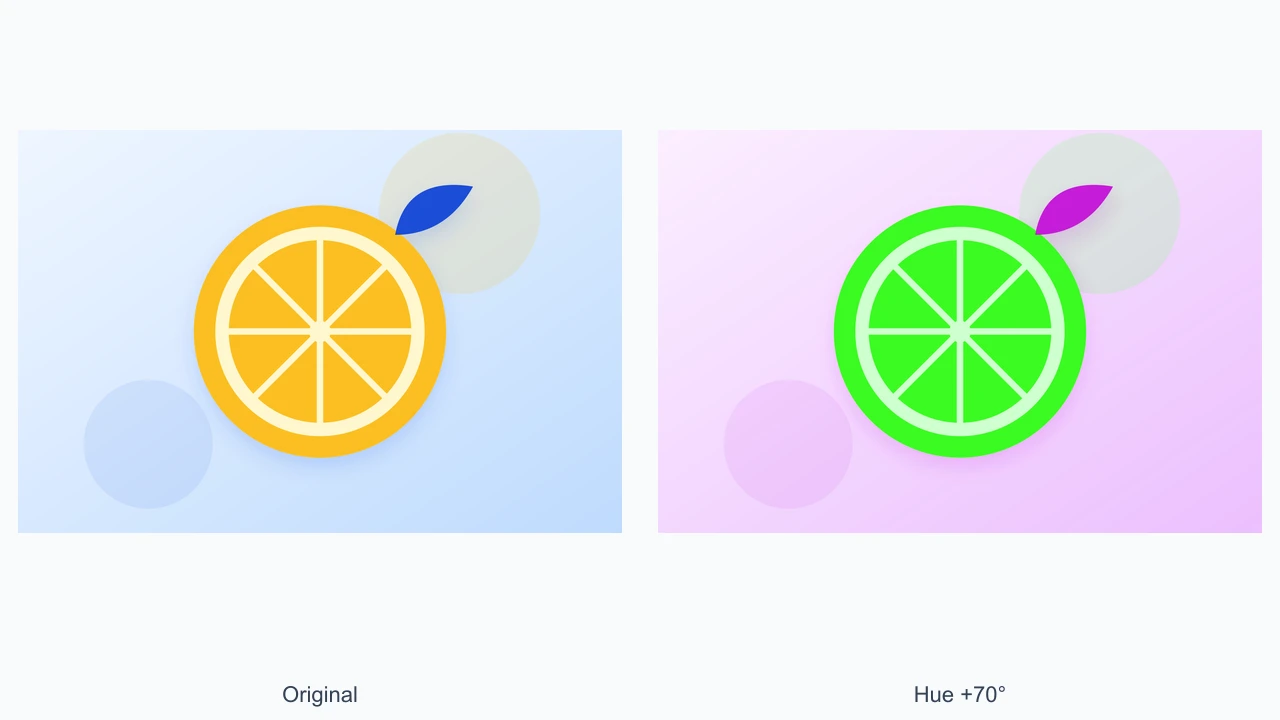
Citrus poster original illustration and its real HSL hue-rotated output

Light and Dark Detail Kept in Place

Change the color mood while retaining the differences between highlights, shadows and midtones. The image hue changer rotates hue without adjusting the image saturation or lightness settings. That keeps the shapes and tonal contrast familiar as you change the photo hue, helping you judge the palette rather than a brighter or darker version.

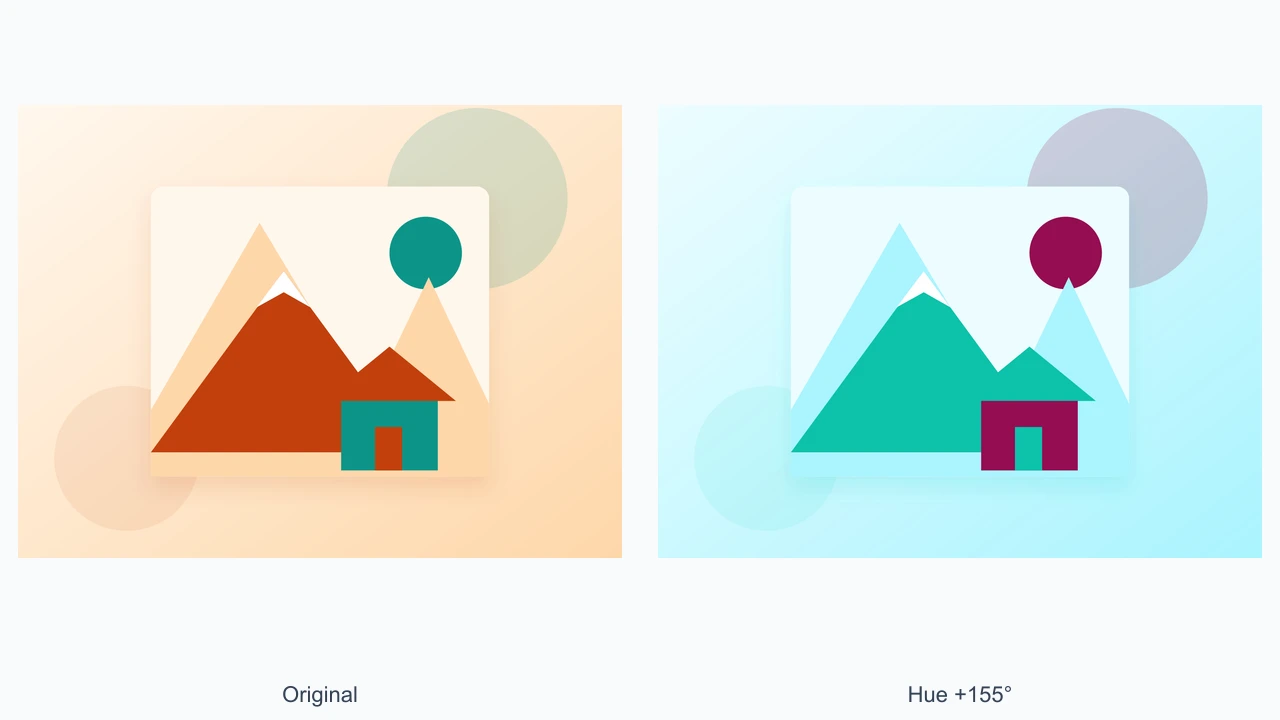
Mountain cabin original illustration and its real HSL hue-rotated output

A Direct Original-to-Result Comparison

Slide the comparison line across your picture to inspect the original and adjusted colors together. The image hue changer makes it easier to check a logo edge, a background or a colorful detail in context. Bring the hue control back to zero, or choose Reset hue, to begin another direction from the original.

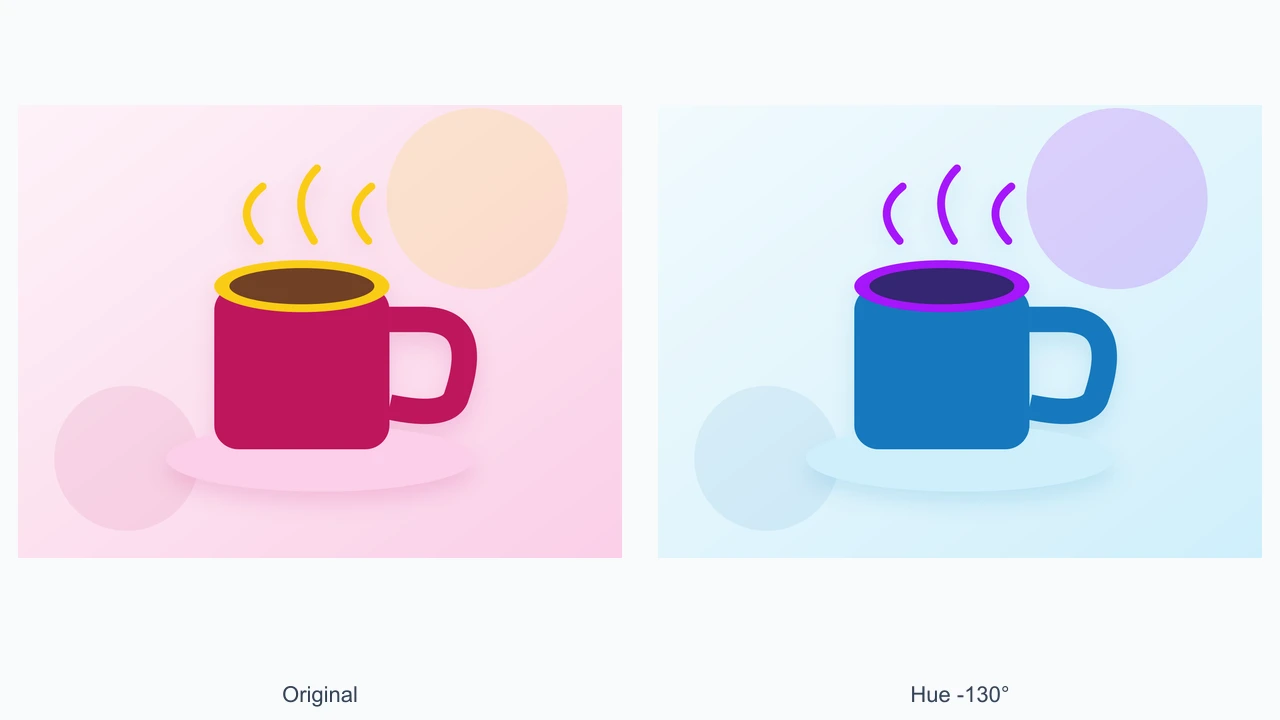
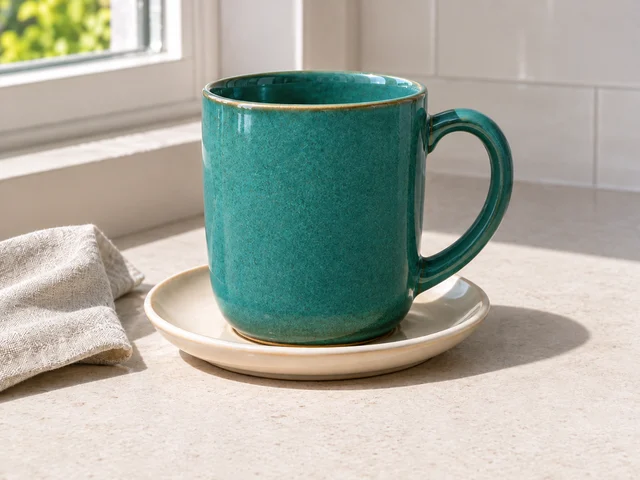
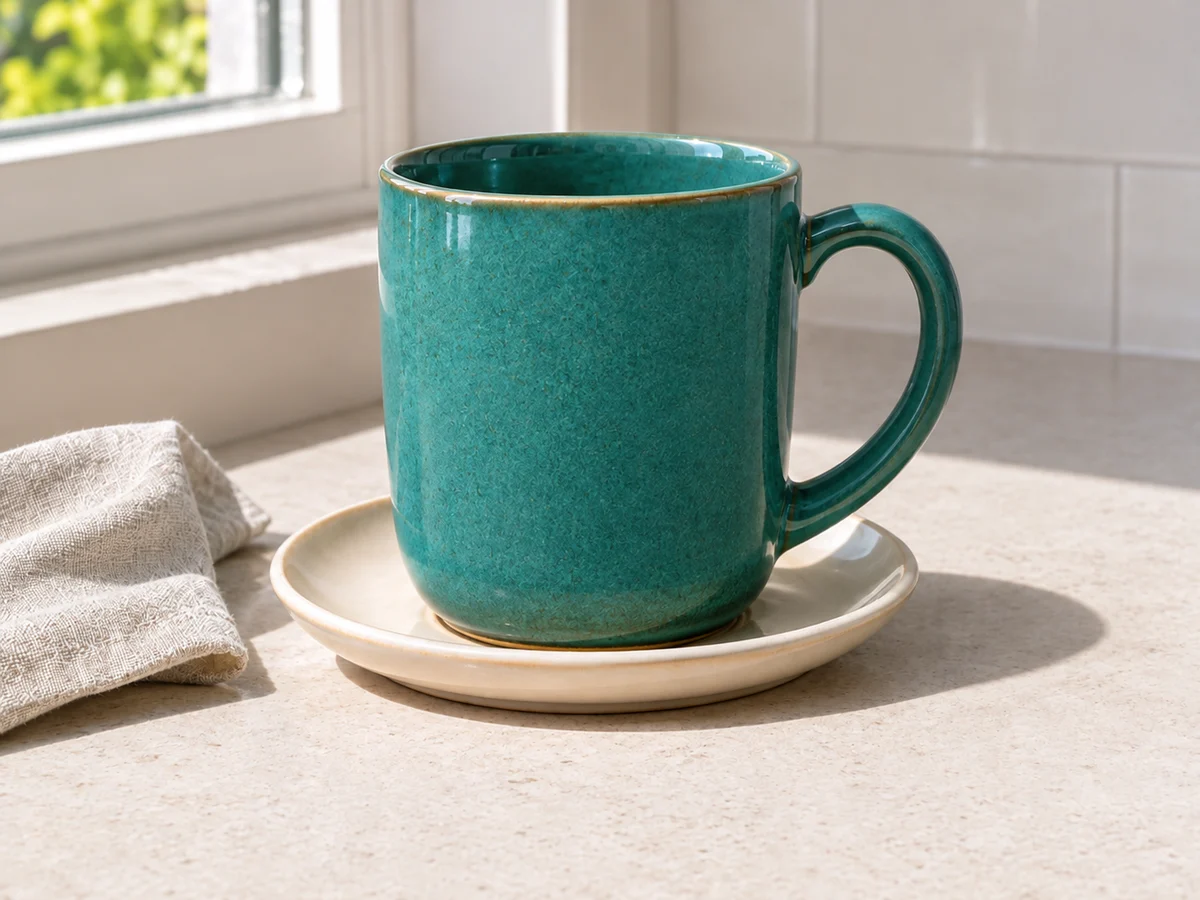
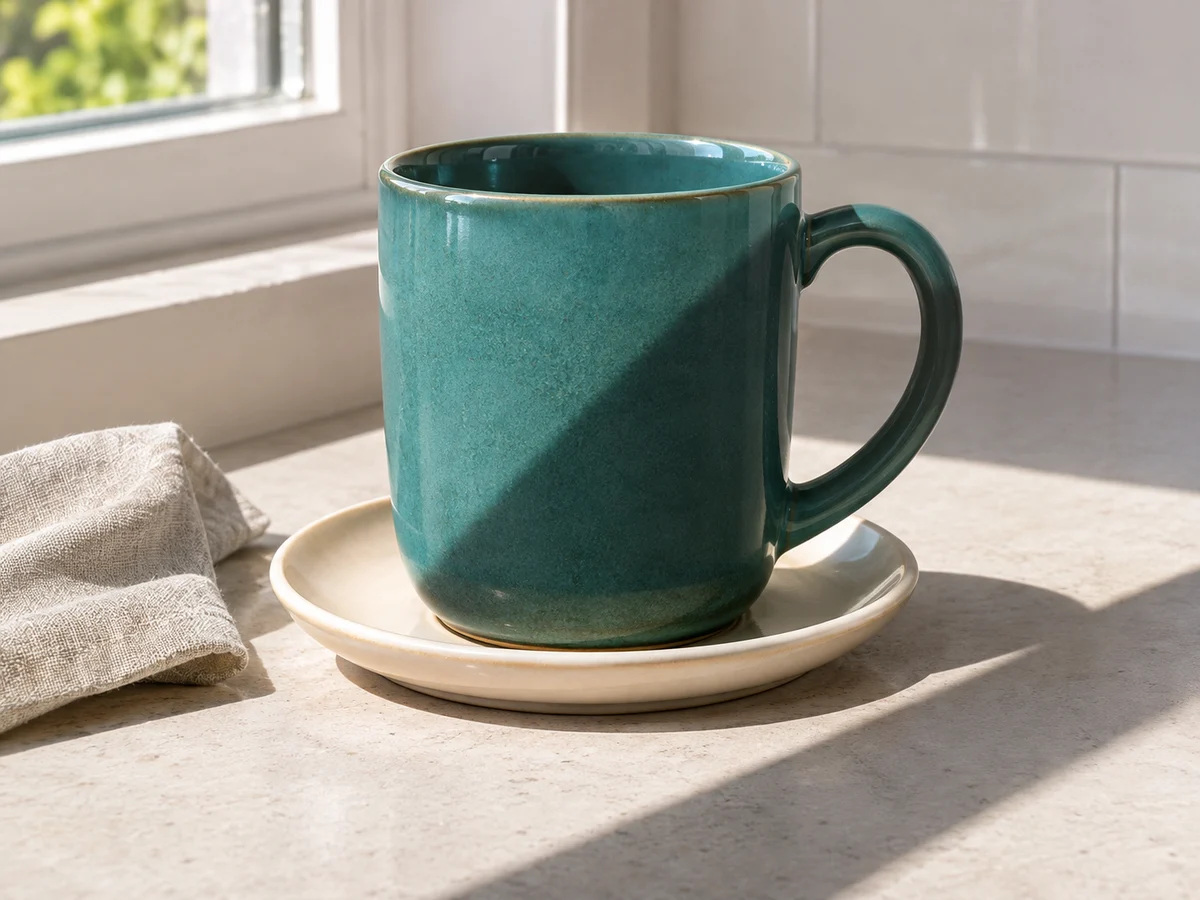
Coffee kit original illustration and its real HSL hue-rotated output

A PNG at Your Original Dimensions

Save the chosen colors as a PNG with the same pixel width and height as your input. Existing transparent areas remain transparent, making the result convenient for an illustration or design element you already use. Change the hue of an image online, then take the finished file into your layout at its original dimensions.

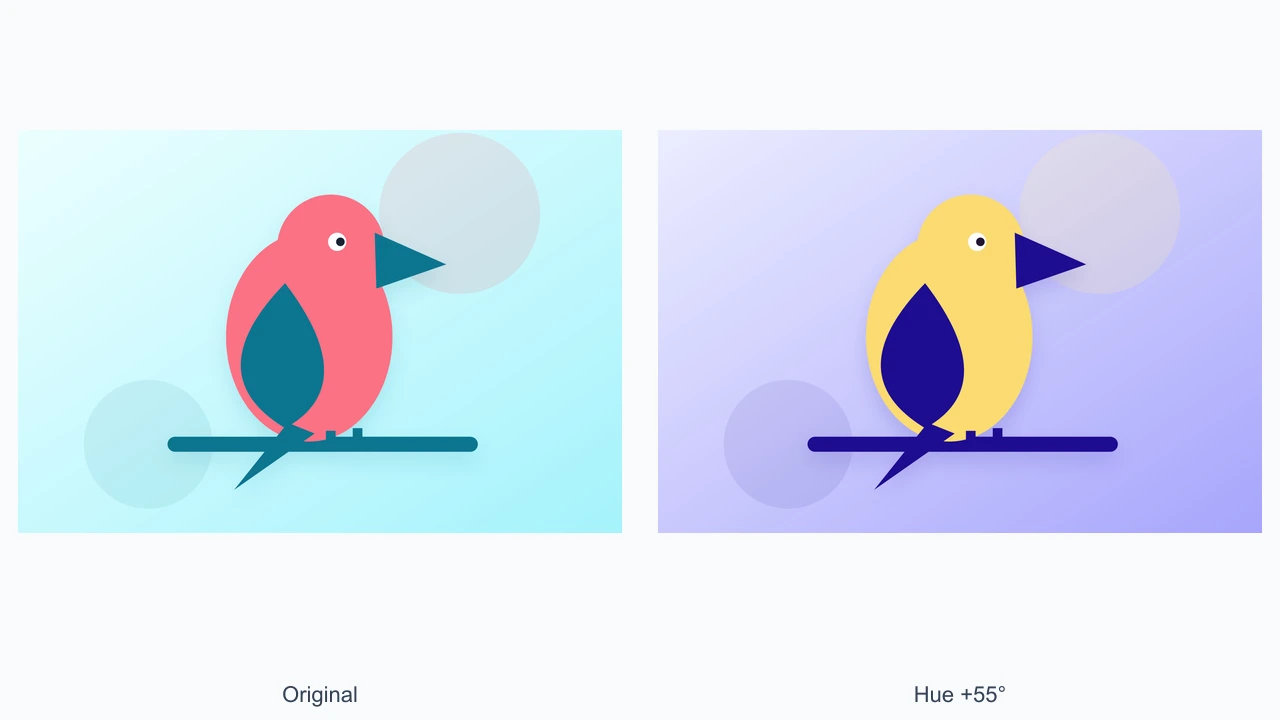
Tropical bird original illustration and its real HSL hue-rotated output

Change Photo Hue for Designs, Products and Everyday Pictures

A color variation can change how a familiar picture feels in a layout. Change the photo hue for a draft, a visual theme or a new graphic direction, then judge the result alongside the rest of your design. These examples focus on artwork where a whole-image color shift is useful.

Designers Exploring Poster Palettes

Start with an illustrated event poster and use the image hue changer to explore an alternate palette. Compare the main artwork with your draft layout, then download the selected version to try beside your own headline and event details.

Shops Planning a Visual Theme

Use a product illustration or styled graphic as the basis for a campaign mood board. The image hue changer lets you explore a coordinated color direction across that picture before selecting a version to place in your concept presentation.

Creators Refreshing Social Graphics

Give an existing decorative image another color direction for a new post. Use the image hue changer to compare the shifted colors with the original palette, then choose the PNG that fits your slide, story background or announcement artwork.

Students Building a Color Study

Begin with one colorful photograph and change the hue of an image online to create a comparison for a design exercise. Keep the framing consistent between versions, then use the saved PNG beside your original to discuss the effect of the palette.

What People Create with the Image Hue Changer

My summer poster started out orange, but the lettering looked better against a cooler palette. I used the image hue changer to try a green version and placed both PNGs next to the same headline. Seeing them together gave me a clear direction for the final poster.

Maya Collins
Poster Illustrator

Image Hue Changer Questions, Answered

These image hue changer answers explain the color adjustment, its controls and the PNG you receive. Find out how the preview works, what happens to gray areas and how your image dimensions are handled before choosing a picture to edit.

Hue is the color family you see, such as red, green or blue. An image hue changer rotates those colors around the color wheel while preserving saturation and lightness. This tool applies the same shift across the picture, so it suits overall palette changes in artwork, photos and graphics.

Choose your picture and move the hue slider to shift the colors across the entire image. You can change the hue of an image online from −180° to +180°. Compare the preview with your original, then download a PNG or use Reset hue to explore another direction from the starting palette.

The image hue changer is free online, with no sign up or login needed to use its controls and download your PNG. Select a JPG, PNG or WebP up to 20 MB, explore your colors and save the result. This tool uses zero credits, so you can focus on choosing the palette.

Your PNG download has no watermark or added branding. The image hue changer saves the colors you selected at the original image dimensions, and existing transparent areas remain transparent. Check the preview first, then choose Download PNG to get that version for your own layout, graphic or color study.

Black, white and gray have no colored hue to rotate, so those areas stay the same. The image hue changer adjusts hue while preserving saturation and lightness. A graphic containing both gray lettering and colorful artwork will therefore show a hue shift in the colored areas while its neutral parts keep their appearance.

Choose Reset hue to return the control to zero and show the original color palette again. You can change the photo hue in another direction after resetting, then compare that version before downloading. The reset affects the adjustment in this tool; it does not replace or edit the original file you selected.

The exported PNG keeps the same pixel width and height as your input. The hue-adjusted image can have a different file size in bytes because it is saved as a PNG with changed colors. For pixel dimensions, however, the image hue changer uses your original resolution for the download rather than the smaller preview.

Try the Image Hue Changer Online Free

Choose a picture with a palette you want to explore. Move the image hue changer slider, compare your colors and download a full-size PNG with no watermark. Try a new color direction online for free, with no sign up.

Change My Image Hue
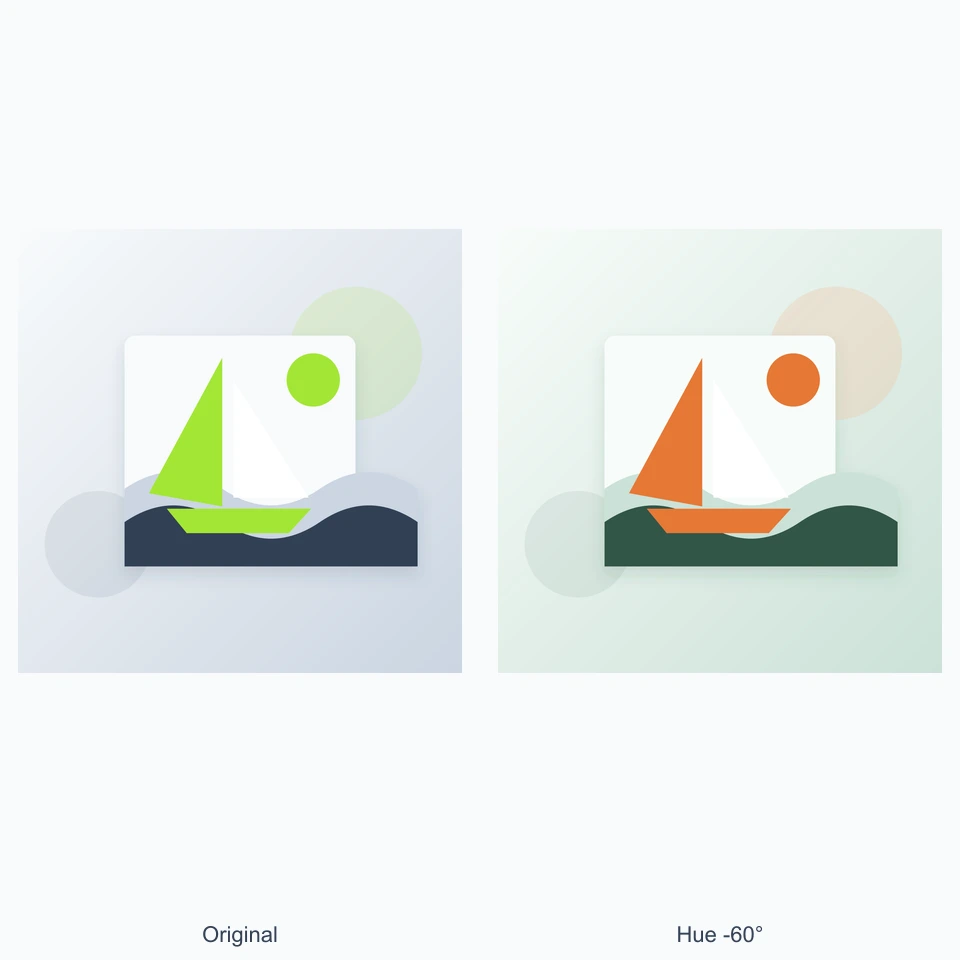
Sailing poster original illustration and its real HSL hue-rotated output