












BLACK FRIDAY

2× credits · Ends Dec 1

Ends Dec 1, 11:59 pm PTGrab 2× credits
Mirror Image

Flip the image left to right, top to bottom, or both.

JPG, PNG or WEBP · up to 20 MB

Free online tool · no sign up

No limit on downloads.

Live preview
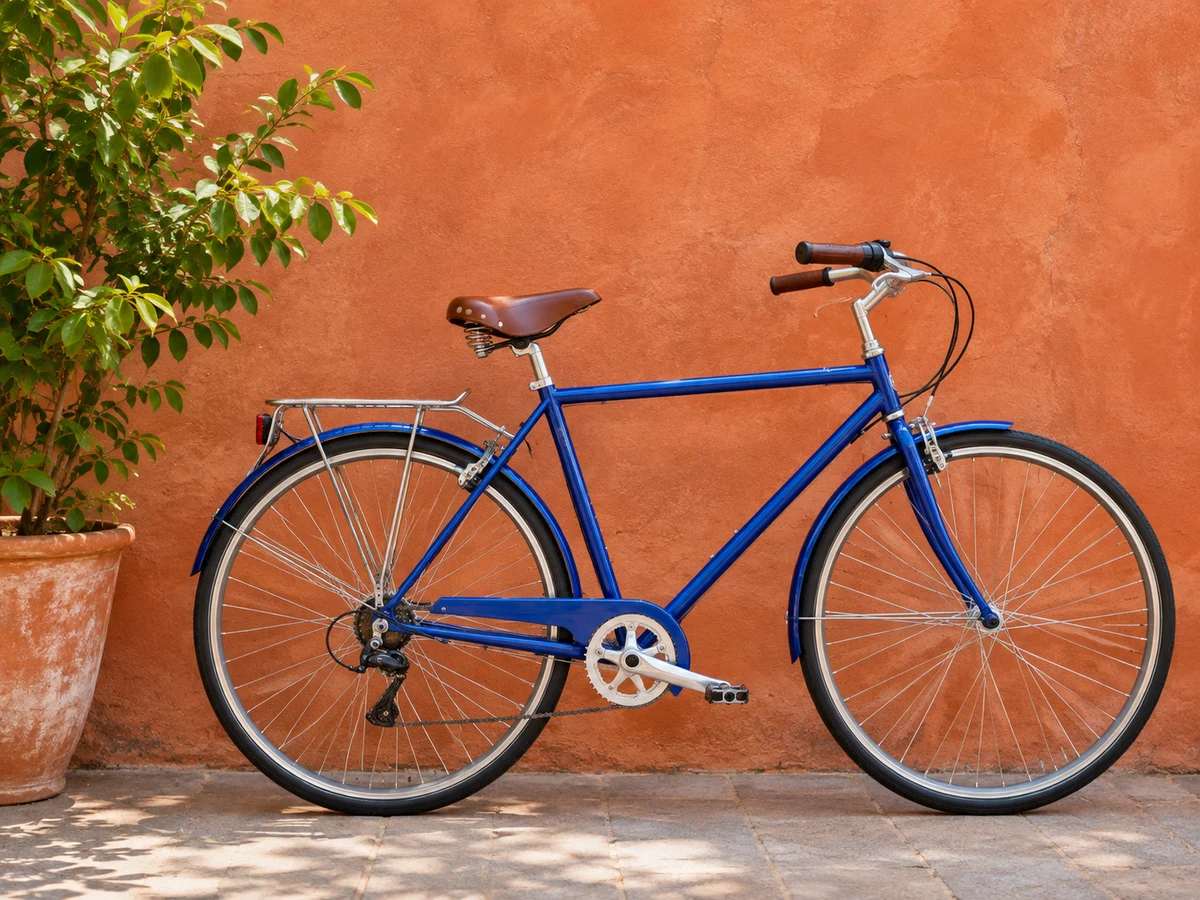
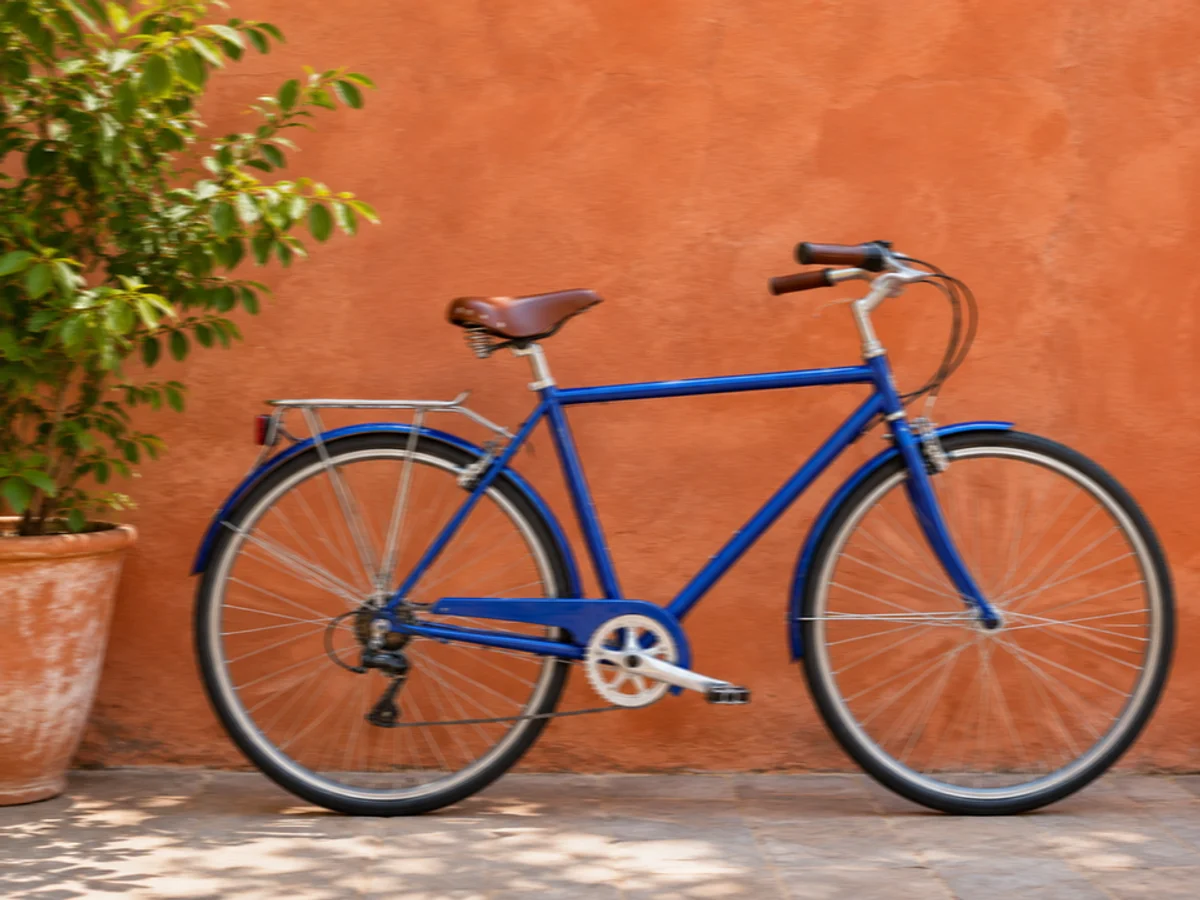
Blue bicycle: original
Original image
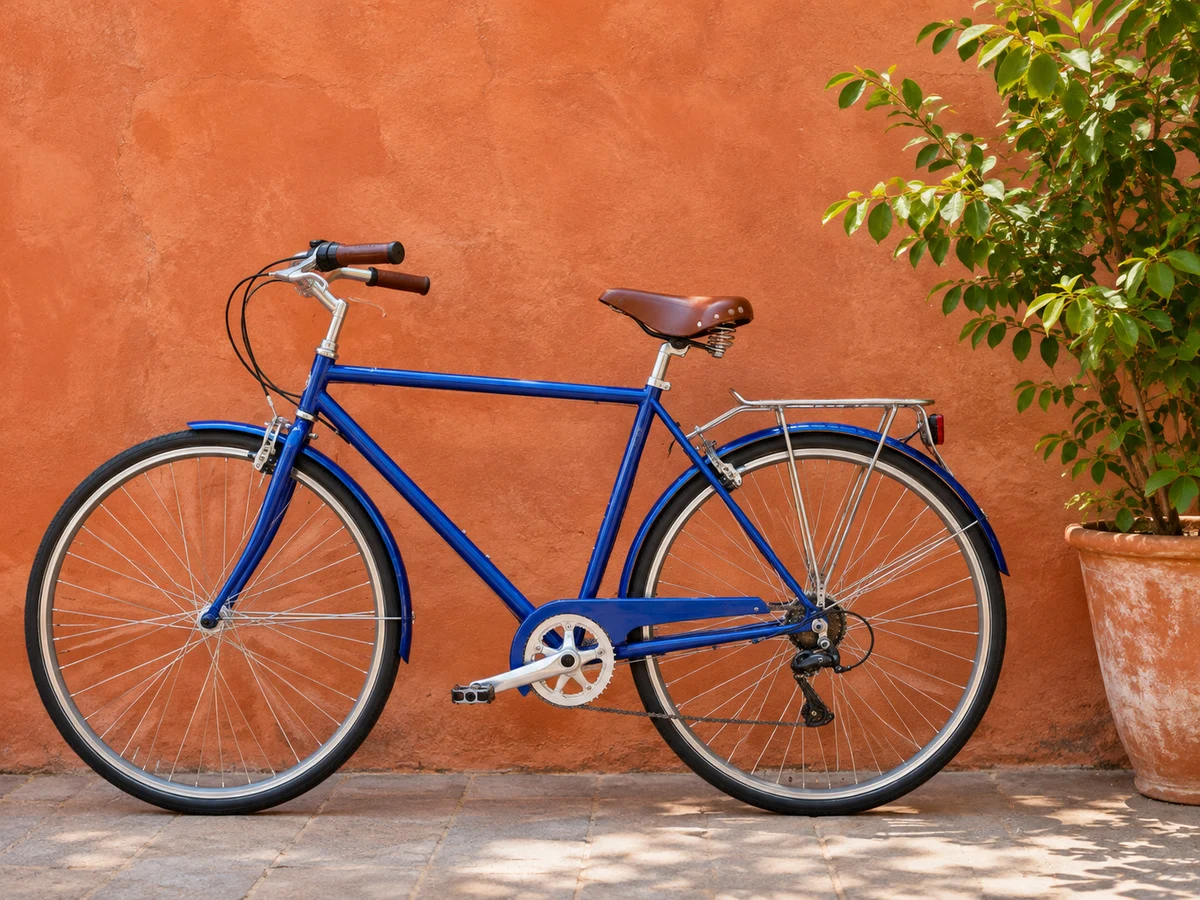
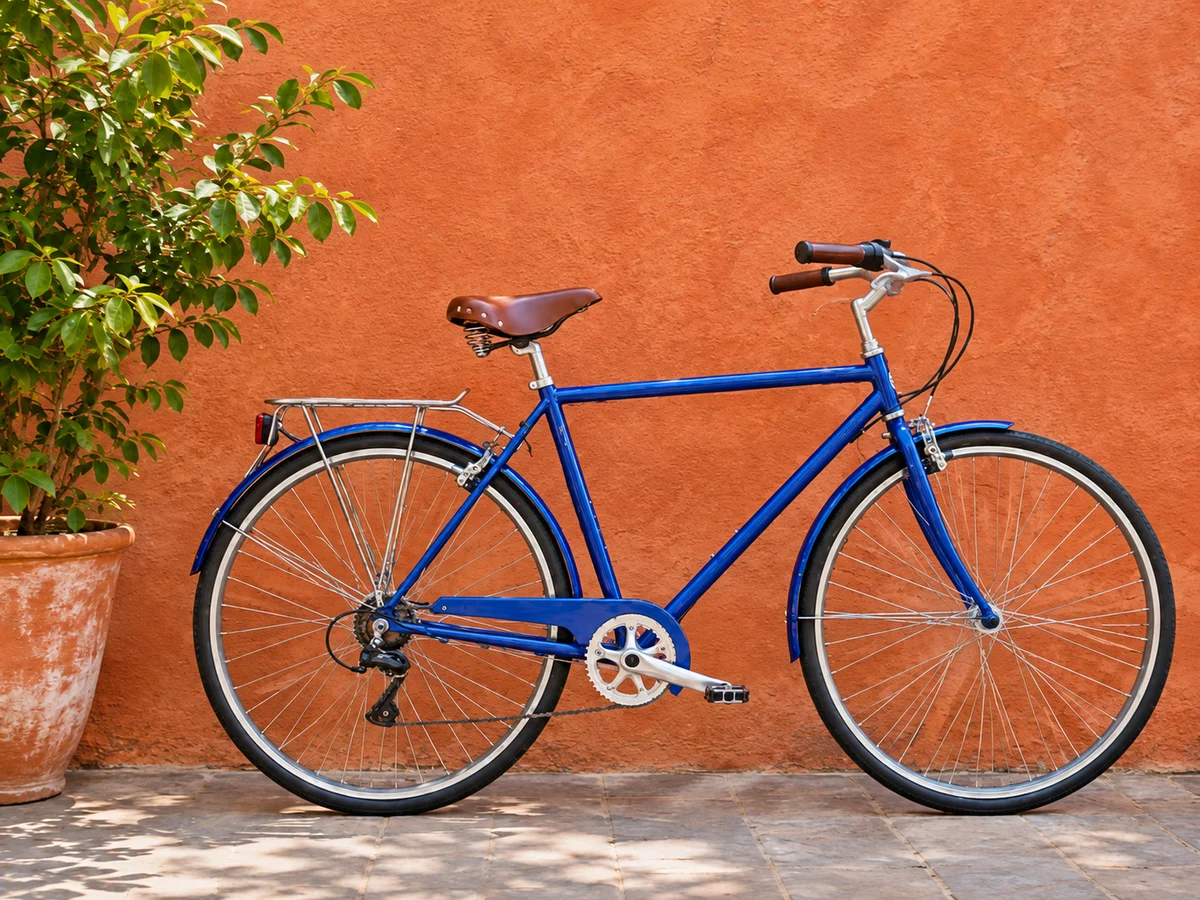
Blue bicycle: left and right flipped
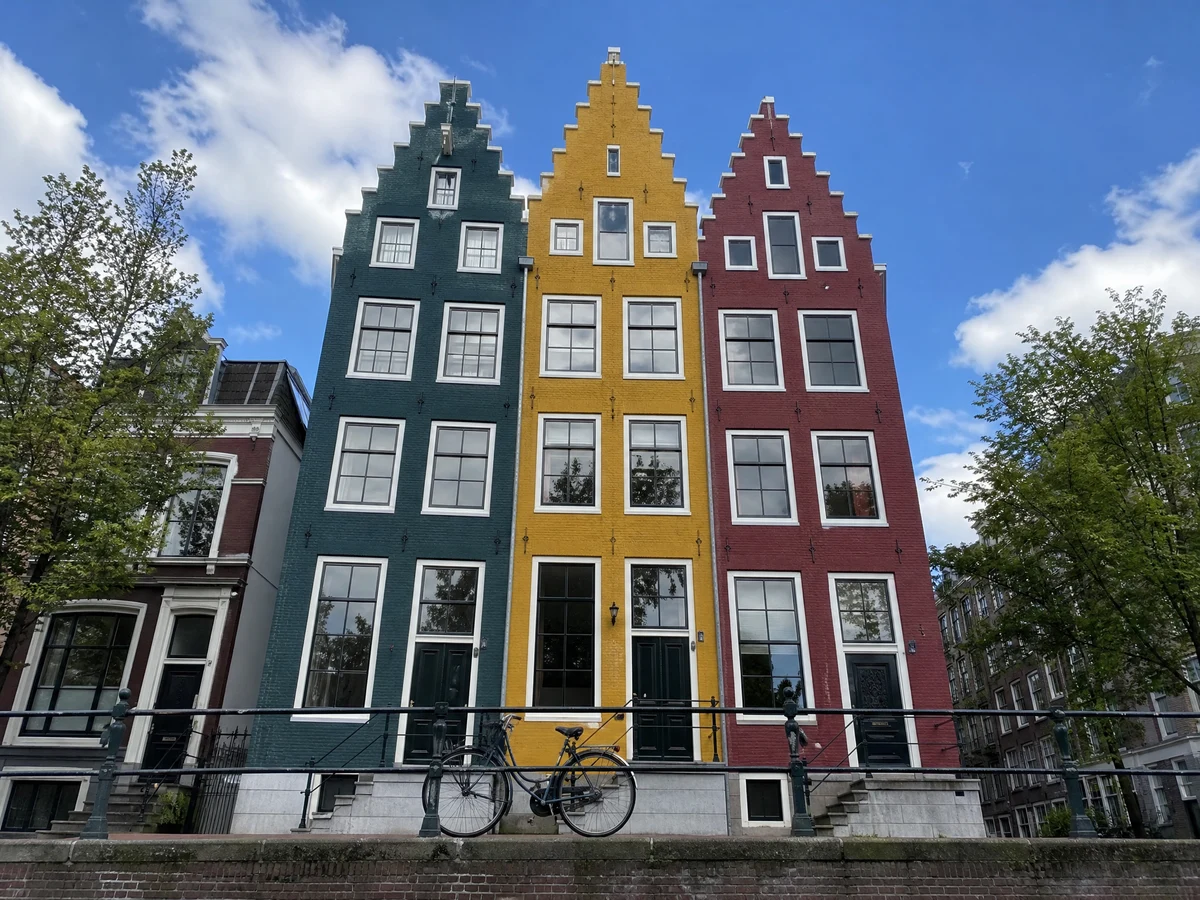
Adjusted image

Mirror Image Online for Free with Horizontal and Vertical Flip

Horizontal and vertical flips

Mirror image online to turn a selfie, product photo, or transparent graphic toward the other side of a layout. Use Flip horizontally to swap the left and right edges or Flip vertically to turn the top edge to the bottom. Both controls can be active together. Check the original against the edited image, then save a PNG at the same pixel dimensions.

Mirror My Image
Seaside selfie: left and right flipped
PNG download|Live preview|No Sign Up

How to Mirror an Image Online

Use Mirror Image Online in three steps. Start with a still image, select the direction that matches your layout, then check the edges before you save the new PNG.

1

Choose an image

Open the mirror image online tool and add a JPG, PNG, or WebP from your device. Pick the version with the composition you want to keep. A clear object on one side of the frame makes it easy to check that the flip goes in the right direction.

2

Select a direction

To mirror an image online, choose Flip horizontally to exchange the left and right sides, or Flip vertically to exchange the top and bottom. Use both when the layout calls for it. Drag the divider to compare the new orientation with your original.

3

Download the PNG

Check any text, numbers, or badges in the preview before selecting Download PNG. Lettering will reverse along with the image. Use Reset to return both controls to the neutral position and try another orientation before you export.

AI Fixes for Harder Photo Problems

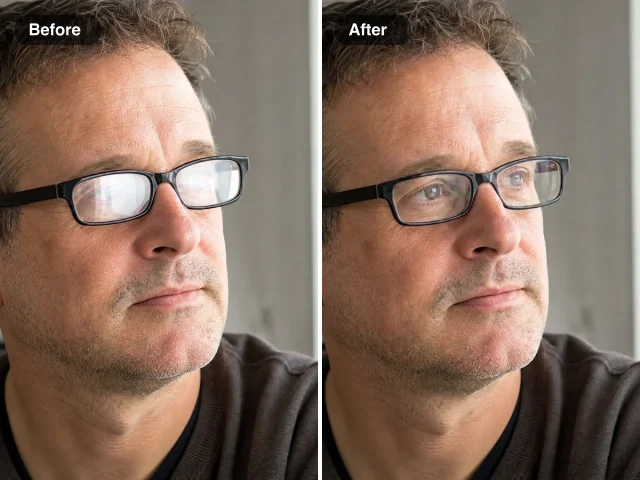
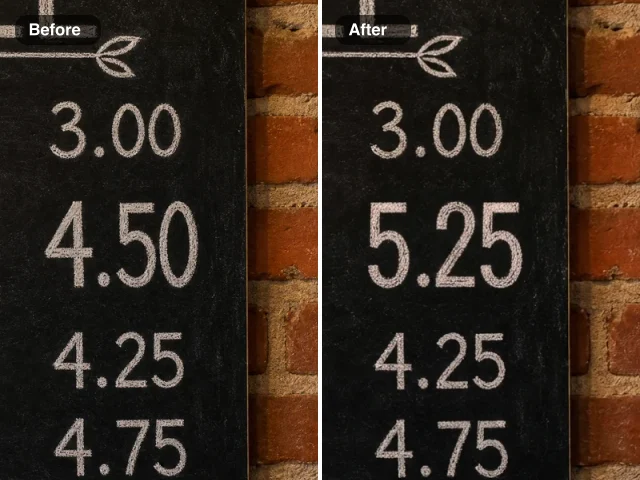
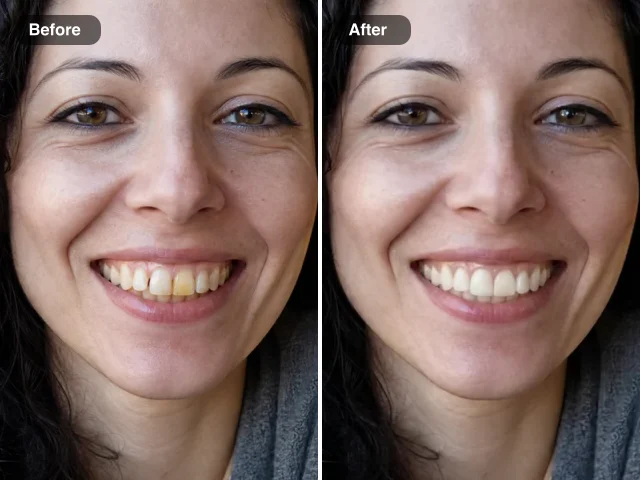
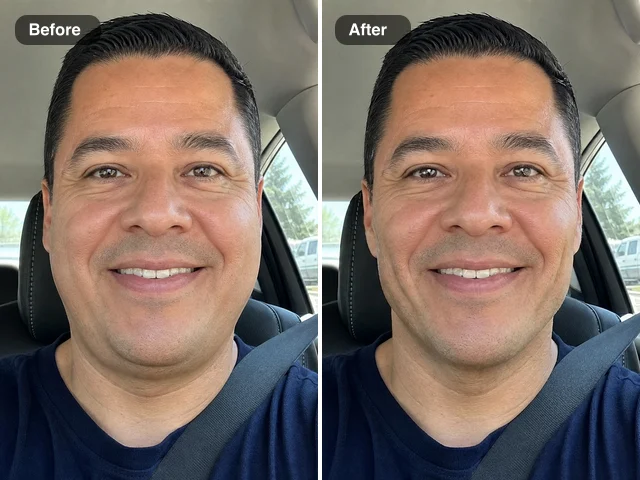
When a picture needs whiter teeth, a slimmer face, no glare or a corrected number, these AI photo fixers make the edit for you.

Flip Photos Horizontally or Vertically

Flip image horizontally for a new left-to-right orientation or turn it vertically for top-to-bottom framing. Use the original and edited views to decide which one belongs in your layout.

Flip left to right

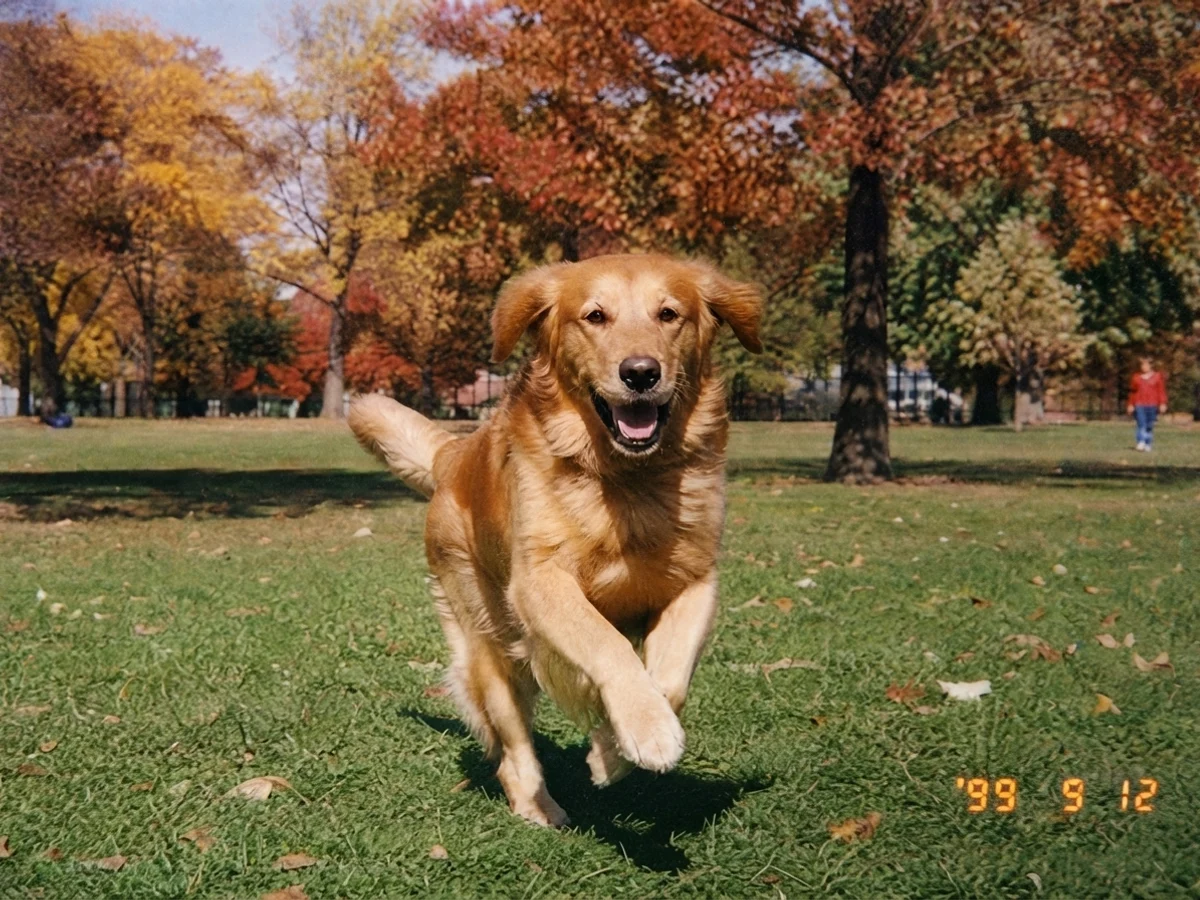
With the mirror image online tool, a horizontal flip moves a subject from one side of the frame to the other. If a dog looks out of a slide, flip the picture to point its gaze toward the headline. Any text in the picture will reverse too, so check signs and clothing before using the edited version.
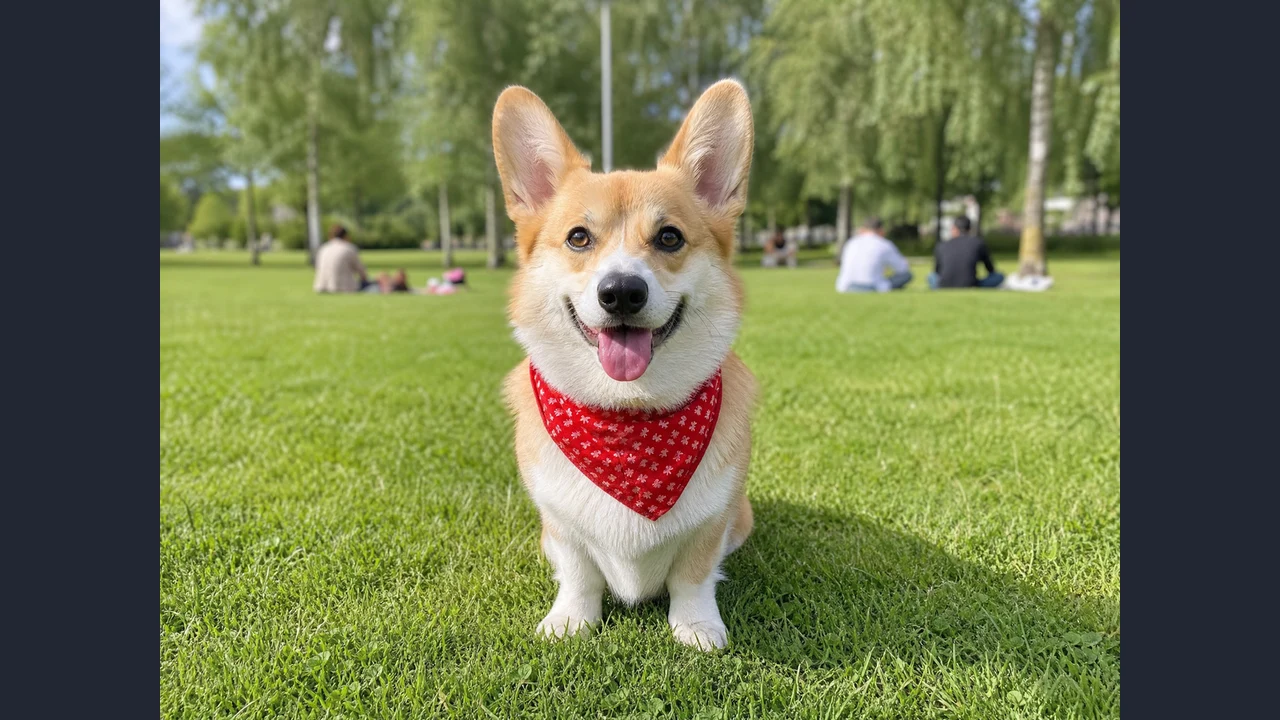
Corgi park: left and right flipped

Flip top to bottom

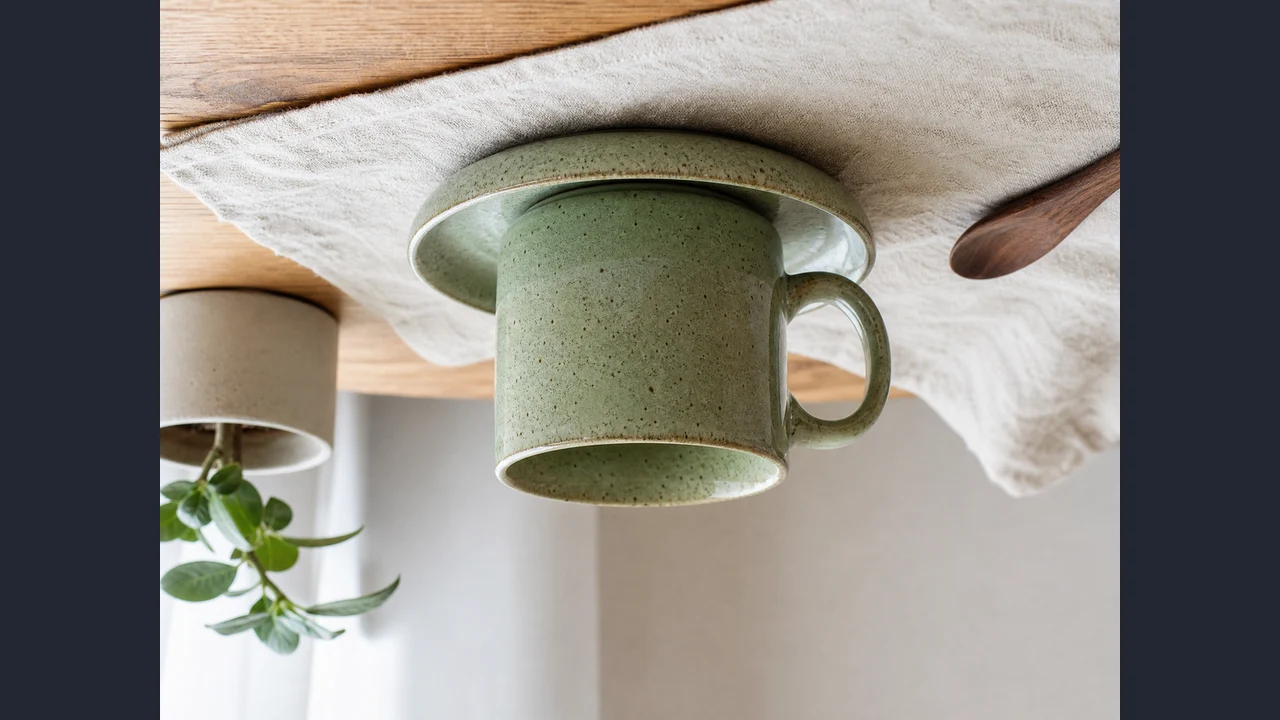
Select a vertical flip in the mirror image online tool to swap the upper and lower edges. Use it on an abstract graphic when the layout needs the visual weight on the other side of a horizontal line. Examine the preview at the edges before you save, especially if the original has a clear ground line.

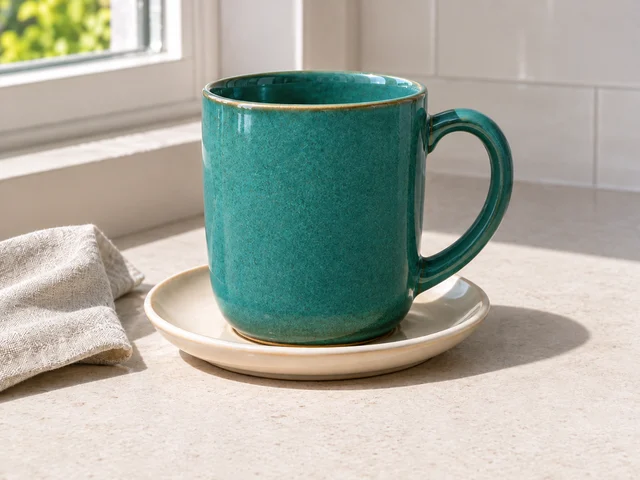
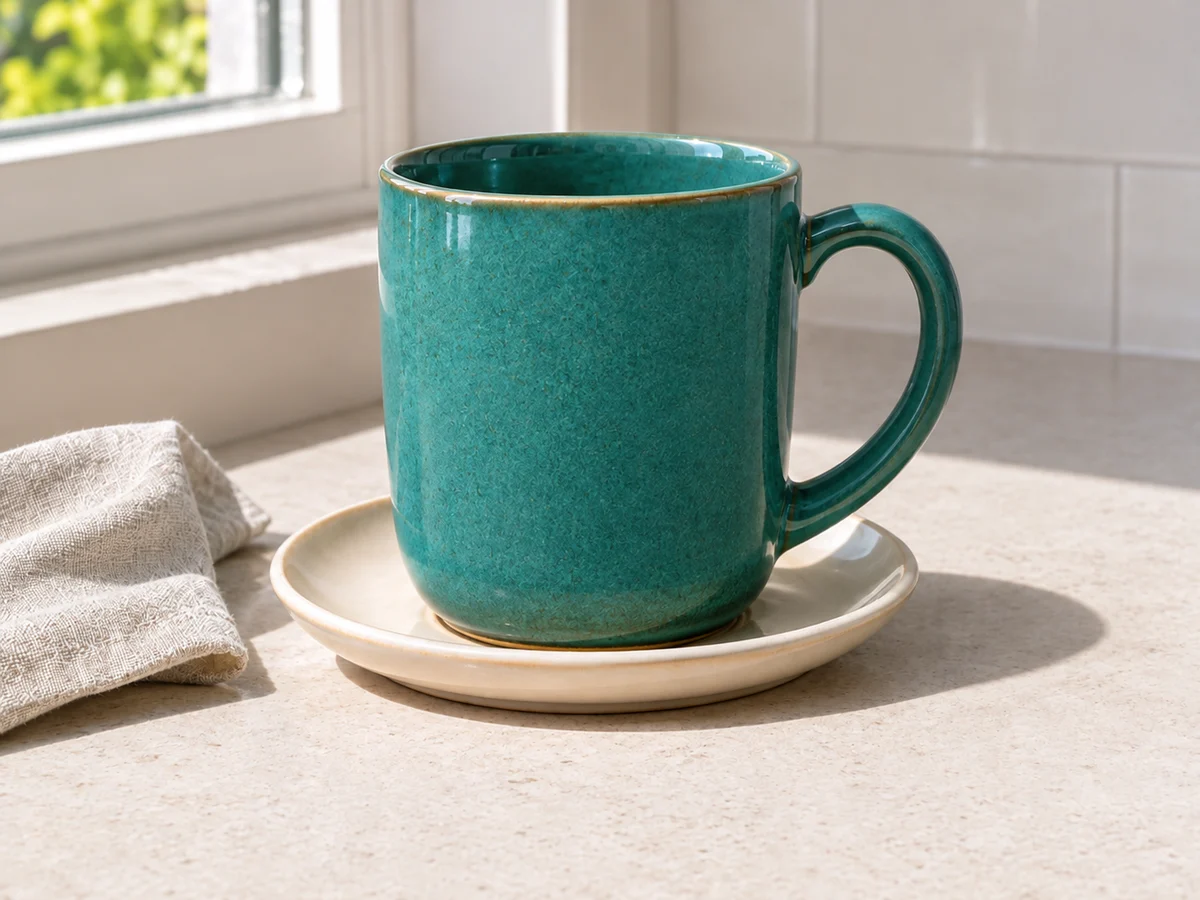
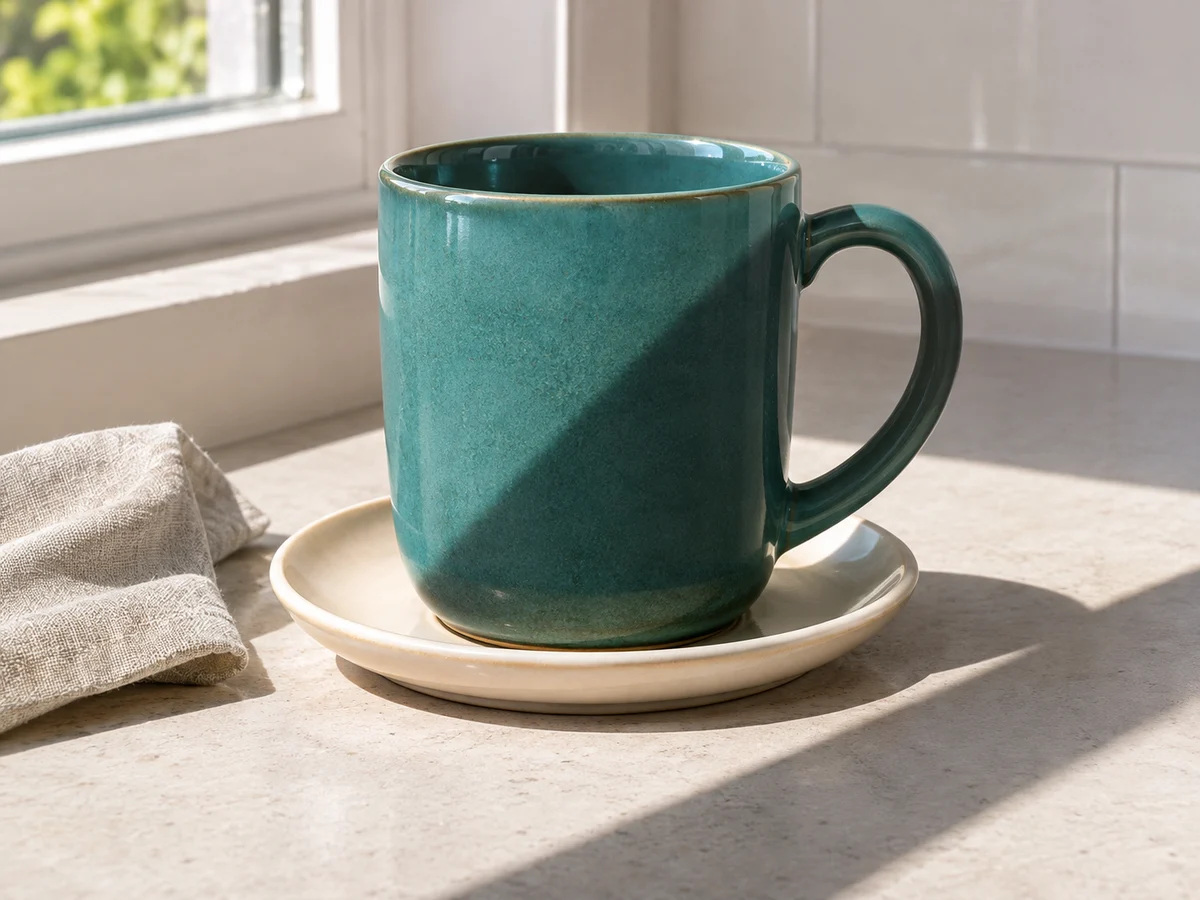
Ceramic mug: top and bottom flipped

Apply both flips

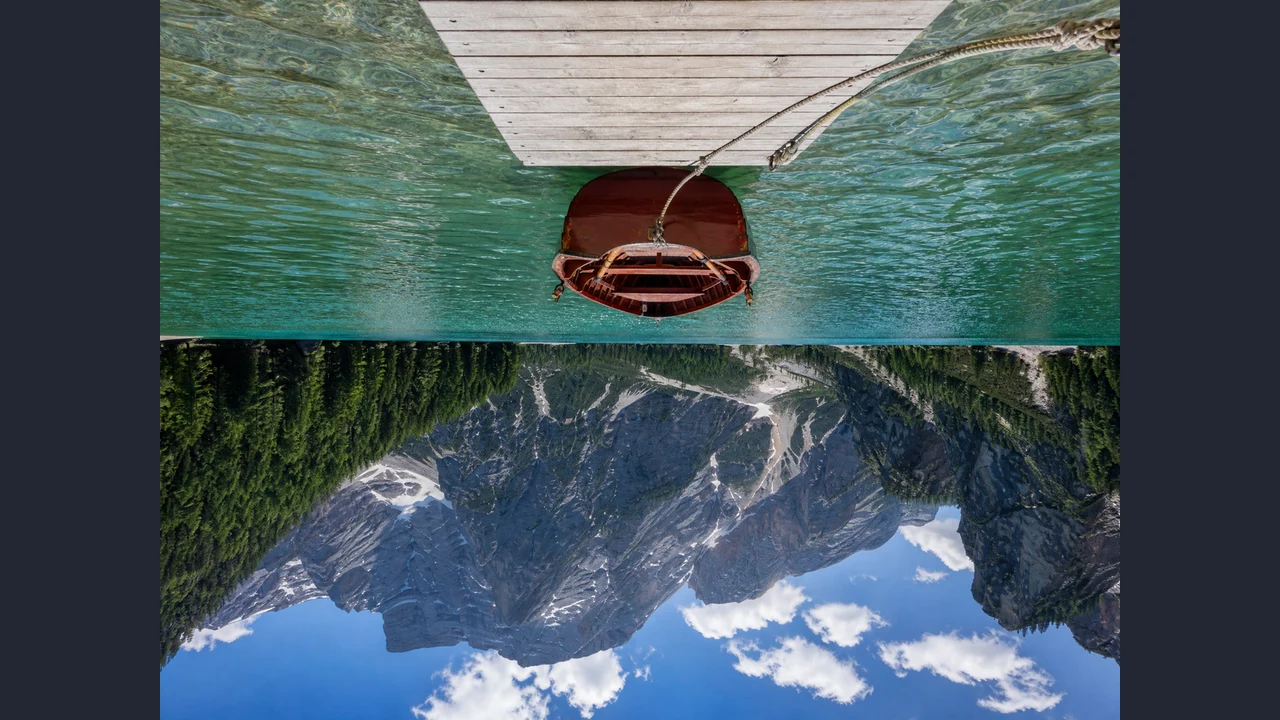
The mirror image online tool can reverse both axes. Switch on both axes to reverse left and right as well as top and bottom. Together they produce the same orientation as rotating the picture 180 degrees. This is useful for turning an upside-down scan before arranging it in a layout. Use the Reset button to return to the original orientation.

Mountain lake: both axes flipped

Keep the same pixel dimensions

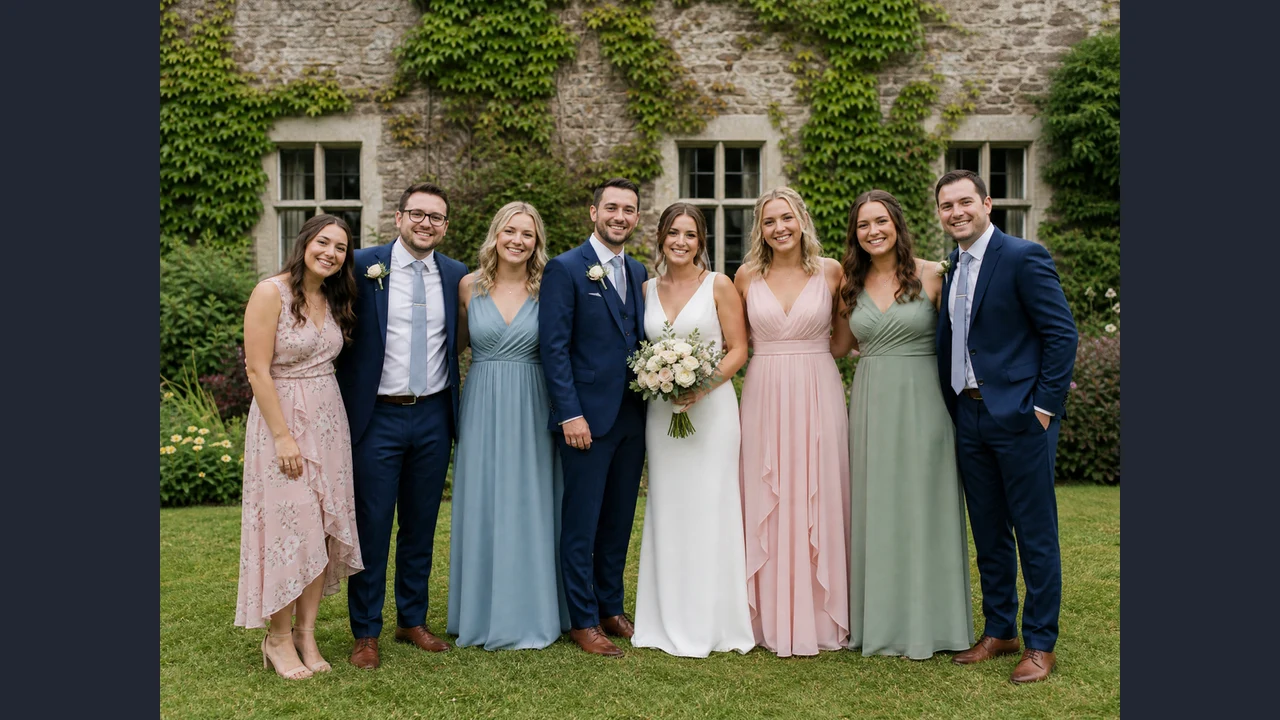
The download keeps the same width and height as your decoded image. A transparent PNG keeps its clear areas after the flip, which makes the result easy to place over a poster or a deck. Confirm transparency after opening the file in the application where you will use it.

Group portrait: left and right flipped

Where a Horizontal or Vertical Photo Flip Helps

Mirror image online for these photo and layout tasks.

Give a layout some breathing room

Flip image horizontally when a subject needs to face a headline or sit on the opposite side of a slide. Read visible lettering again before you use the new version. The mirror image online preview shows the new alignment before you save.

Reverse a mirrored selfie

Try horizontal flip on a selfie that faces the wrong direction. Compare the original and result before sharing, paying attention to a shirt logo or the direction of a familiar room. Use the mirror image online preview to check which direction feels familiar.

Make a matching graphic

Mirror a transparent illustration to make a matching piece for the opposite side of a composition. Save both PNGs for placing in your design. The mirror image online tool keeps the original width and height for easy placement.

Turn an inverted picture

Use both flip controls on an upside-down image to turn it right side up. A quick comparison can help you check which edge should be at the top. The edited copy can go into the layout while you retain the original.

How People Mirror Images Online

The dog in my opening slide faced away from the headline. I used Mirror Image Online to flip the photo horizontally, then checked the collar tag in the preview. The flipped PNG fit the layout better, and I still had the original for the handout.

Sophie Warren
Presentation Designer

Mirror Image Online FAQ

Learn how Mirror Image Online handles flip directions, transparent PNGs, lettering, and downloads.

Upload the photo and select Flip horizontally. Check the new direction in the live preview, then download a PNG. The free mirror image online tool works without an account.

Select Flip vertically to exchange the top and bottom of your picture. If the horizontal control is already selected, turn it off to keep just the vertical flip.

A horizontal flip in Mirror Image Online reverses any lettering inside the photo with the rest of the pixels. Check printed text, branding, number plates, and signs before using the edited version.

The Mirror Image Online tool exports a PNG that keeps the decoded width and height of your original image. Its file size in bytes can change because the download is encoded as PNG.

Mirror Image Online carries the transparency with the color pixels. The PNG lets the background of your next design show through those areas.

You can use the mirror image online tool without an account. Upload a JPG, PNG, or WebP up to 20 MB and within the dimension limit, set the direction, then select Download PNG.

Mirror Image Online and Download a PNG

Add a photo or a transparent graphic and choose the direction you need. Mirror image online, compare the new orientation with the original, and download the version that fits your layout.

Mirror My Image
Facial expression: left and right flipped