
















BLACK FRIDAY

2× credits · Ends Dec 1

Ends Dec 1, 11:59 pm PTGrab 2× credits
Image Size Checker

Check your image width, height, file size and aspect ratio. Download a text report with the exact values.

JPG, PNG or WEBP · up to 20 MB

Read the dimensions and original file size without changing your image.

Free online image size checker · no sign up · original unchanged, no watermark added.

No limit on downloads.

Live preview

Choose an image to see its pixel dimensions, original file size and aspect ratio here.

Image Size Checker: Free Pixel Dimensions, File Size and Ratio

Know your picture dimensions and file weight before you choose where it belongs in your project.

Know what is in your image file before sending it to a website, a designer or a shared folder. The image size checker shows pixel width and height, the original file size, aspect ratio and megapixels together. Choose a JPG, PNG or WebP, read the values beside your picture, then download a text report to keep with your project notes. Your original image stays unchanged.

Check My Image Size
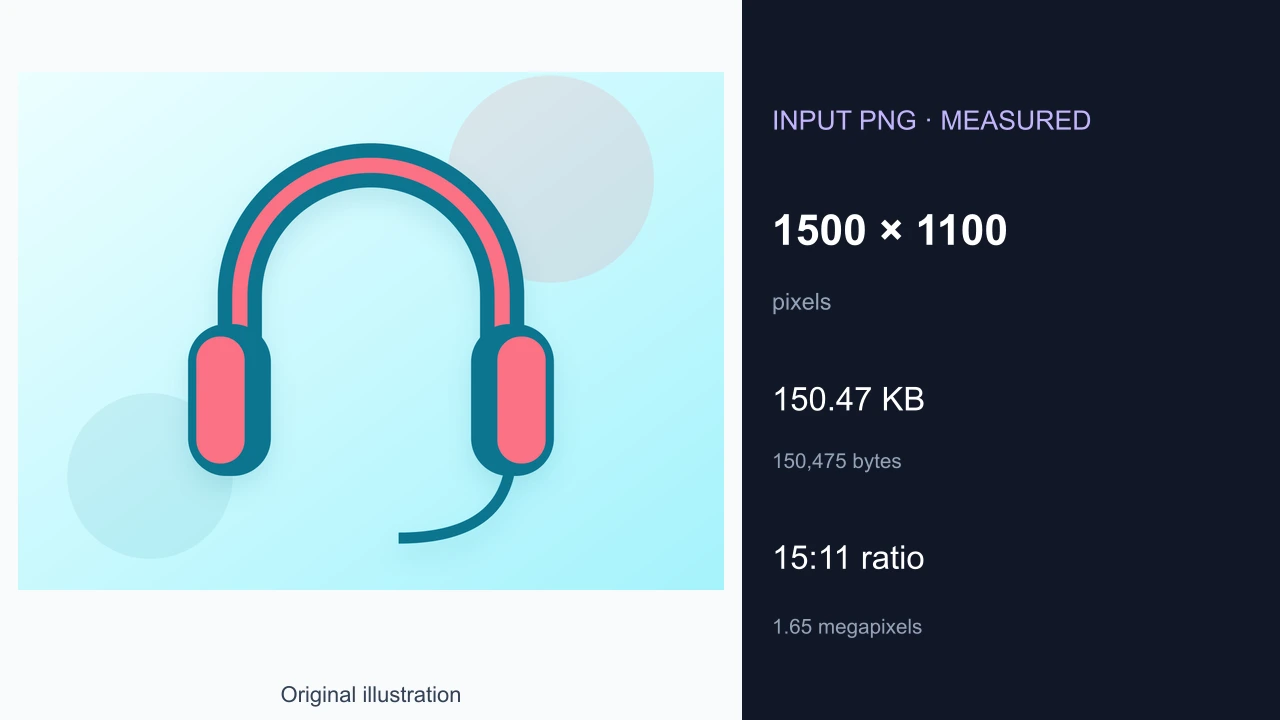
Headphones original PNG illustration and its measured 1500 by 1100 pixel dimensions, original file bytes and aspect ratio
Pixel width and height|Exact file bytes|No Sign Up|Original image unchanged

How to Use the Image Size Checker Online

Use the image size checker to replace a guess with the actual dimensions and file weight of your picture. Choose one image, read the measurements beside its preview and keep a report if you need it. The steps below separate the original image from the information you save about it.

1

Choose the Image You Want to Check

Open a JPG, PNG or WebP up to 20 MB in the image size checker. Pick the file you plan to use, so the reported byte size belongs to that exact copy.

2

Read the Picture and File Measurements

Review pixel width, height, file size, aspect ratio and megapixels in the image size checker. Compare the pixel dimensions with your layout requirements, and check the bytes separately against any file-size limit.

3

Save the Information You Need

Choose Download size report to keep a text copy of the filename and measurements. Read those values alongside your project requirements, then use Replace photo when you want to inspect another image file.

AI Fixes for Harder Photo Problems

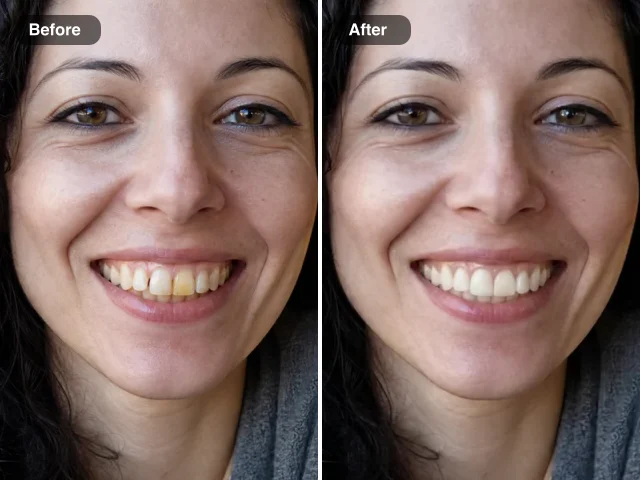
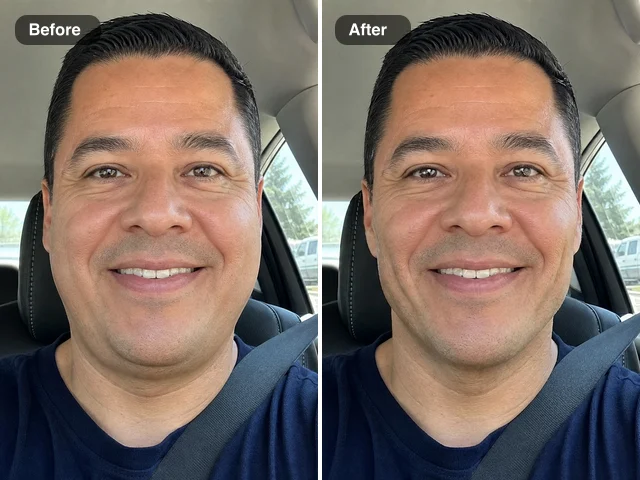
When a picture needs whiter teeth, a slimmer face, no glare or a corrected number, these AI photo fixers make the edit for you.

Check Image Size Online in Pixels, KB and MB

Check image size online with dimensions and file weight shown as separate facts. The image size checker brings the width, height, exact bytes, ratio and megapixel count into one view, making it easier to read a file specification before choosing whether that picture fits the next step of your project.

Pixel Dimensions You Can Read Directly

See the original picture width and height in pixels beside the preview. The image size checker uses the dimensions of the image you selected, helping you compare it with a web layout or design brief. Check pixel size of image files before handing them over, rather than estimating the resolution from a thumbnail.
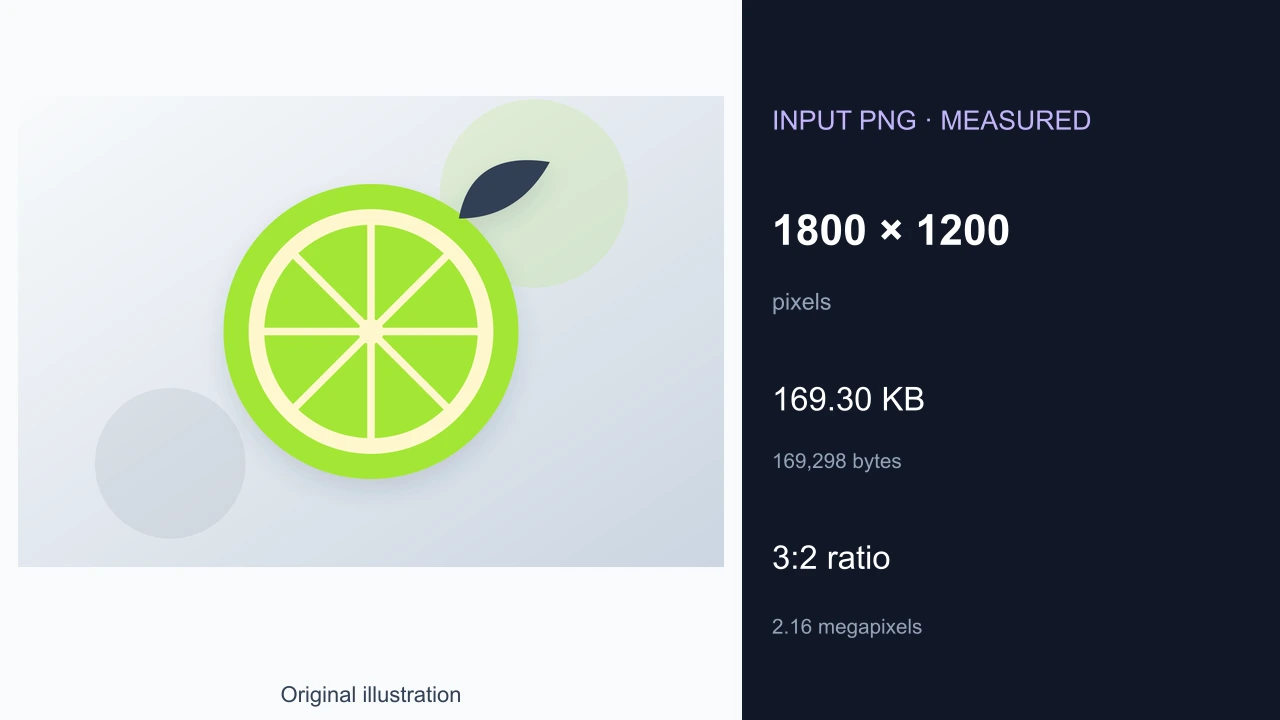
Citrus poster original PNG illustration and its measured 1800 by 1200 pixel dimensions, original file bytes and aspect ratio

File Weight with Exact Bytes

A picture can have generous pixel dimensions and still be a small compressed file. The image size checker shows the original byte count and a readable file size in decimal KB or MB. Use that information to check a file requirement separately from the width and height your design needs.

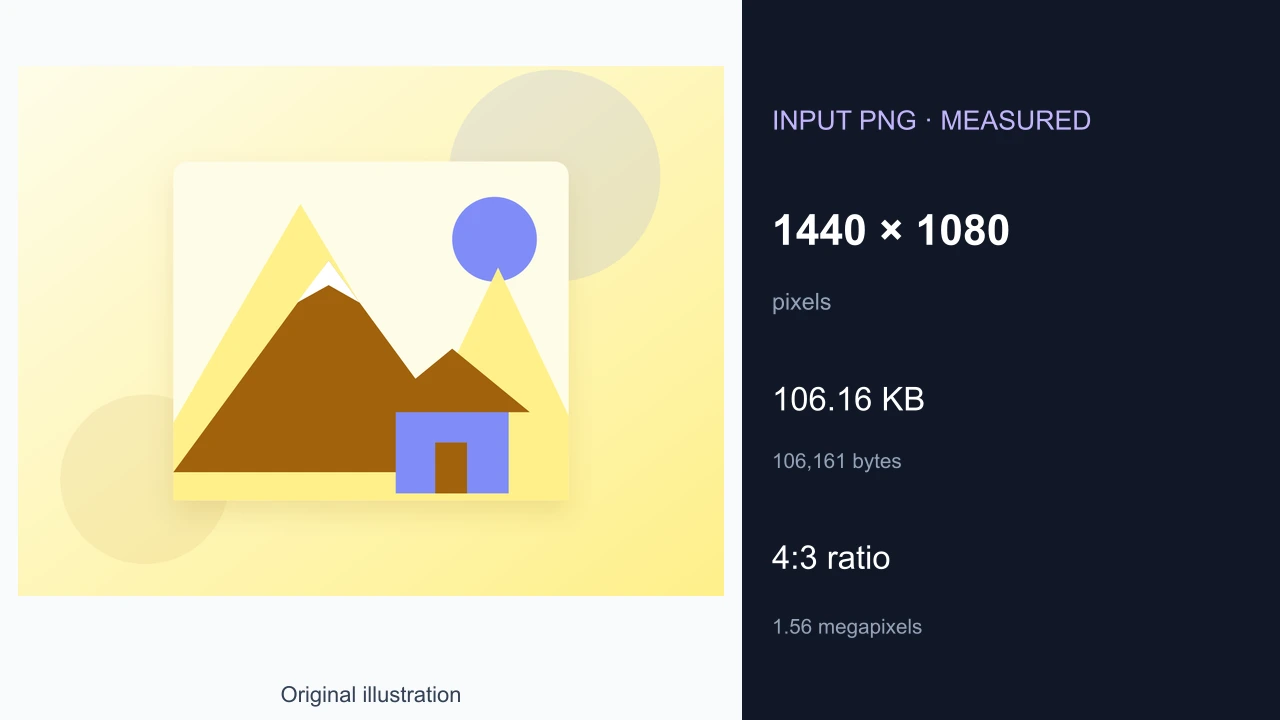
Mountain cabin original PNG illustration and its measured 1440 by 1080 pixel dimensions, original file bytes and aspect ratio

Aspect Ratio and Megapixels Together

Read the simplified width-to-height ratio and the megapixel count alongside the other measurements. The image size checker makes it easier to tell a square image from a wide or portrait format before placing it in a layout. A photo size checker is useful when the specification mentions both shape and pixel dimensions.

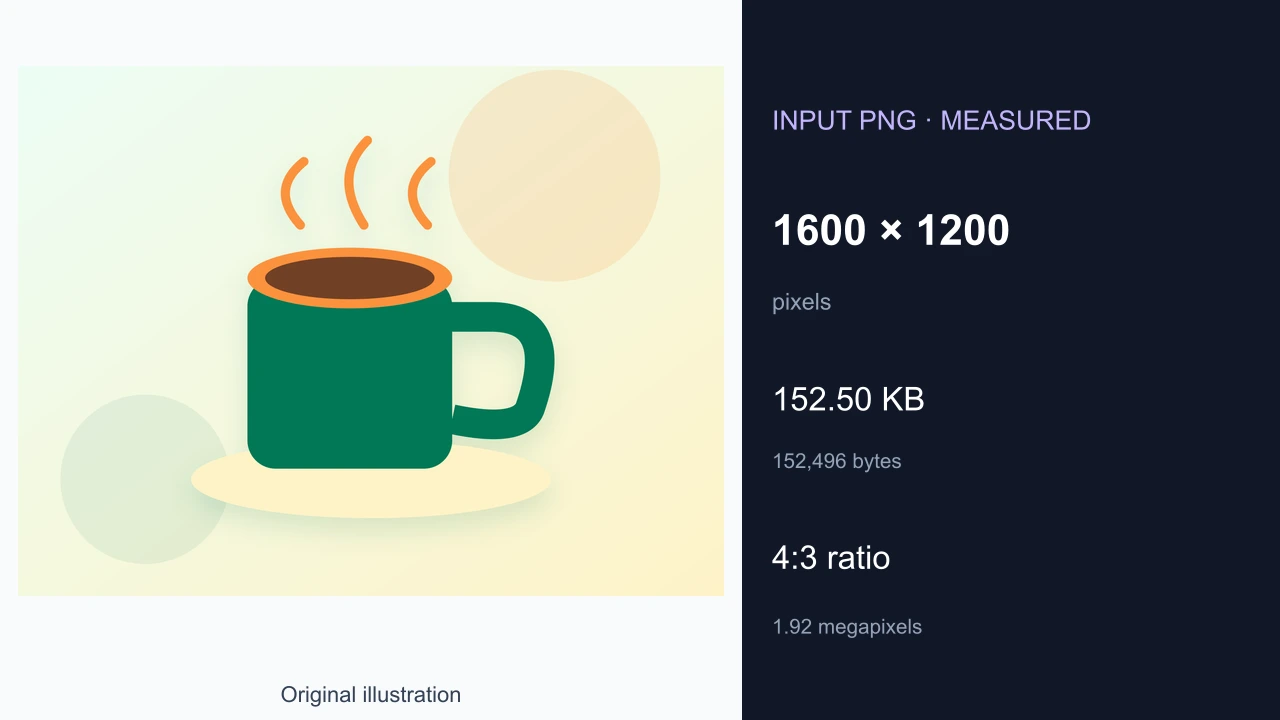
Coffee kit original PNG illustration and its measured 1600 by 1200 pixel dimensions, original file bytes and aspect ratio

A Text Report, with Your Photo Unchanged

Download the filename and measurements as a plain text report for your project notes or handover. Check image size online and keep the numbers without exporting another copy of the photo. The image itself is not edited, resized or re-encoded, so you can refer back to the original file you chose.

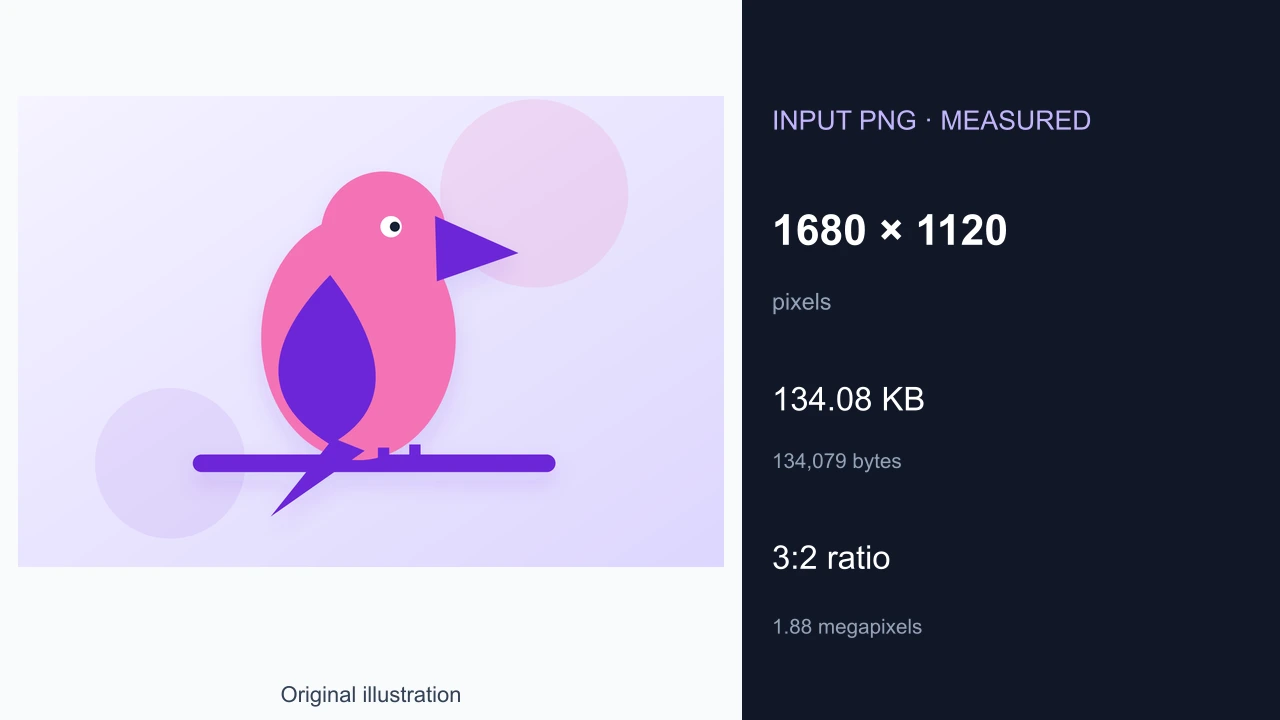
Tropical bird original PNG illustration and its measured 1680 by 1120 pixel dimensions, original file bytes and aspect ratio

A Photo Size Checker for Uploads, Layouts and Everyday Files

A file specification can refer to dimensions, file weight or the shape of an image. A photo size checker helps you read those values before choosing the next action. These examples show where a simple measurement check can clarify what you have and what your project is asking for.

Website Upload Requirements

Check a picture before submitting it to a form that lists a pixel requirement and a file-size limit. The image size checker shows both measurements, helping you decide whether the selected copy matches the specification or needs preparation in another tool.

Design Handover Notes

Include the exact picture dimensions and ratio when sending an image to a designer. The image size checker gives you a text report you can keep with the handover, so the recipient can see the measurements of the supplied file.

Presentation and Layout Planning

Look at a picture before placing it into a slide, profile layout or page design. Use the image size checker to compare its aspect ratio and resolution with the intended space, then plan the placement using the values you have read.

Everyday File Organization

When several versions of a photo have similar names, check image size online for the copy you are considering. Read its dimensions and bytes, then keep the text report with your notes if those details help you identify the version later.

How People Use the Image Size Checker

A submission form gave me separate limits for pixels and megabytes. I opened the file in the image size checker and saw its width, height and file size together. I saved the text report with my submission notes so I could keep track of which version met the requirements.

Owen Sinclair
Web Content Editor

Image Size Checker Questions, Answered

These image size checker answers explain the difference between picture dimensions and file weight, the values shown beside your preview and the text report you can save. Read them before choosing an image if you want to understand which measurement matters for your next upload or layout.

The image size checker shows pixel dimensions, file weight, aspect ratio and megapixels. The picture preview lets you confirm which file you selected. Together, those values describe the image dimensions and file weight without editing or exporting a replacement image.

Choose a JPG, PNG or WebP up to 20 MB, then read the measurements displayed beside the picture preview. You can check image size online for free and save a text report of the results. The file size belongs to the original selected file, while width and height describe its decoded pixels.

This photo size checker works with no sign up or login, and uses zero credits. Open the image you want to inspect, review the dimensions and file weight, then download a text report if useful. The report is an information file; your original photo stays unchanged throughout the check.

Pixels describe the width and height of a picture, while KB and MB describe how much file data it contains. The image size checker uses decimal units: 1 KB is 1,000 bytes and 1 MB is 1,000,000 bytes. Compression can change file weight without changing the number of pixels, so read both measurements separately.

Select the picture and check that Width shows 1920 px and Height shows 1080 px. The image size checker reads those dimensions from the image you choose, rather than inferring them from its filename. To check pixel size of image files, use the Width and Height values, not the file size in KB or MB.

Choose Download size report to save a plain text file containing the filename and measurements. The image size checker does not edit, resize or re-encode your original photo. Keep the report with a design brief or upload checklist when you want to refer to the dimensions and byte count later.

Checking adds no watermark or other mark to the original image because the photo is not edited or exported. The image size checker reads its dimensions and file weight, and offers a separate text report of those values. Your original picture remains the same file you selected for the check.

Open the Image Size Checker Free Now

Choose the picture you are about to use and let the image size checker show its pixel dimensions, exact file bytes and ratio. Keep a text report for your notes, with the original photo unchanged. Check online for free, with no sign up.

Check My Image Size
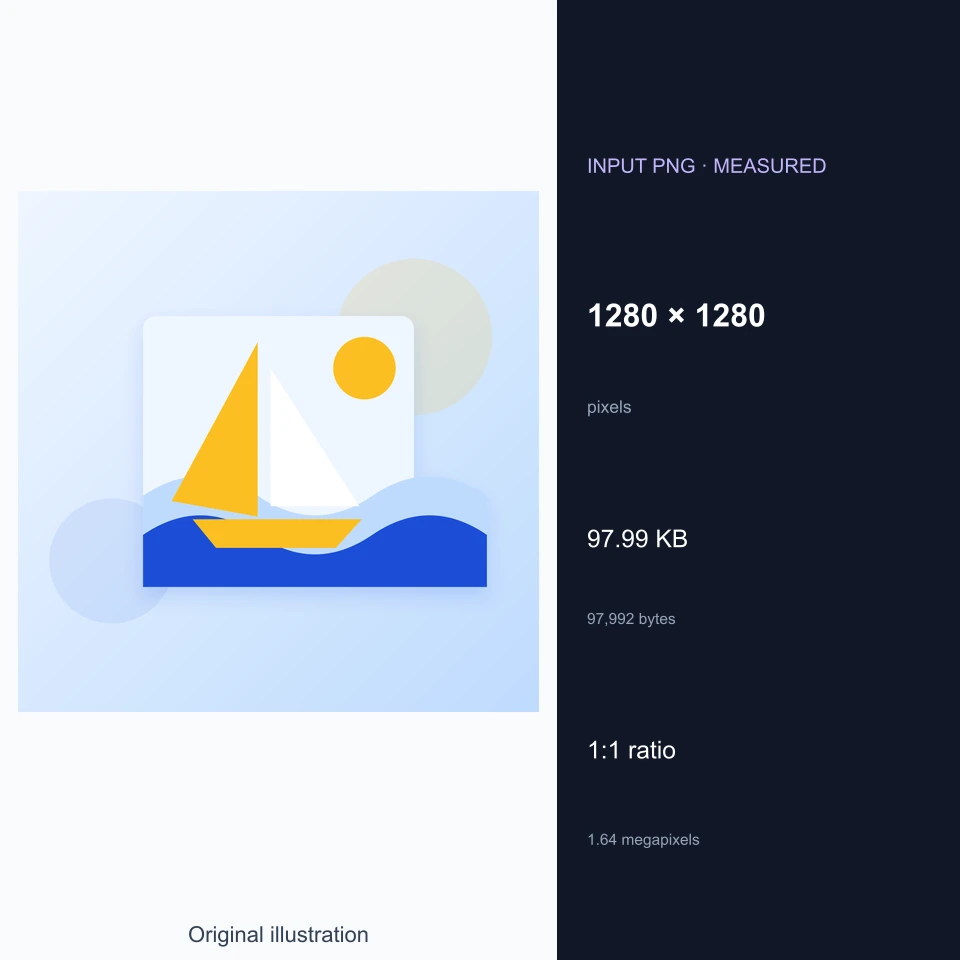
Sailing poster original PNG illustration and its measured 1280 by 1280 pixel dimensions, original file bytes and aspect ratio