









BLACK FRIDAY

2× credits · Ends Dec 1

Ends Dec 1, 11:59 pm PTGrab 2× credits
Unblur Image

Upload one photo to fix blurry pics from soft focus or mild camera shake. The AI tries to clarify visible edges and details. Compare important features with the original before saving.

Unblur Image
Upload Your Photo

JPG, PNG or WebP · up to 20 MB · max 6000 px per side

Public Visibility
Required credits
6
Examples
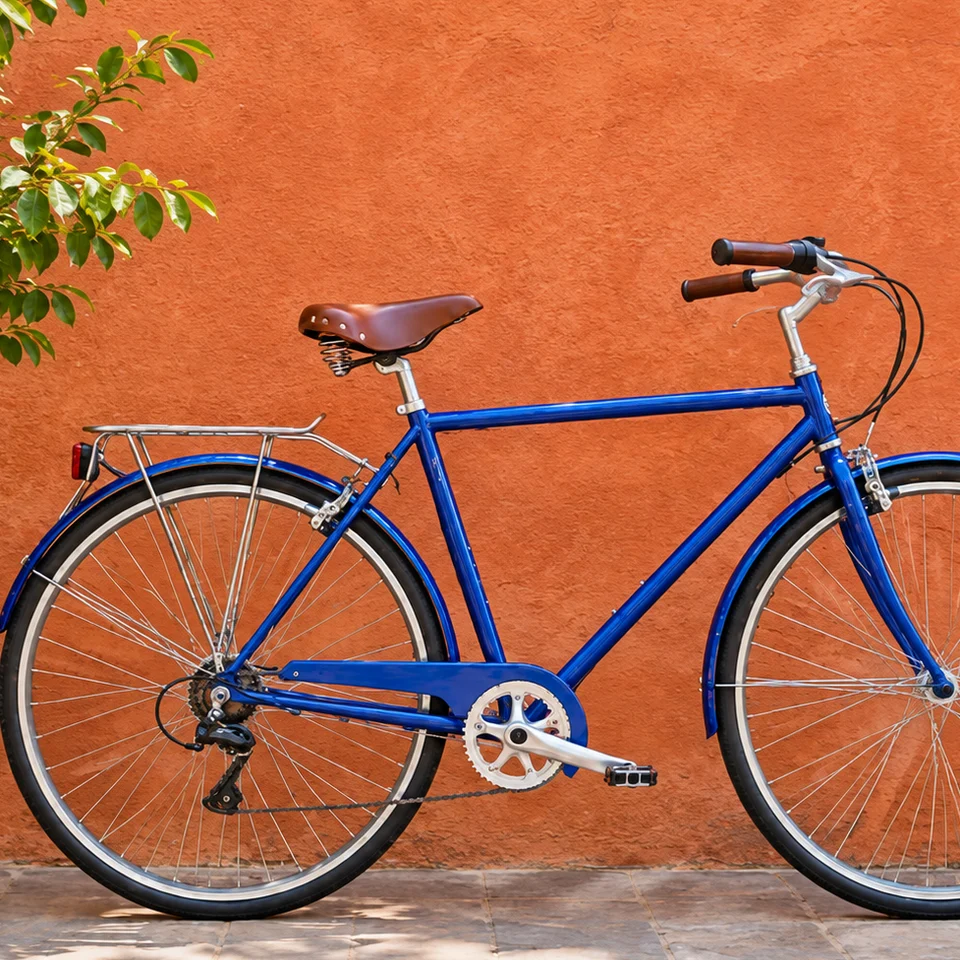
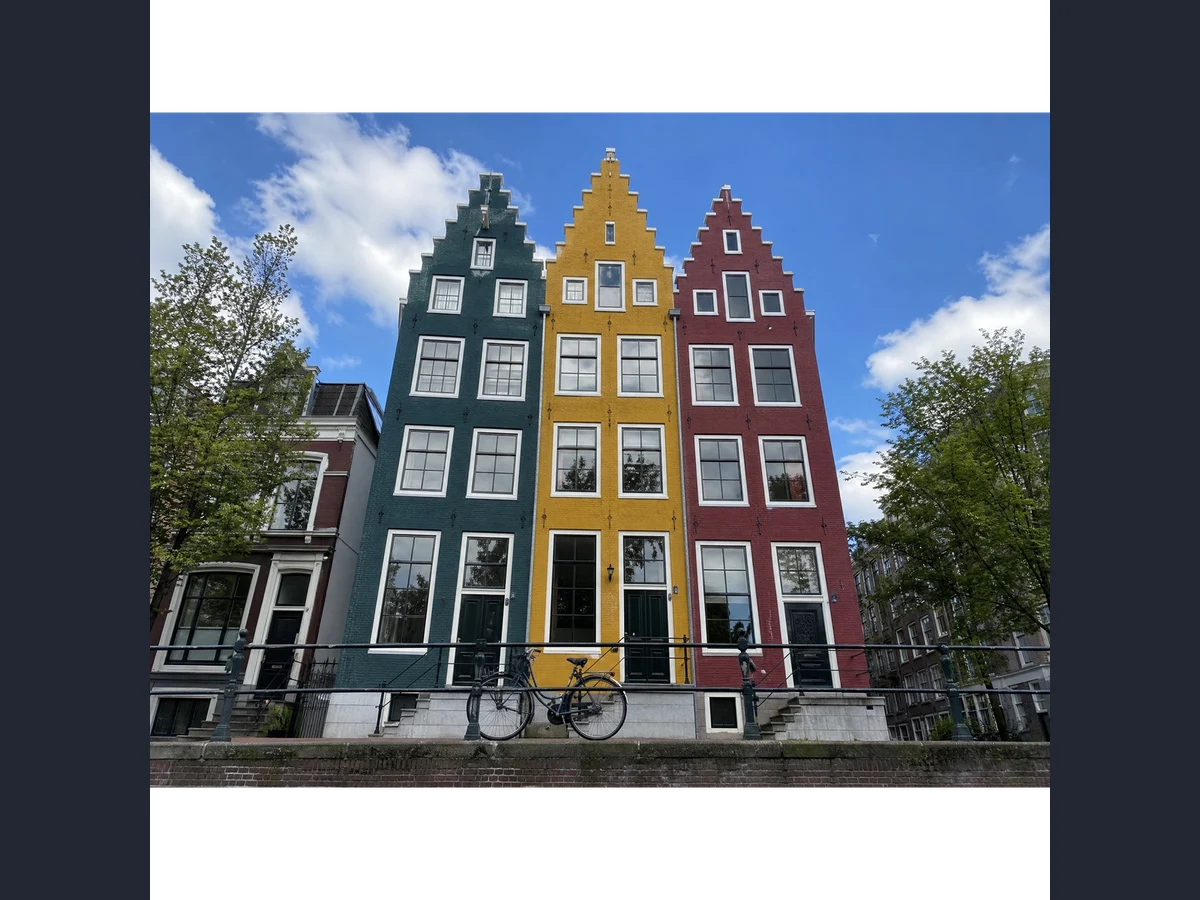
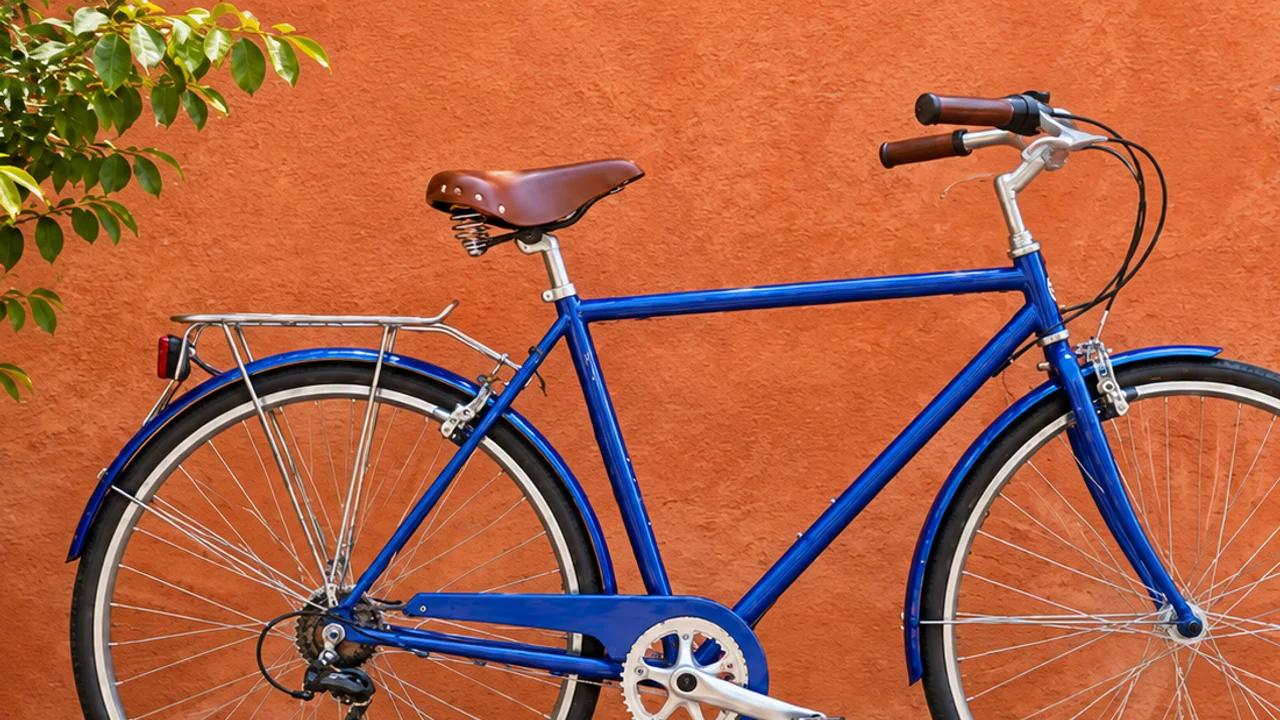
Blue bicycle with clearer edges after photo editing

More Fixes for the Same Kind of Photo

Other tools in this category, for the next problem in the same picture.

Fix Blurry Pics with AI for Soft Focus and Mild Camera Shake

Reduce mild camera shake and soft focus in an everyday photo.

Upload a photo that looks soft because the camera missed focus or shifted slightly when you took it. The AI uses the edges and texture it can see to make the photo look clearer, with instructions to preserve the subject and original framing. Try it on a slightly soft portrait, a still life, or a snapshot with short motion trails. Compare fine details with the original at the same size before downloading the result. For photos with important lettering or numbers, compare those details with the source photo before saving.

Unblur Image
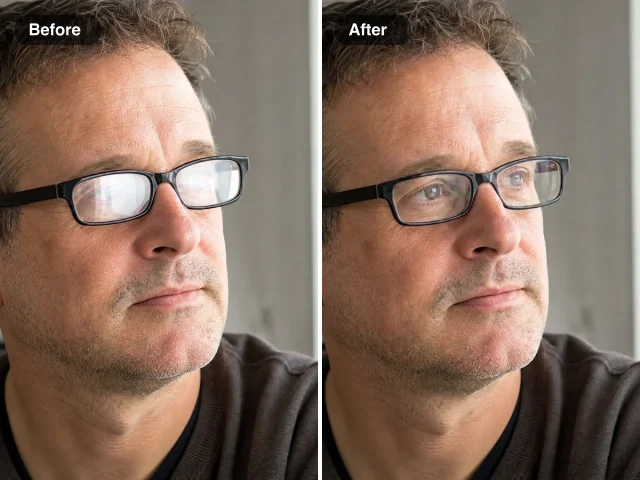
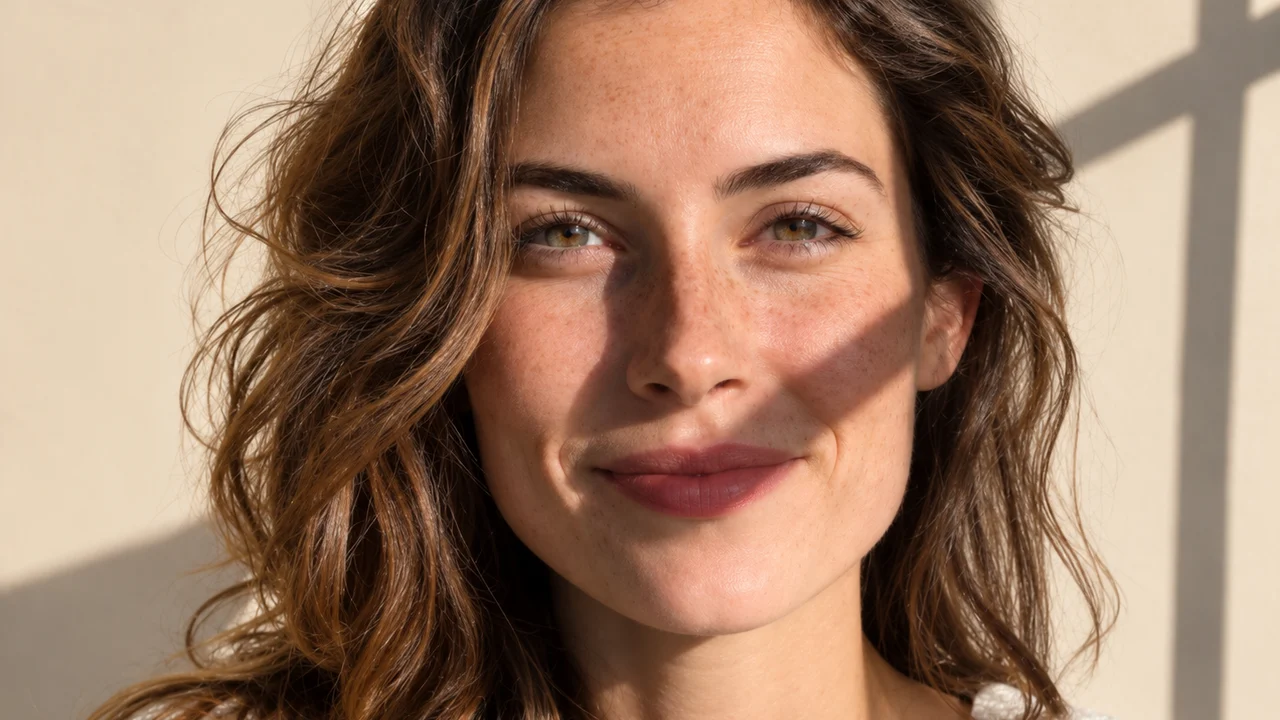
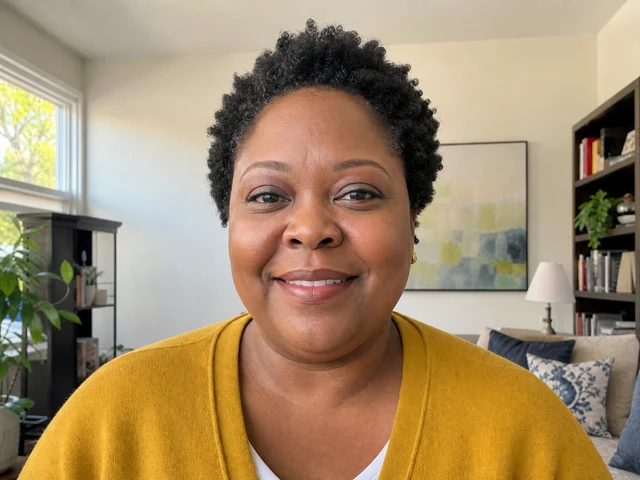
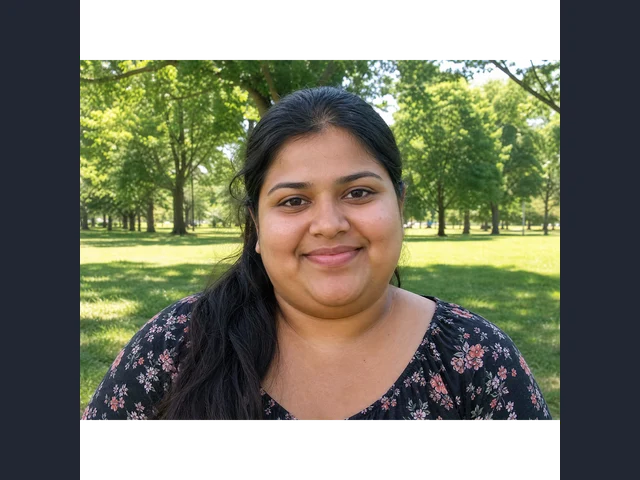
Portrait with clearer eyes and hair after editing
Soft Focus|Mild Camera Shake|Before and After Preview

How to Fix Blurry Pics Online

Follow these steps to fix blurry pics and compare the result with your original.

1

Choose a photo with visible detail

To fix blurry pics, upload one JPG, PNG, or WebP with a face, object, or scene you can already recognize. A picture with softened edges or short movement trails gives the editor enough structure to work with. Keep the original nearby so you can compare it after the edit.

2

Run the AI photo edit

Select Edit Image to fix blurry pics in the workspace. FixImage uses GPT Image 2 with built-in instructions to bring edges into focus and keep the framing and subject close to the original. A photo with slight movement or missed focus can come back with clearer edges.

3

Compare important details before downloading

View the edited photo next to the original at the same size. Look at eyes, outlines, and any text you need to read. The model may change details on blurred areas, so rely on your original for important words and numbers.

Free Photo Tools, No Credits Needed

Repair a broken JPG, straighten a photo, make a scan or add an outline for free, with nothing added to your download.

See AI Deblur on Soft Focus and Camera Shake

See how the editor can fix blurry pics, and what to compare in different kinds of photos.

Fix Blurry Pics from Soft Focus

Slightly missed focus can leave the whole subject recognizable while softening eyes, hair and object edges. The editor uses the features it can see to fix blurry pics with soft focus. Compare the shape and texture at the same display size to decide whether the photo looks clearer.
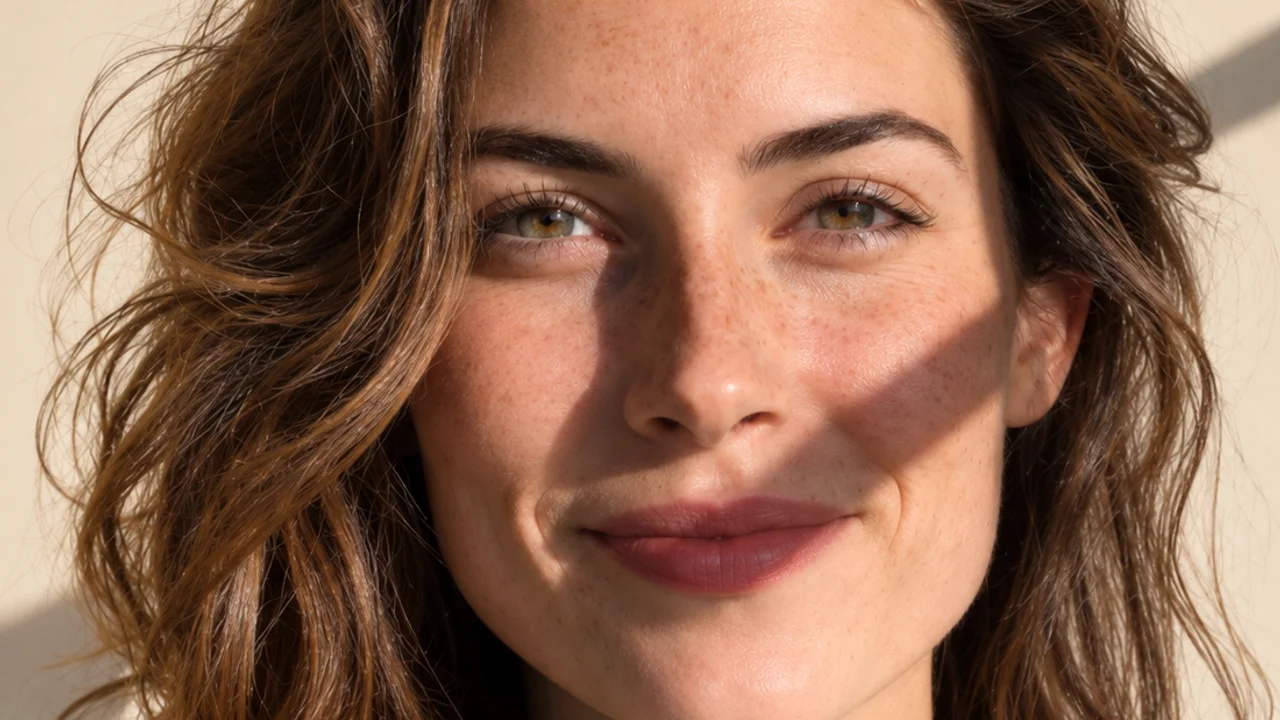
Portrait with clearer eyes and hair after editing

Unblur Image Edges After Mild Camera Shake

A small shift during exposure can leave short trails around static objects and edges. To fix blurry pics from mild shake, the photo edit tries to make those outlines easier to distinguish. Compare straight lines or repeated details with the original, especially in night pictures where bright points can leave longer trails.

Blue bicycle with clearer edges after photo editing

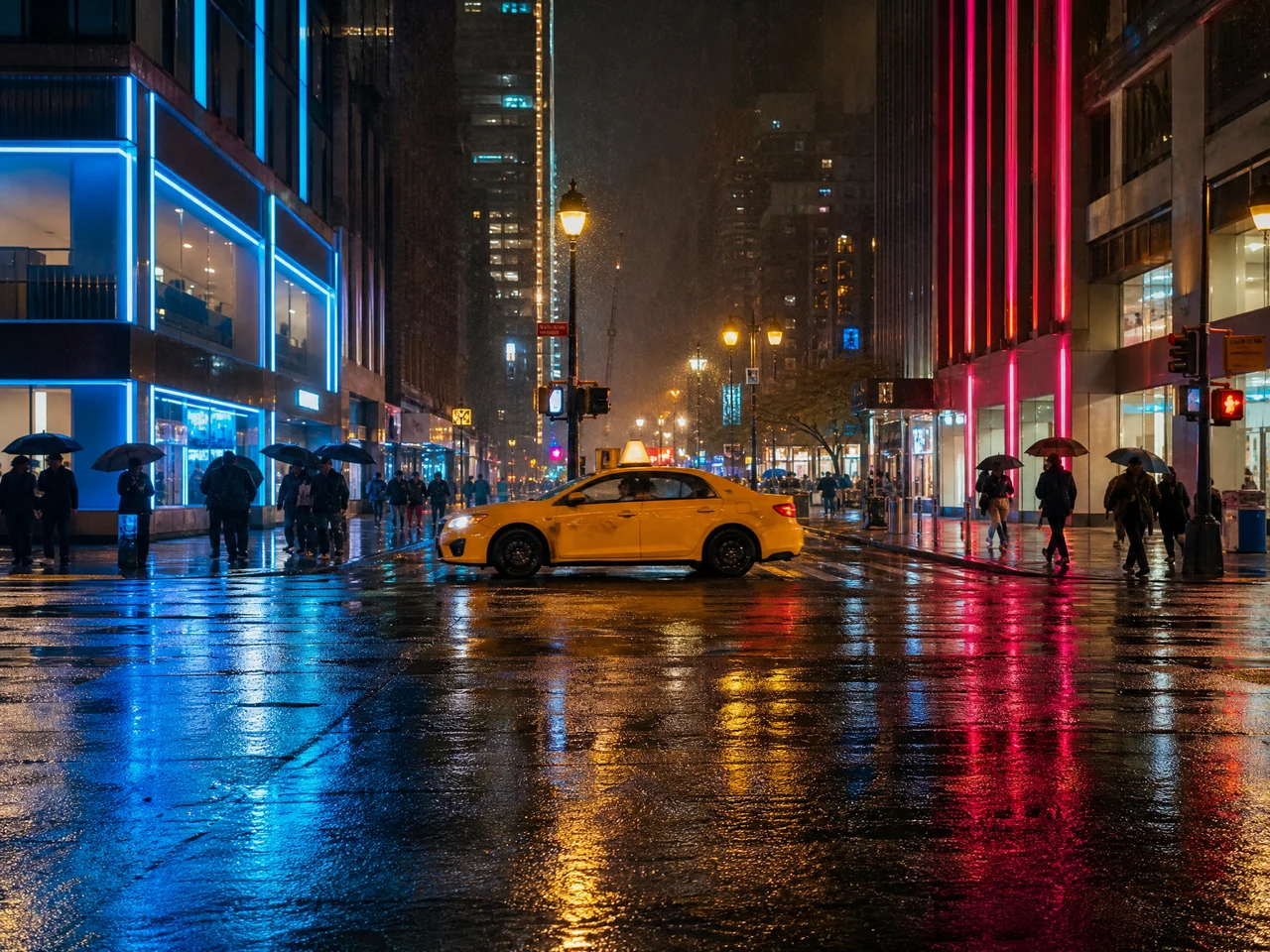
Compare High-Contrast Edges in Street Photos

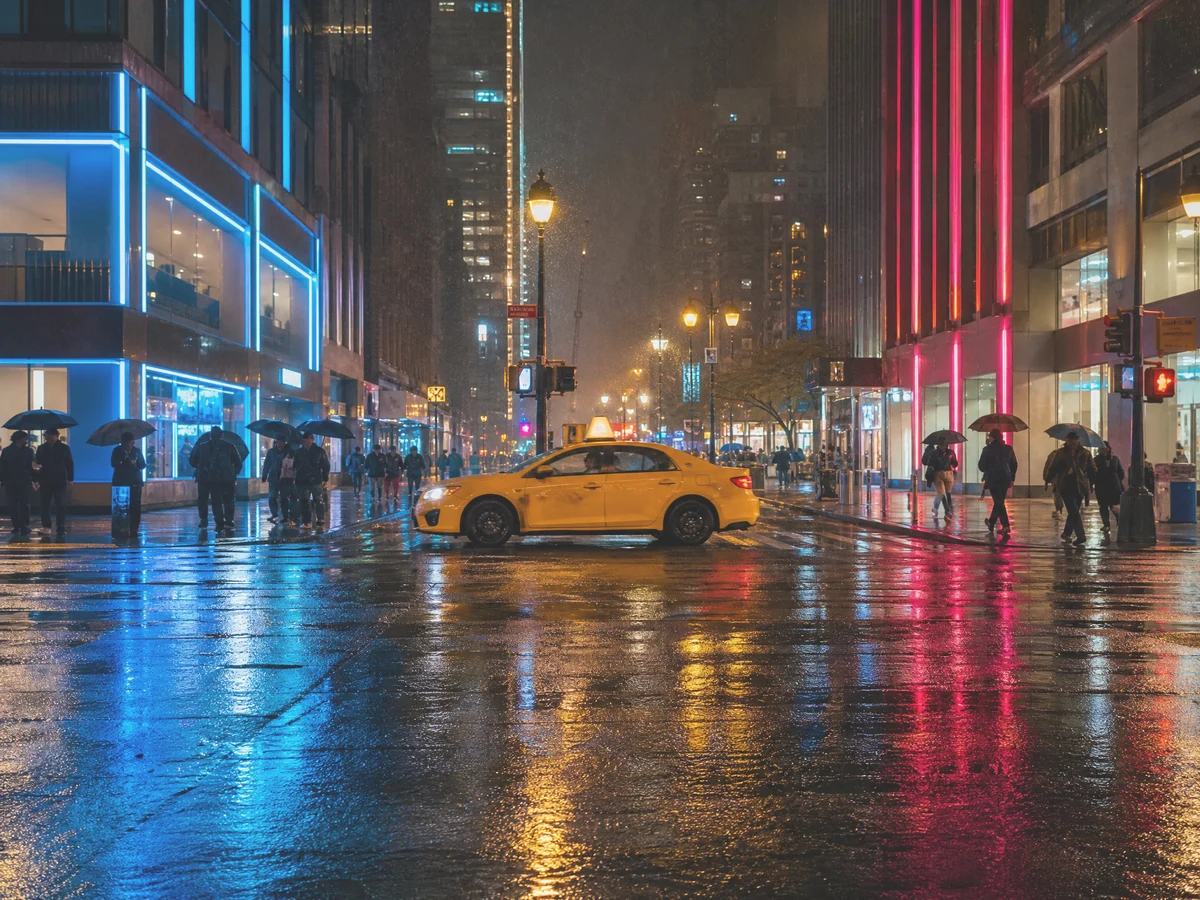
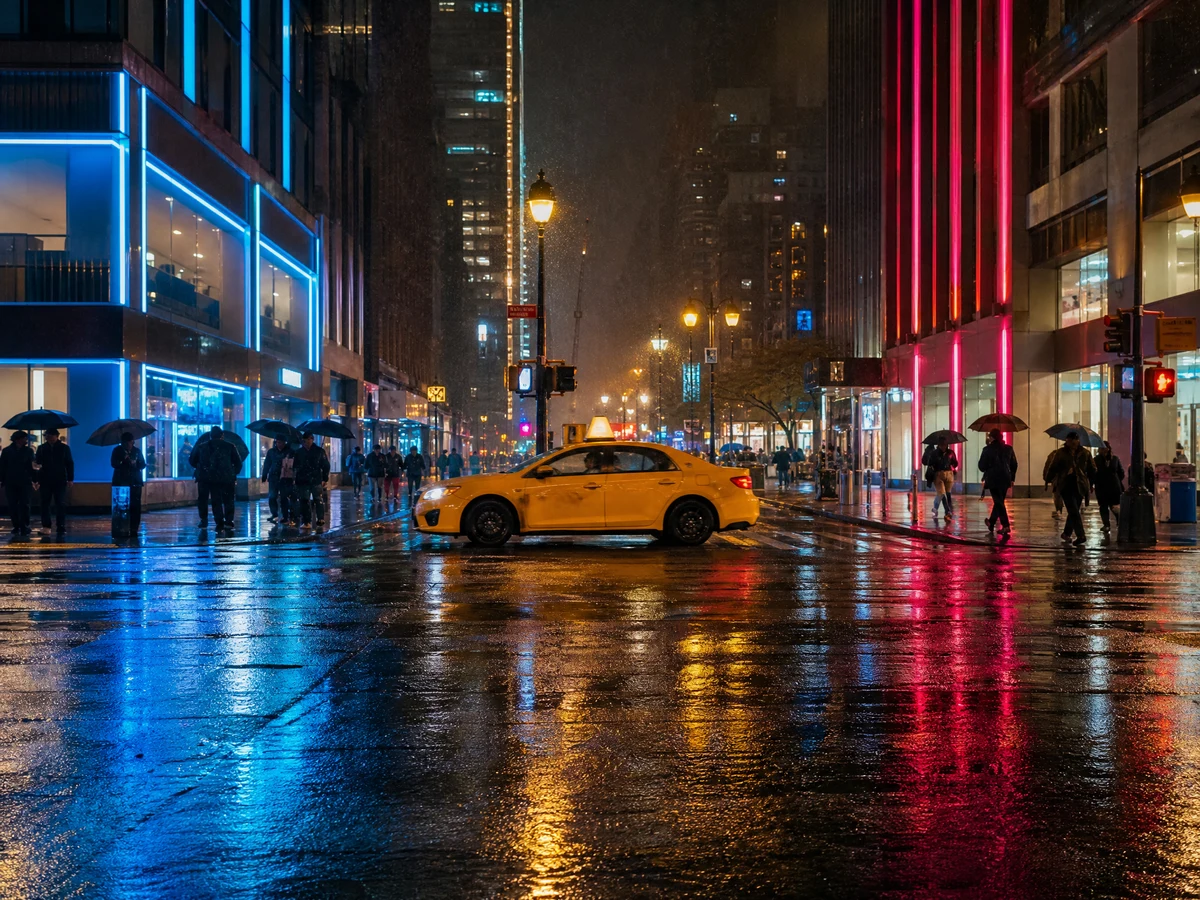
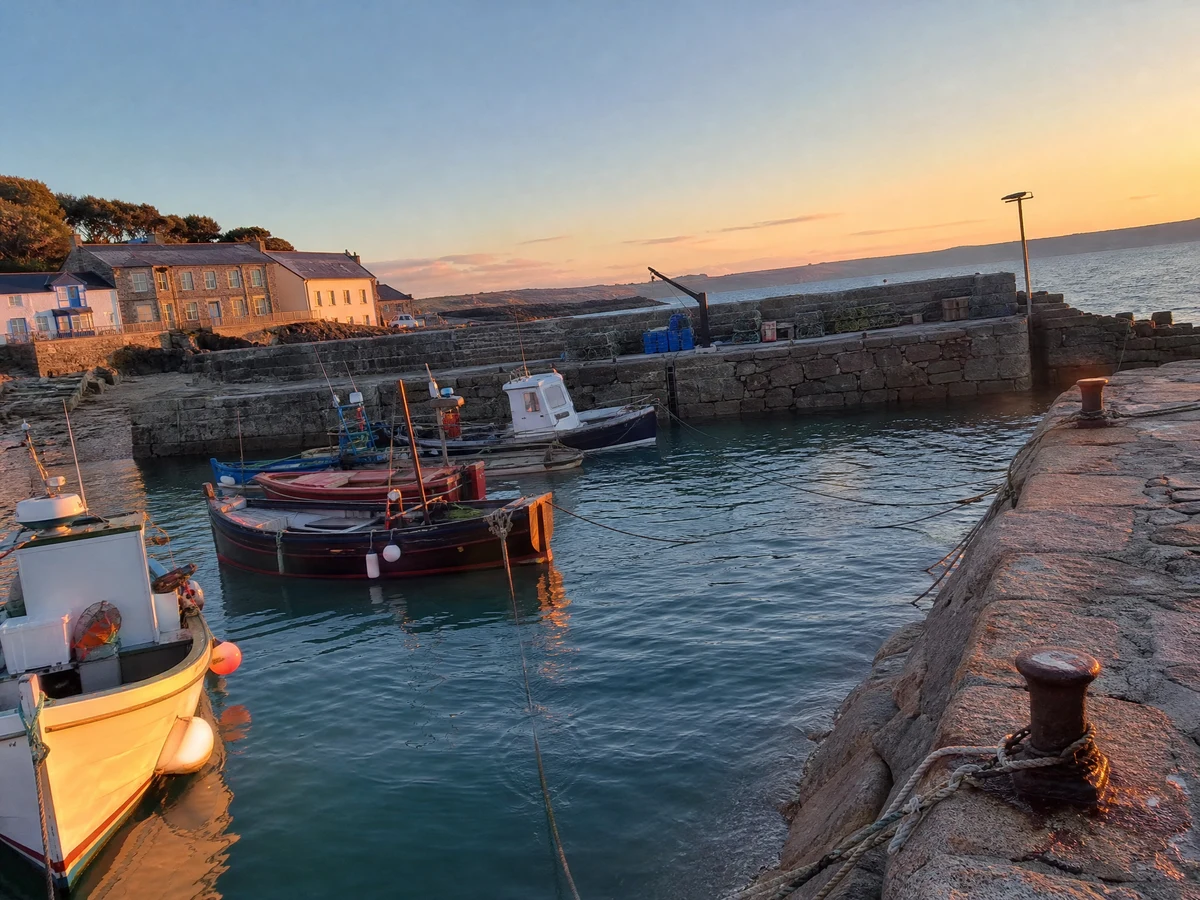
When you fix blurry pics from a street scene, use a clear edge for reference. This input photo has bright signs and storefront edges you can look for in the preview. Look at the edge in both versions at the same display size, then zoom back out to check how the whole scene reads.

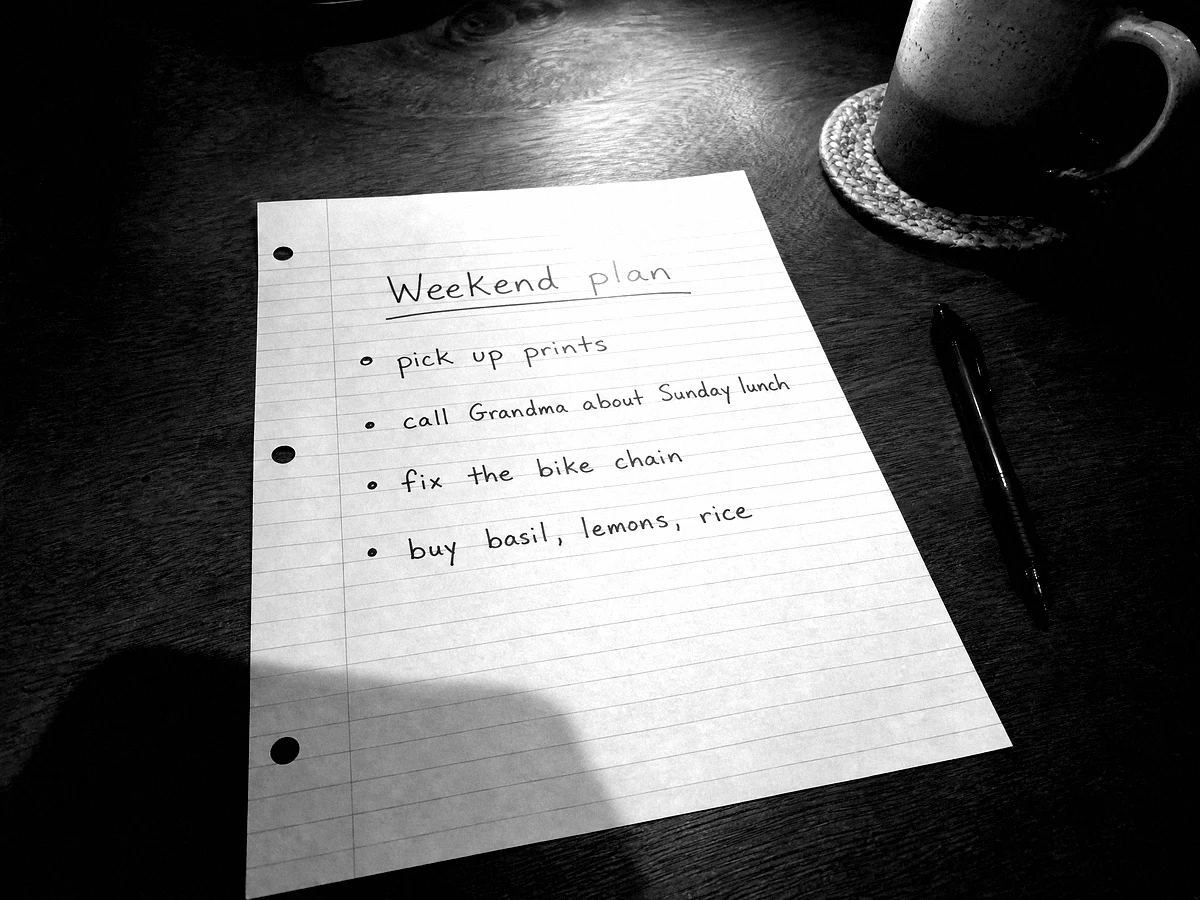
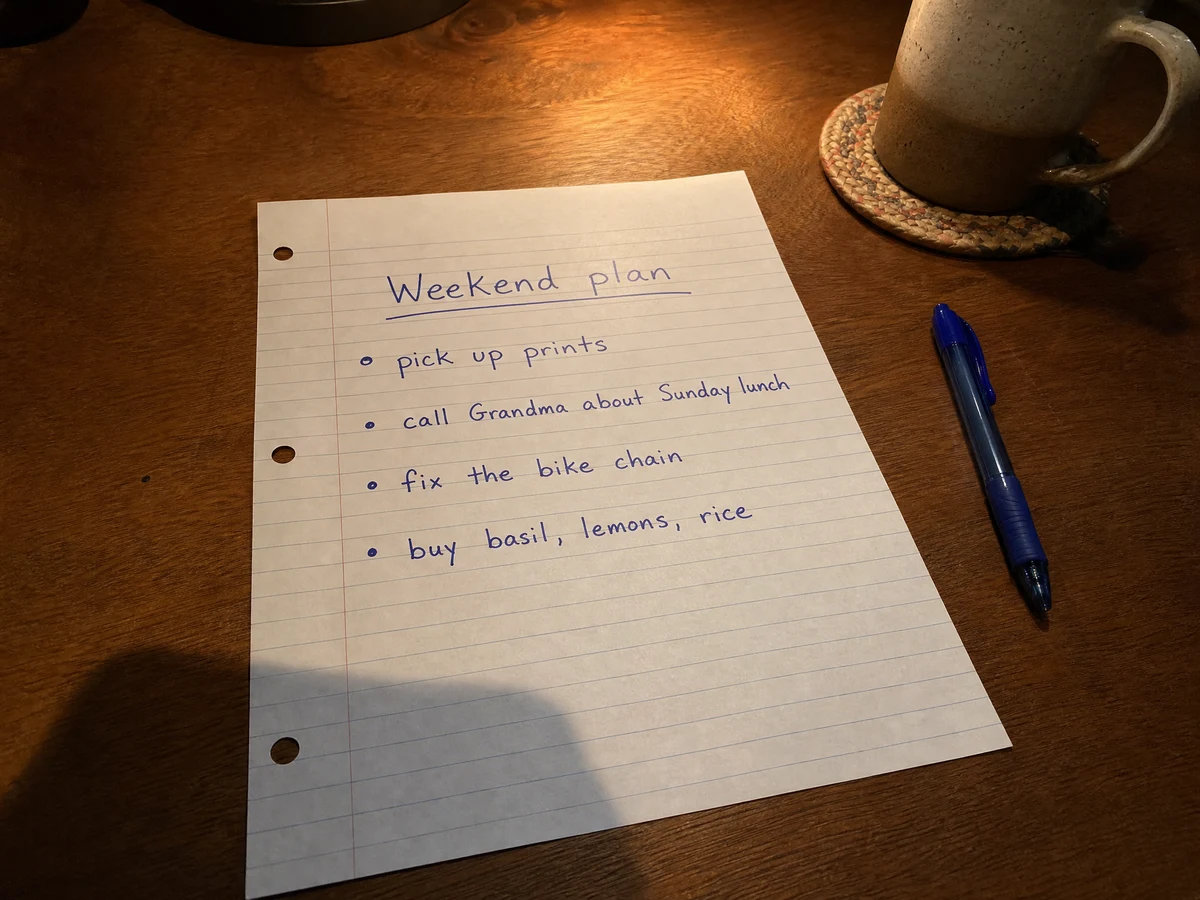
Input photo: wet street with bright signs and reflections to compare

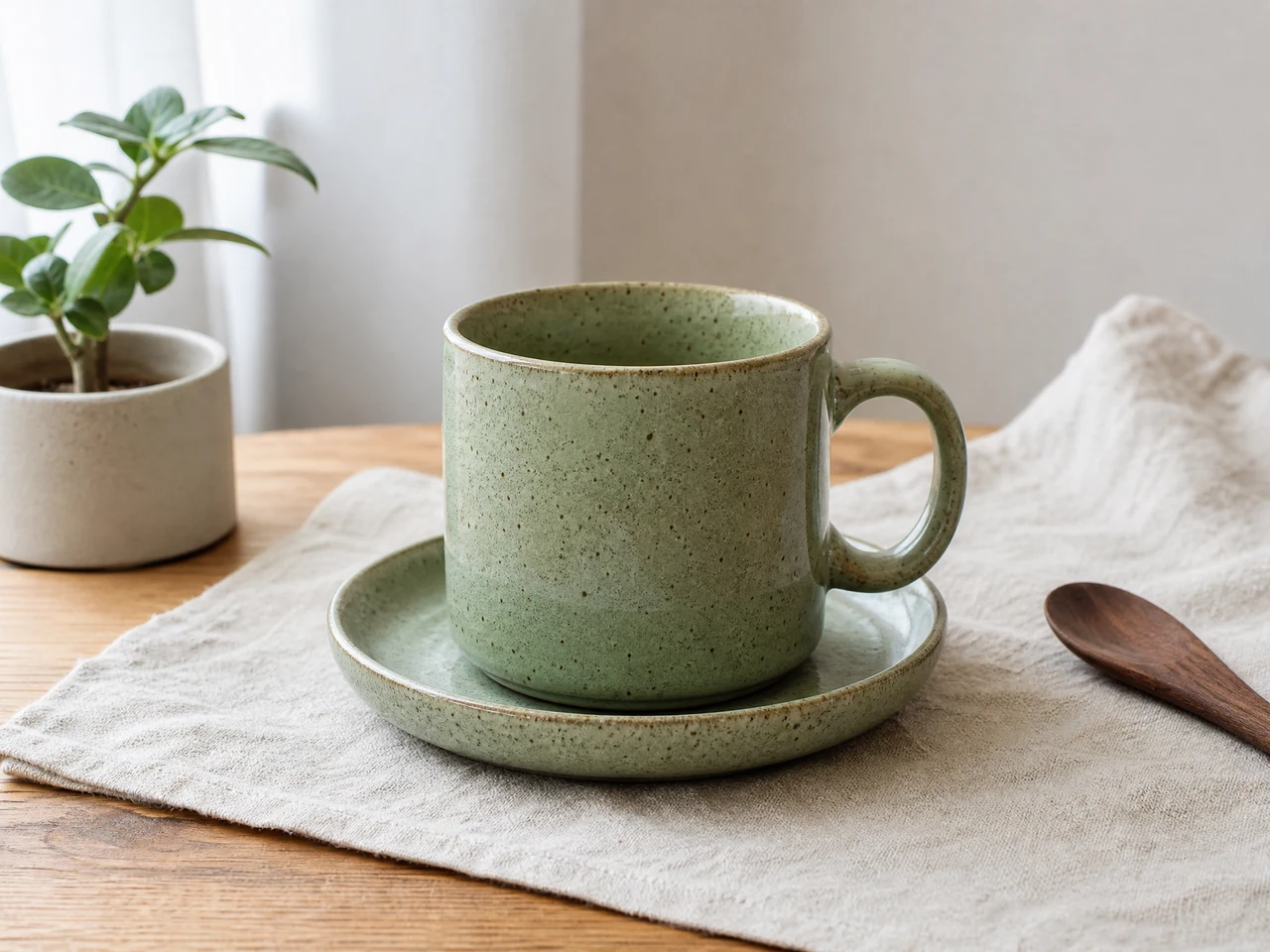
Inspect Texture and Shape in Product Photos

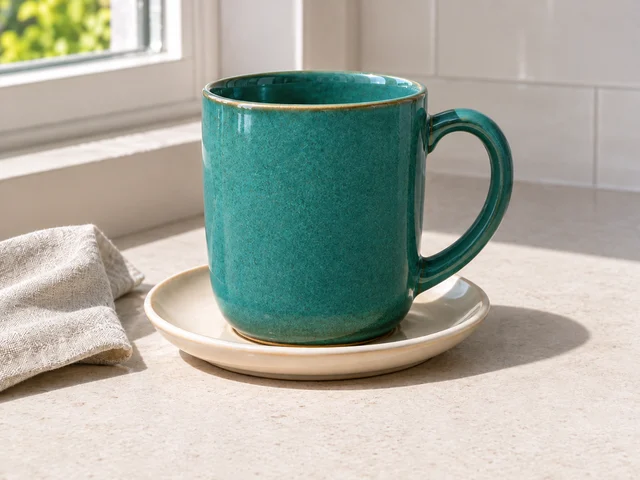
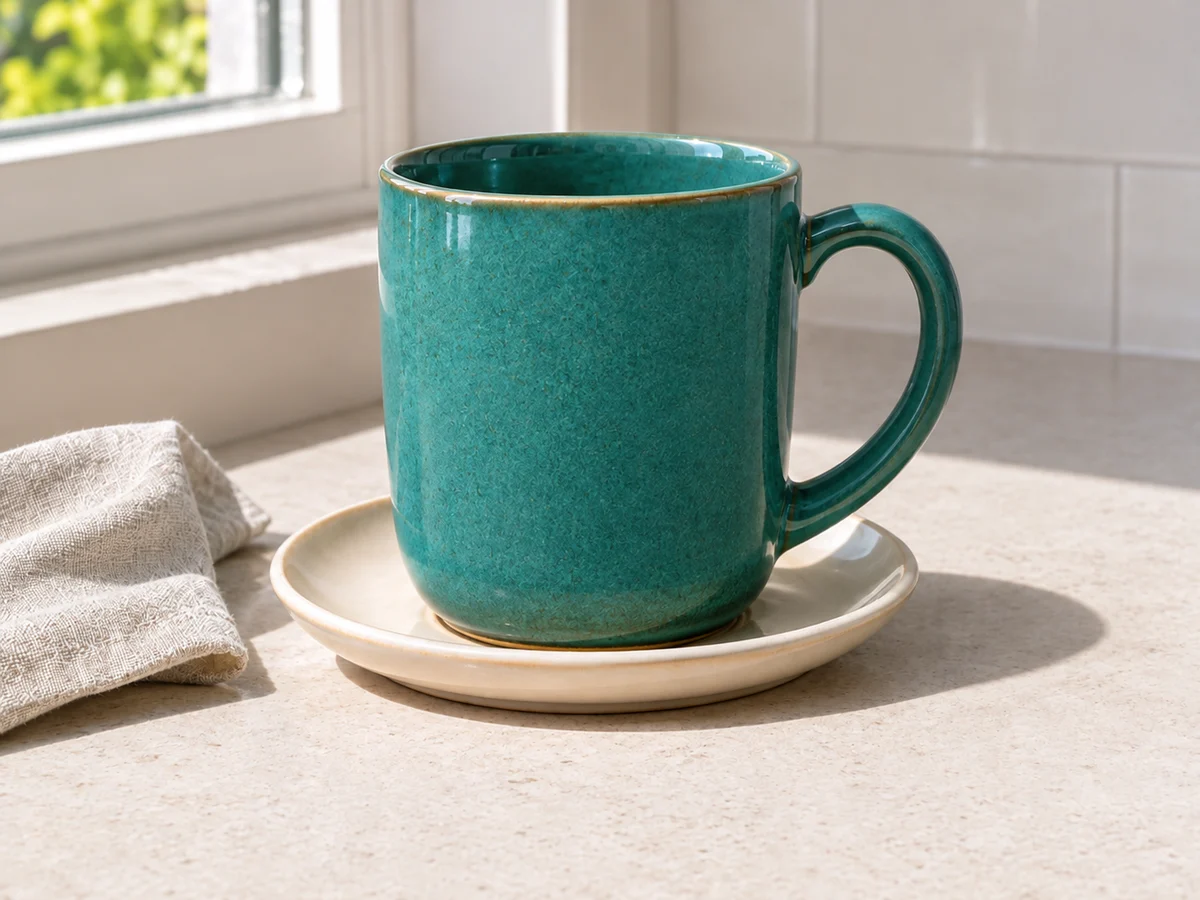
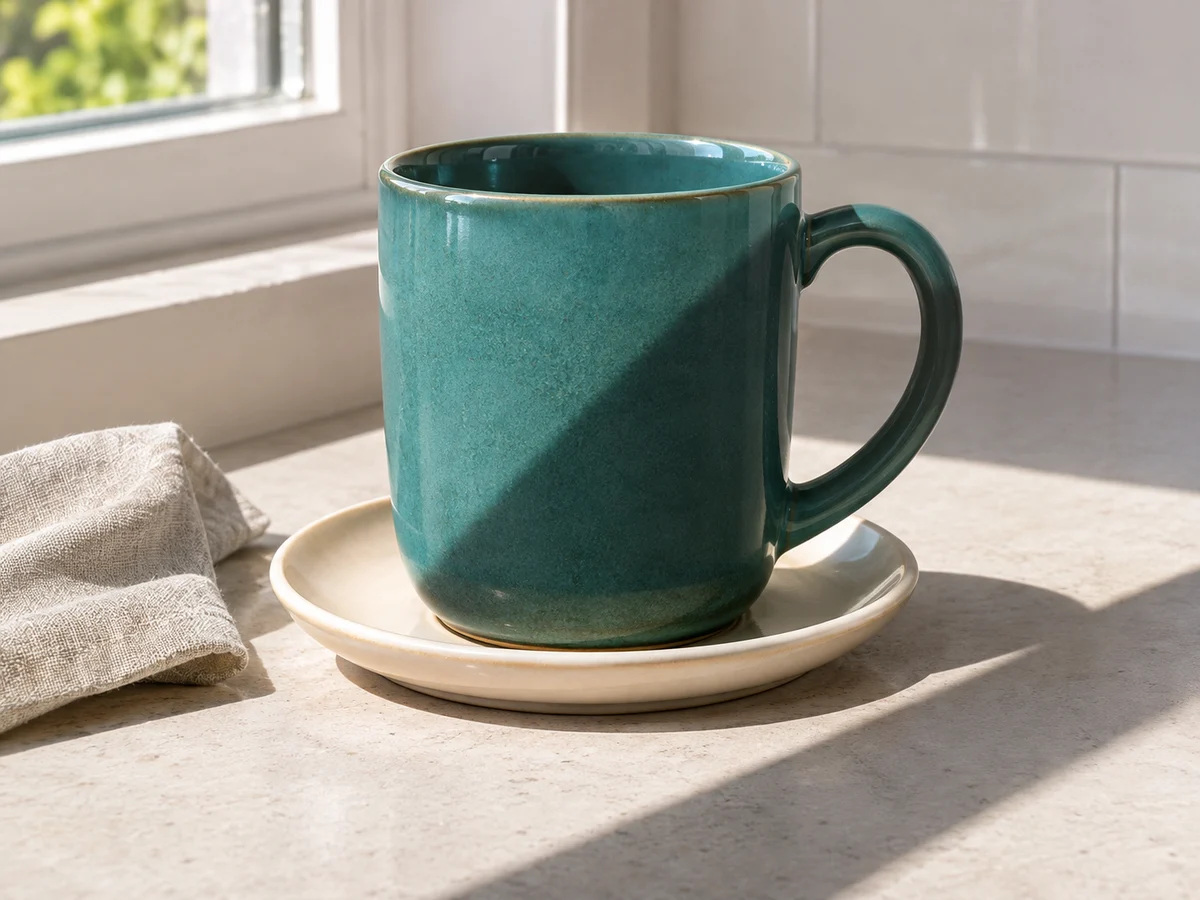
Use the preview to check product details when you fix blurry pics for a listing. This input photo shows two details worth checking after editing, the curve of the mug handle and the texture of its glaze. The original is also a useful reference when several photos need to look consistent together.

Input photo: ceramic mug with a curved handle and visible surface texture

When to Unblur an Image for Albums and Listings

Try these everyday uses when you need to fix blurry pics.

A soft portrait you want to keep

A missed focus point can soften eyes and hair even when the expression is clear. Try the editor to fix blurry pics with slightly soft focus, then check whether the improved edges still look like the person you photographed before you save it.

A hand-held snapshot with short trails

A quick snapshot can turn out soft when the camera moves before the shutter closes. Use the editor to fix blurry pics when the scene is still recognizable. Compare edges at the same display size and look for extra texture or lines the model may introduce.

A product or still life with soft edges

A product photo can look soft beside sharper pictures of the same item. Run one image and compare the shape, texture and color against the original. If a label or serial number matters, use the original to verify exactly what it says.

How People Fix Blurry Pics

The expression in my portrait was right, but focus landed a little behind the eyes. I used the editor to fix blurry pics from that session and compared the hairline and eyes with the original. I kept the version with clearer edges because it still looked like the person I photographed.

Julian Price
Portrait Photographer

Fix Blurry Pics FAQ

Common questions before you fix blurry pics and download an edit.

Use one photo to fix blurry pics with soft focus or mild camera shake. It aims to make visible edges clearer and returns an edited image for you to compare with the original.

Start with a picture where key details are still visible. When you fix blurry pics, compare both photos at the same size and check whether the outlines and textures look natural.

Mild blur from missed focus and short camera-shake trails are the intended cases. Start there if you want to unblur image details. Keep the original photo close by if only one important part is badly blurred.

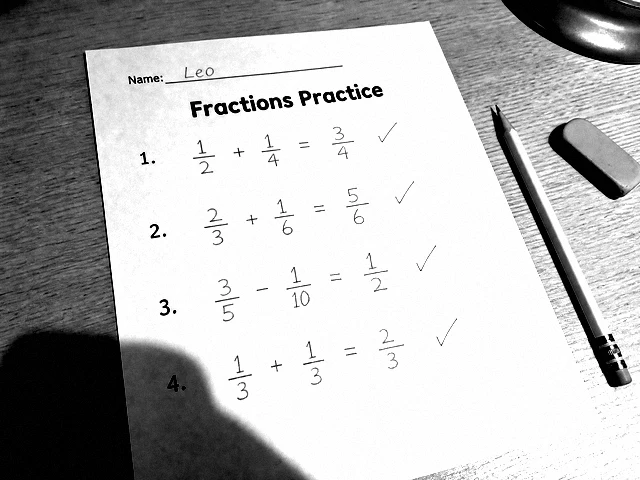
Check small text and numbers against the original. Use Unblur Image for photo clarity and keep the original as the reference for lettering and numbers.

The prompt asks the model to keep your composition and the processing uses an automatic aspect ratio. Compare the cropped edges and fine detail when you fix blurry pics.

One edit uses six FixImage credits. The workspace shows the cost before you run it, and you can apply any free credits already in your account.

Choose the result in the workspace, compare it with the original, and download the version you prefer. A clearer edge does not always mean a recovered detail.

Free-plan results are public by default. Check Public Visibility before you edit. A subscription or one-time pack lets you turn Public Visibility off.

Compare a Clearer Version of Your Photo

To fix blurry pics, upload a slightly soft photo, let the AI edit it and compare the result with your original before you choose a version to save.

Unblur Image
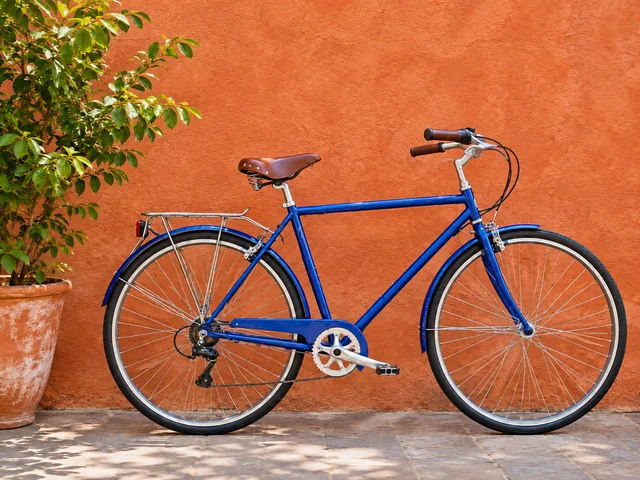
Blue bicycle with clearer edges after photo editing